

 Русский
 Bahasa Indonesia
 فارسی
فارسی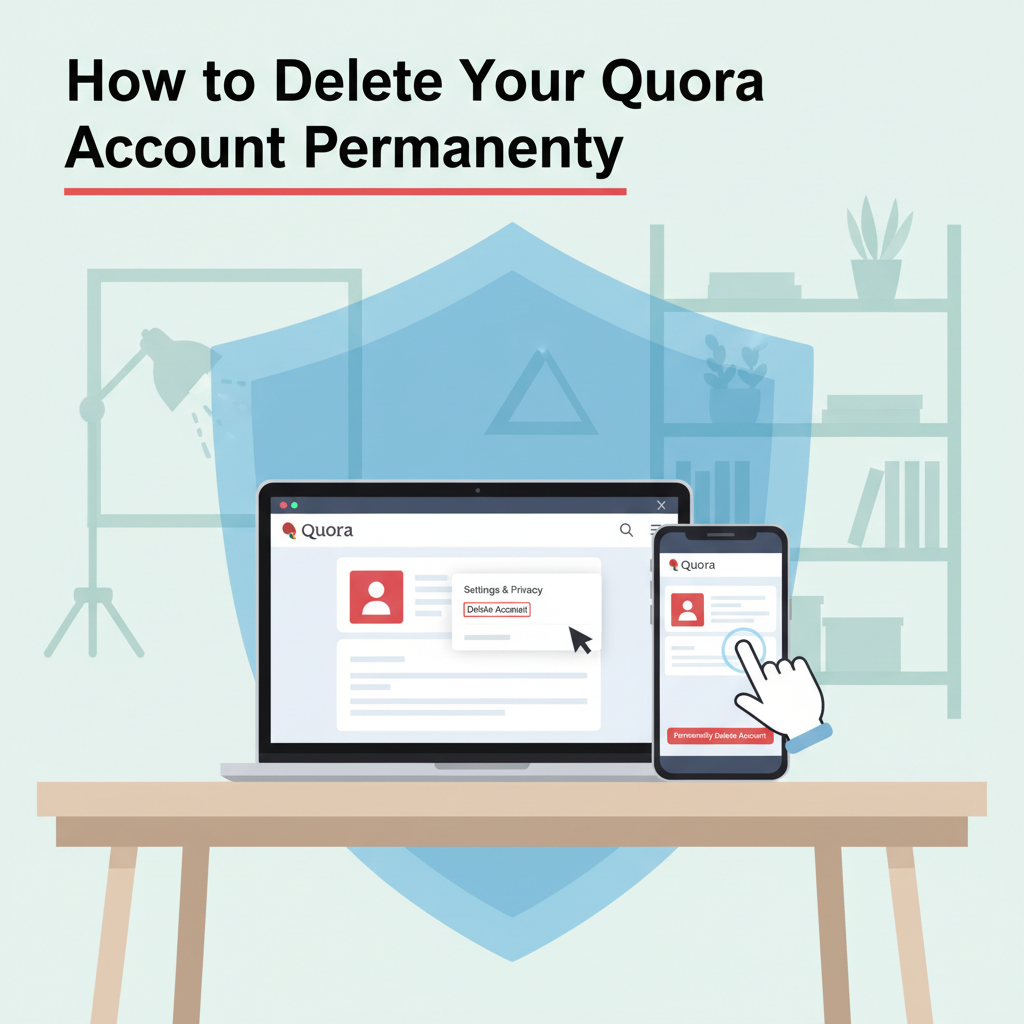
If you’re considering stepping away from Quora, knowing how to delete your account is important for managing your online presence. In this article, you’ll learn the process to permanently delete your Quora account, what happens to your data, and key considerations before leaving the platform for good.
A Complete Guide to Deleting Your Quora Account
A Complete Guide to Deleting Your Quora Account
Deleting your Quora account is a multi-step process designed to ensure users intentionally remove their profiles and understand the consequences. If you have considered your reasons and are prepared to move forward, follow these clear instructions:
- Log in to your Quora account: Begin by visiting the Quora website and signing in with your credentials.
- Access your account settings: Click your profile picture in the upper right corner of the page, then select “Settings” from the dropdown menu.
- Navigate to Privacy settings: On the settings page, click “Privacy” in the left side navigation menu. This will display options related to data and account management.
- Initiate account deletion: Scroll to the “Delete Account” section, typically found at the bottom. Click on the option labeled “Delete Account.”
- Confirm your password: To ensure it’s you, Quora will ask you to enter your password. After entering your password, confirm your decision by clicking the final “Delete” button.
Choosing to delete your account means that your profile, answers, content, and personal details will be removed from public view. However, note that some data, such as messages sent to other users, may remain visible to them. According to Wikipedia’s guidance on data deletion, Quora allows a 14-day grace period—your account enters a deactivation stage. If you log in during those 14 days, deletion will be canceled.
Before proceeding, consider downloading your personal data from Quora. You can request your data in Settings under the “Your Content” or “Data” sections. Quora will send a download link to your registered email address.
Managing internet privacy is vital; deciding to leave Quora can be motivated by concerns over data privacy, a desire to reduce digital footprints, or changing information needs. Understanding these choices can help you manage your online presence responsibly.
Conclusions
Deleting your Quora account is a direct process, but it’s worth understanding the consequences and preparing beforehand. Make sure to download any data you wish to keep, and remember that most of your content will be removed from public view. By following these steps, you can confidently take control of your digital footprint.