

 Русский
 Bahasa Indonesia
 فارسی
فارسی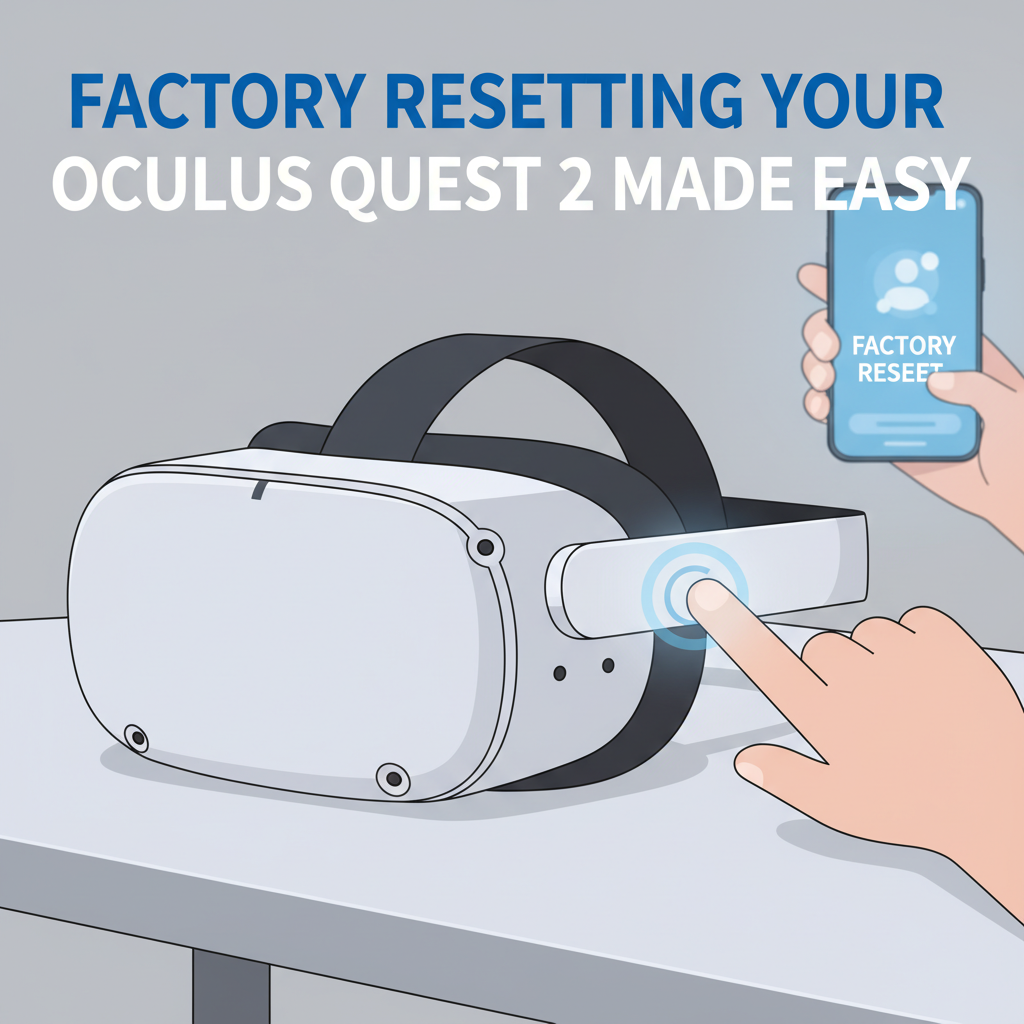
Resetting your Oculus Quest 2 can resolve performance issues, prepare it for resale, or help you start fresh. This guide will walk you through the factory reset process, detail the reasons why you might need it, and explain exactly what happens during the reset, ensuring a smooth experience.
How to Factory Reset Oculus Quest 2 Safely and Effectively
Before proceeding with a factory reset, it’s essential to understand the significance of this process. A factory reset wipes all user data from your Oculus Quest 2: this includes installed games and apps, account information, device settings, and saved progress within VR experiences. The system is restored to its original out-of-the-box state. Therefore, this is typically recommended when troubleshooting persistent software issues, addressing unresponsiveness that can’t be fixed by restarting, or when preparing your device for resale or transfer to a new owner.
There are two primary and reliable methods for completing a factory reset: through the headset itself and with the Oculus mobile app. Both routes achieve the same result, but one may be preferable if your headset’s display is malfunctioning or you don’t have access to your mobile device.
To factory reset using the headset:
- Power off your Oculus Quest 2.
- Press and hold the Power and Volume Down buttons simultaneously until the boot menu appears.
- Using the volume buttons, navigate to the “Factory Reset” option.
- Select it with the power button, then confirm your choice.
- The headset will erase all data and reboot as if new.
Alternatively, to use the Oculus mobile app:
- Open the Oculus app on your smartphone and ensure it is paired with your Quest 2.
- Tap the device icon, then select your headset from the list.
- Find and choose “Advanced Settings.”
- Select “Factory Reset,” then confirm the action.
- The headset will reset remotely.
Before resetting, consider backing up screenshots or shared media and signing out of any accounts, as recovery afterwards is not possible. Understanding these steps and consequences is crucial to ensure a smooth and secure reset process.
Conclusions
Factory resetting your Oculus Quest 2 is a straightforward process that restores your headset to its original state. Following the outlined steps will help you address issues, clear personal data, and ensure privacy if you plan to sell or give away the device. Regular maintenance and proper resets can also extend your VR headset’s performance and lifespan.