

 Русский
 Bahasa Indonesia
 فارسی
فارسی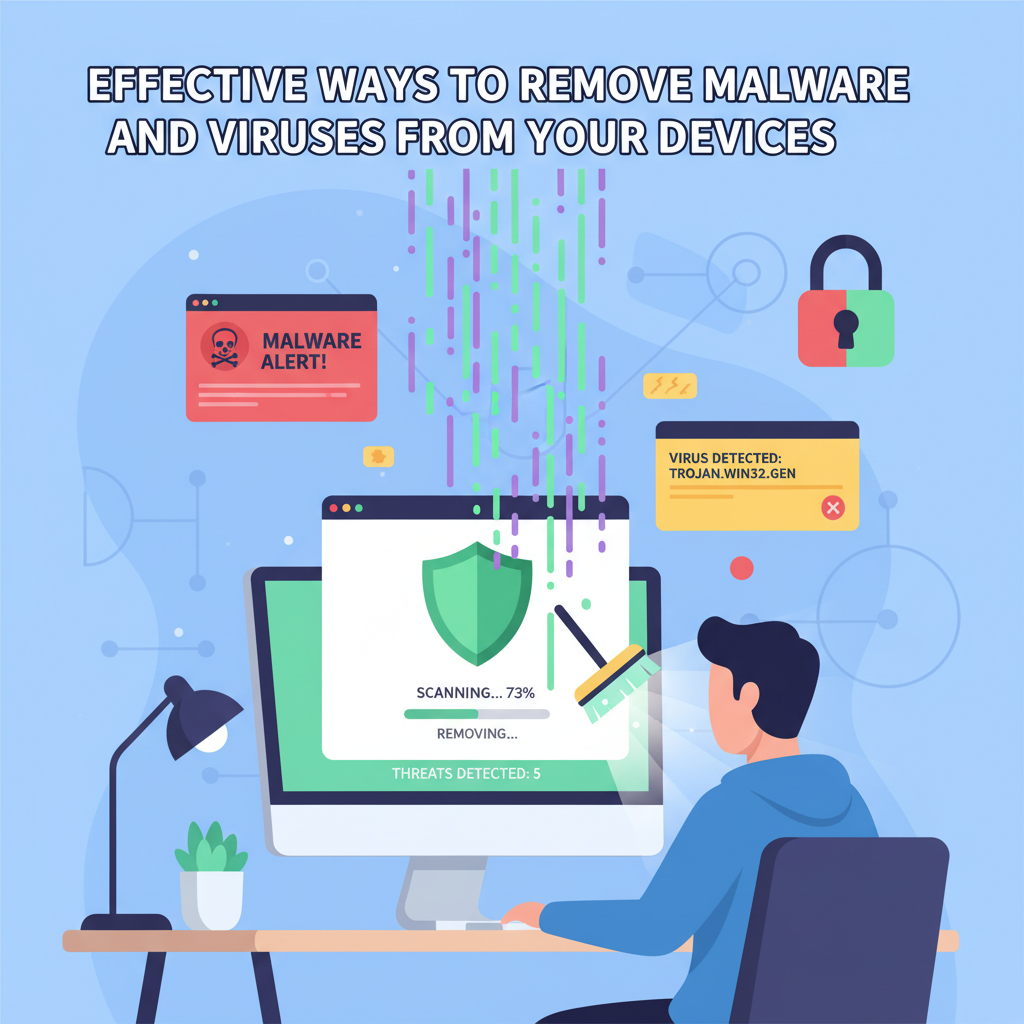
Malware and viruses threaten the security and performance of your devices, exposing your personal data and potentially causing lasting damage. In this guide, you’ll discover effective methods for detecting, removing, and preventing malicious software, supported by best practices from cybersecurity experts. Read on to ensure your devices remain protected and operate smoothly.
Step-by-Step Process to Eliminate Malware and Enhance Protection
To effectively eliminate malware or viruses from your devices, it’s crucial to first recognize the warning signs of infection. Early indicators vary by device but often include drastically reduced performance, an increase in unwanted pop-ups, unexpected browser redirects, or unfamiliar processes running in the background. On PCs and Macs, lagging system response, excessive hard drive activity, or programs opening and closing without your input are common red flags. Smartphones may display rapid battery drain, unauthorized app installations, or unexplained data usage.
Begin by rebooting your device into Safe Mode; for Windows, restart and press F8 or Shift+Restart, while Macs require holding Shift during boot. Safe Mode restricts most nonessential software, helping to prevent the malware from running during scans. For mobile devices, use your operating system’s built-in Safe Mode functionality. Disconnect your device from the internet to halt active data theft.
Initiate a comprehensive, *offline* scan with a reputable antivirus or anti-malware tool such as Malwarebytes, Bitdefender, or Windows Defender. Ensure the software is updated with the latest virus definitions; outdated tools might not catch new threats. Allow the scanner to complete a full system scan, following prompts to quarantine or delete suspicious files.
For advanced users, manual removal can bolster automated scans. Examine startup programs using built-in system tools—Task Manager on Windows or Activity Monitor on Mac—and disable anything unrecognized. Remove suspicious applications using the Programs and Features menu or Applications folder. Clear temporary files, browser caches, and download folders, as malware often hides there.
Once threats are eliminated, restore system settings altered by malware, such as browser homepages or registry configurations. Immediately update your operating system and essential software to patch vulnerabilities. To reinforce future protection, cultivate safe browsing habits, avoid suspicious email attachments, institute strong, unique passwords, and schedule regular cloud or offline backups. Following rigorous digital hygiene, as outlined by leading cybersecurity experts and communities, will significantly strengthen defenses against recurrent attacks.
Conclusions
Protecting your devices from malware and viruses involves vigilance, regular updates, and reliable security practices. By swiftly detecting threats and following thorough removal procedures, you can minimize damage and restore system integrity. Ongoing prevention is key—always use trusted tools, back up important data, and maintain security habits for a safer digital experience.