

 Русский
 Bahasa Indonesia
 فارسی
فارسی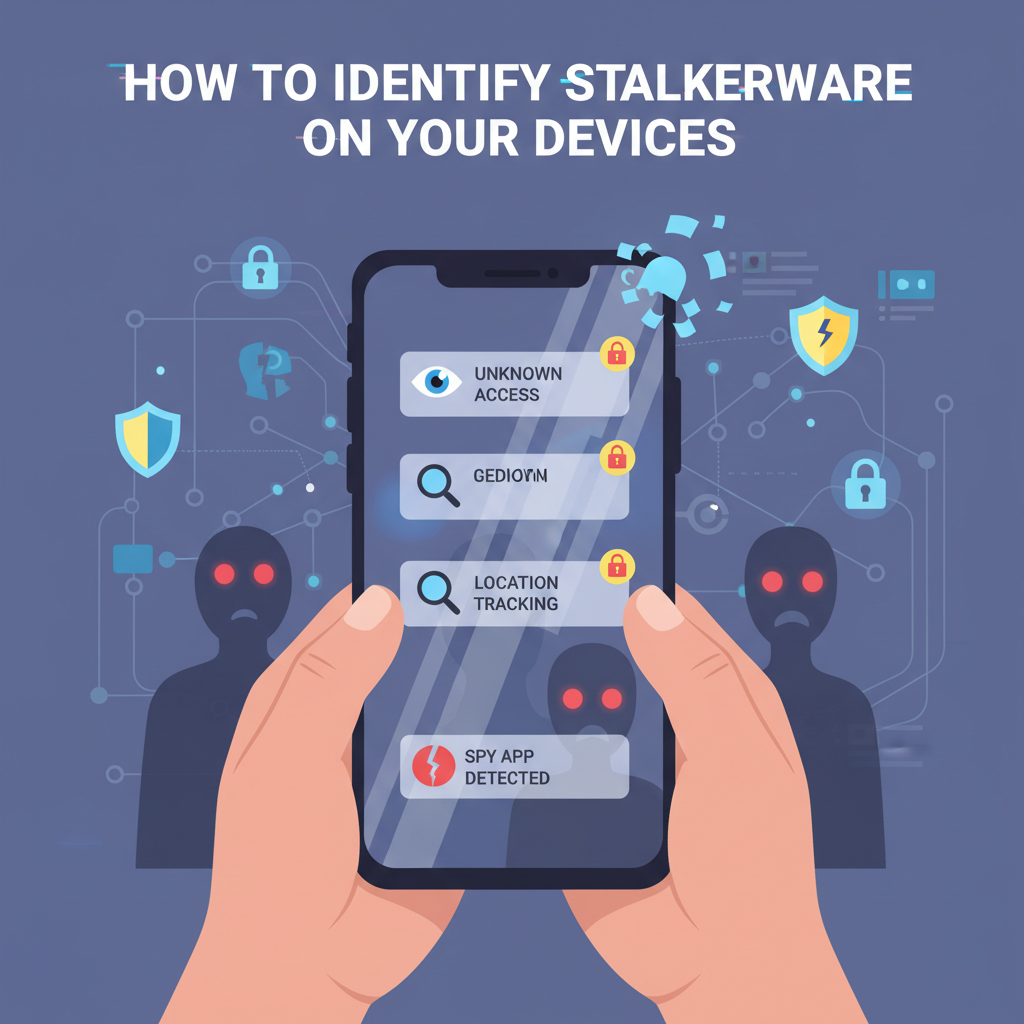
Stalkerware is a serious threat that invades your privacy by covertly tracking activities on your devices. Detecting stalkerware can be challenging, but understanding its signs is crucial for your security. In this article, we’ll explain how to identify stalkerware, what symptoms to watch for, and offer tips to keep your digital life safe.
Recognizing the Warning Signs of Stalkerware
Spotting the subtle signs of stalkerware requires a careful look at your device’s everyday behavior. One of the most common red flags is unusual battery drain. Stalkerware apps typically run in the background, constantly collecting and transmitting data, causing your battery to deplete much faster than usual. If you notice your phone is suddenly losing power even when idle, this could indicate suspicious activity.
Another symptom is device overheating when you’re not actively using it. These apps can keep your CPU and network radio busy, manifesting as unexpected warmth even during idle periods. Similarly, spikes in data usage—especially uploads—can signify your private information is being sent to a remote server. Monitoring your data consumption for any unexplained increases is crucial.
Peculiarities such as unfamiliar apps or system settings are also telling. Stalkerware sometimes disguises itself with bland or system-like names, or hides icons entirely, making detection harder. Expert guidance highlights the importance of reviewing both your installed apps and permissions—if you spot apps with broad access (location, microphone, SMS) that you didn’t knowingly install or grant, be alert.
Some stalkerware manipulates system processes or settings, making itself “invisible.” This might appear as changed security settings, unknown device administrators, or altered accessibility services. Cybersecurity professionals recommend using reputable anti-malware or mobile security apps for scanning your device, as these tools are optimized to catch hidden threats. However, note that some advanced stalkerware is designed to evade common scanners, so physical indicators and unusual device behavior remain essential diagnostic tools.
If you suspect stalkerware, take immediate action: disconnect from networks, avoid confronting potential perpetrators directly, and seek expert help to properly secure your device. Wikipedia and other credible sources stress that prompt response is key to protecting both your privacy and your personal safety.
Conclusions
Recognizing stalkerware early is crucial for protecting your privacy and well-being. By understanding the signs and taking action, such as updating your operating system and using security tools, you can minimize risks. Stay alert, educate yourself on digital threats, and routinely check your device for malicious software to maintain your safety and security online.