

 Русский
 Bahasa Indonesia
 فارسی
فارسی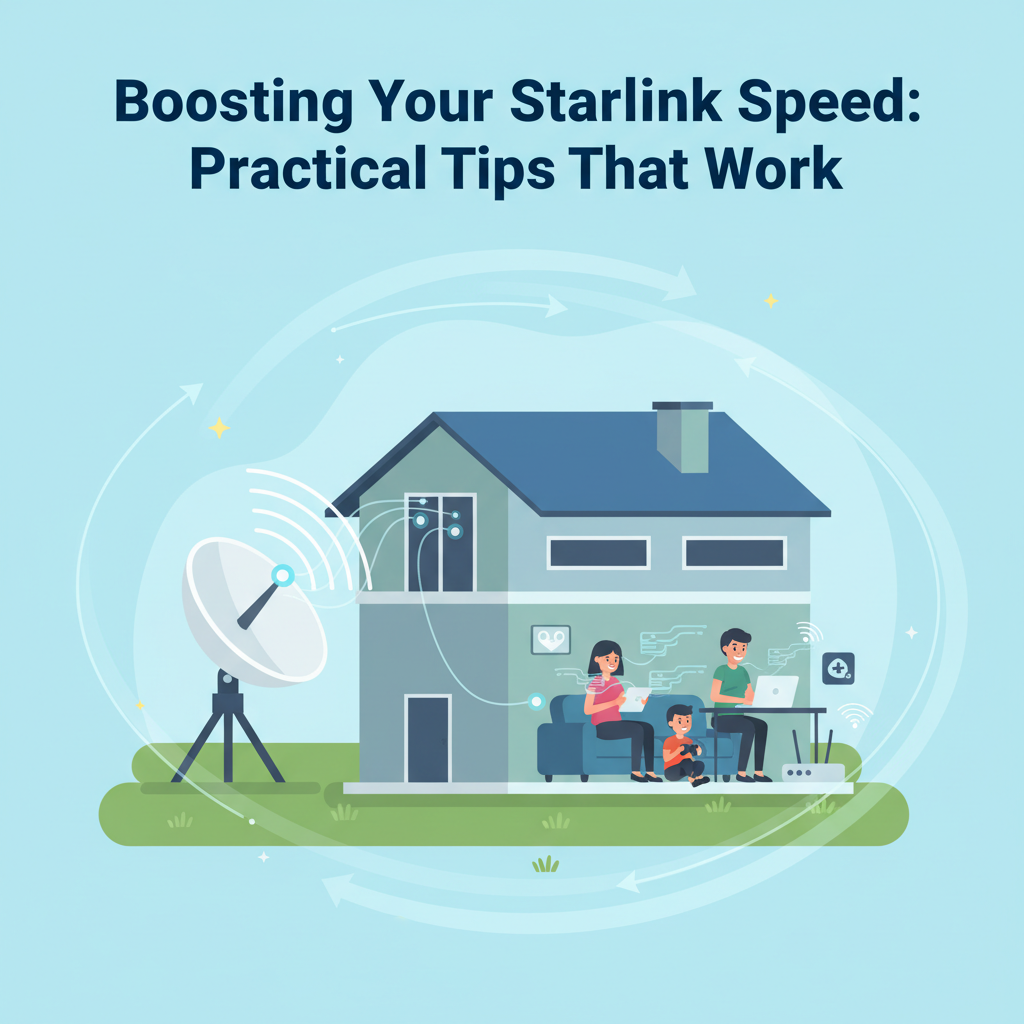
Starlink is revolutionizing internet access around the globe, but some users seek even faster speeds. This article explores actionable methods to optimize your Starlink connection. We’ll uncover credible tactics to boost performance—helping you enjoy smoother streaming, gaming, and browsing—while addressing common speed bottlenecks. Discover how to unlock the full potential of your Starlink network.
Proven Methods to Optimize Starlink Internet Speed
Proven methods to truly optimize Starlink internet speed involve several action steps based on both user experience and scientific understanding of satellite communication. A primary factor is ensuring the Starlink dish, known as “Dishy,” has as clear a view of the sky as possible. Starlink satellites travel in low Earth orbit and require an unobstructed line-of-sight to efficiently send and receive signals. Even partial obstructions such as tree branches, nearby houses, or overhead utility cables can introduce significant latency or intermittent connection drops. Regularly inspecting the installation area and removing or trimming nearby obstructions can have a direct, measurable impact on throughput.
Elevation and placement matter: The dish should be mounted as high as feasible, away from dense foliage and potential snow accumulation in winter months. For some users, installing on rooftops or tall poles has resulted in substantial improvements, as cited on the official Starlink support site and in user discussions on Reddit’s r/Starlink.
Less obvious but equally critical is keeping the Starlink system firmware and router software updated. Firmware updates released by SpaceX often include performance enhancements and important bug fixes. Neglecting updates can leave the system vulnerable to unnecessary slowdowns or dropped connections. Check for updates via the Starlink app or web interface on a monthly basis.
Reducing in-home network congestion is another key optimization. Using an advanced third-party Wi-Fi router or mesh system can offer better coverage and handle multiple devices seamlessly, particularly in larger homes. However, some routers may not be fully compatible with Starlink’s unique networking requirements, so research and updates may be necessary. Strategically placing routers in central locations, away from thick walls and interference sources like microwaves, is also beneficial. Bandwidth prioritization features—available on many modern routers—enable users to assign higher priority to activities like video calls or gaming, reducing lag. Troubleshooting persistent slowdowns with speed tests at different times can help identify whether issues stem from equipment, local interference, or broader network congestion, which may be beyond user control.
Conclusions
Maximizing your Starlink speed requires a combination of optimal equipment placement, proactive network management, and regular system updates. By following the strategies detailed above, you can significantly enhance your internet experience and reduce frustration caused by slowdowns. Stay proactive and enjoy the full capabilities of your Starlink connection—effortlessly meeting day-to-day digital demands.