

 Русский
 Bahasa Indonesia
 فارسی
فارسی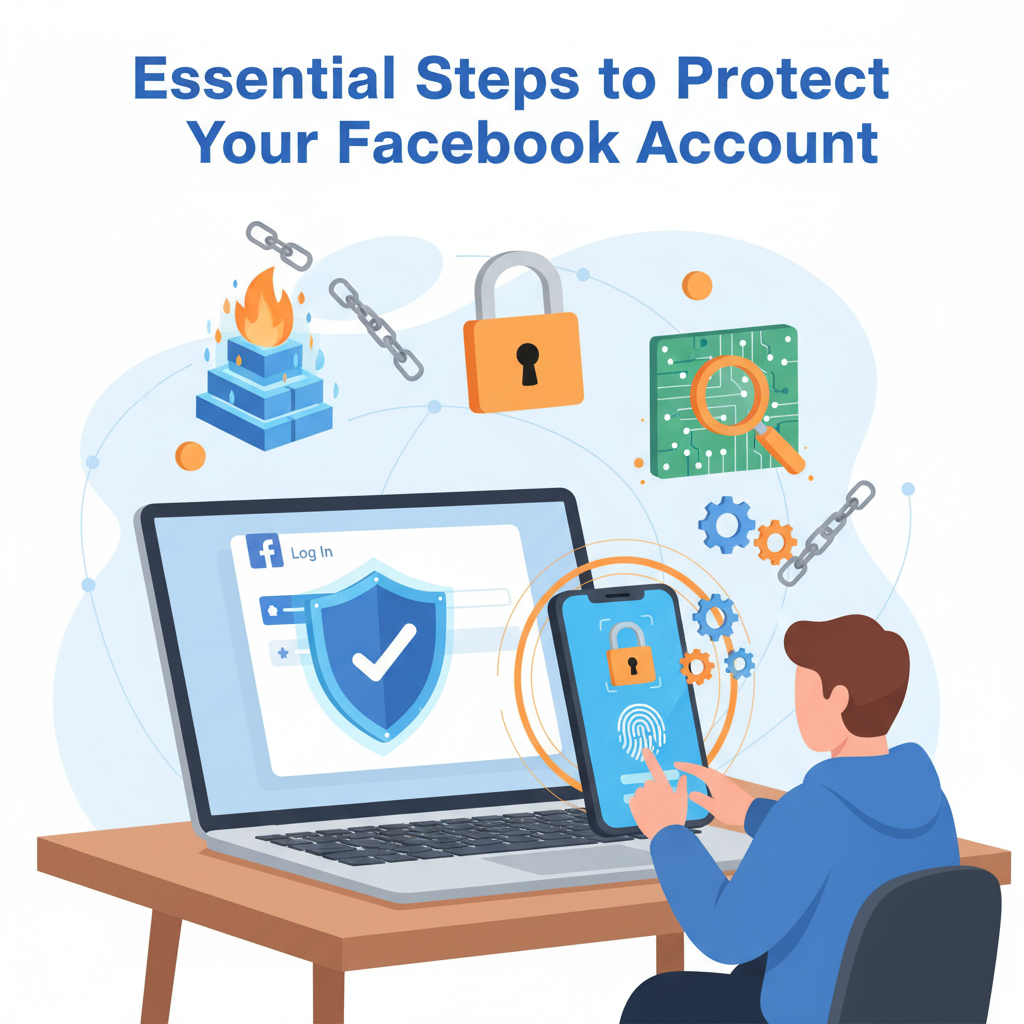
In an era where social media is deeply woven into our daily lives, keeping your Facebook account secure is crucial. Cyber threats and privacy concerns are ever-present, making robust security habits more important than ever. This guide explores the proven steps and essential strategies you need to effectively protect your Facebook account from unauthorized access and potential risks.
Best Practices for Keeping Your Facebook Account Safe
- Use Strong, Unique Passwords: The foundation of Facebook account security begins with your password. Avoid reusing passwords across multiple platforms, and opt for passwords that are at least 12 characters long. Incorporate a mix of uppercase, lowercase, numbers, and special characters. This makes it significantly harder for attackers to guess or crack your credentials with brute-force techniques. Consider using a reputable password manager to generate and securely store unique passwords for all your online accounts, including Facebook.
- Enable Two-Factor Authentication (2FA): Two-factor authentication adds a resilient layer of protection by requiring a secondary verification step beyond your password. With 2FA enabled, anyone attempting to log in from an unrecognized device or location will need to provide a code sent to your phone or generated by an authentication app. This drastically reduces the risks posed by stolen passwords or phishing attempts, and is widely recommended by cybersecurity experts and Facebook itself.
- Regularly Update Recovery Information: Ensure your recovery email and phone number are current, as these are vital for regaining access should you get locked out. Without up-to-date recovery info, it may be impossible to recover your account if it gets compromised. Make it a habit to review and update this information whenever you change your email or phone number.
- Limit Personal Information Exposure: Review your privacy settings to control who can see your posts, personal details, and friend list. Restrict sensitive information such as your birthday, location, and contact details to friends only or even just yourself. The less personal data available, the less ammunition attackers have for social engineering.
- Stay Vigilant Against Phishing and Scams: Be cautious with unexpected messages or login requests, especially those urging urgent action. Avoid clicking on suspicious links, even if the message appears to be from Facebook or a trusted contact. Familiarize yourself with domain names and only enter your login info directly on Facebook’s official site or app.
- Be Wary of Untrusted Third-Party Apps: Only authorize apps you trust, and regularly review connected apps in your account settings. Revoke access for apps you no longer use, as poorly secured or malicious apps can expose your personal data and put your account at risk.
- Monitor Login Alerts and Active Sessions: Activate login alerts to receive notifications when your account is accessed from new devices or locations. Frequently check your active sessions via Facebook’s Security and Login settings to spot unfamiliar activity early. Log out of sessions you don’t recognize to immediately remove unauthorized access.
Adopting these practices forms a robust security routine and fosters a proactive approach to keeping your Facebook experience safe. Staying informed, diligent, and regularly updating your security measures are ongoing habits that provide lasting protection for your digital identity.
Conclusions
Securing your Facebook account is a multi-layered effort, from using strong passwords and enabling two-factor authentication to reviewing privacy settings and avoiding phishing scams. By consistently applying these protections, you reduce risks and keep your personal information safer online. Make security a regular habit to safeguard your online identity and enjoy a safer Facebook experience.