

 Русский
 Bahasa Indonesia
 فارسی
فارسی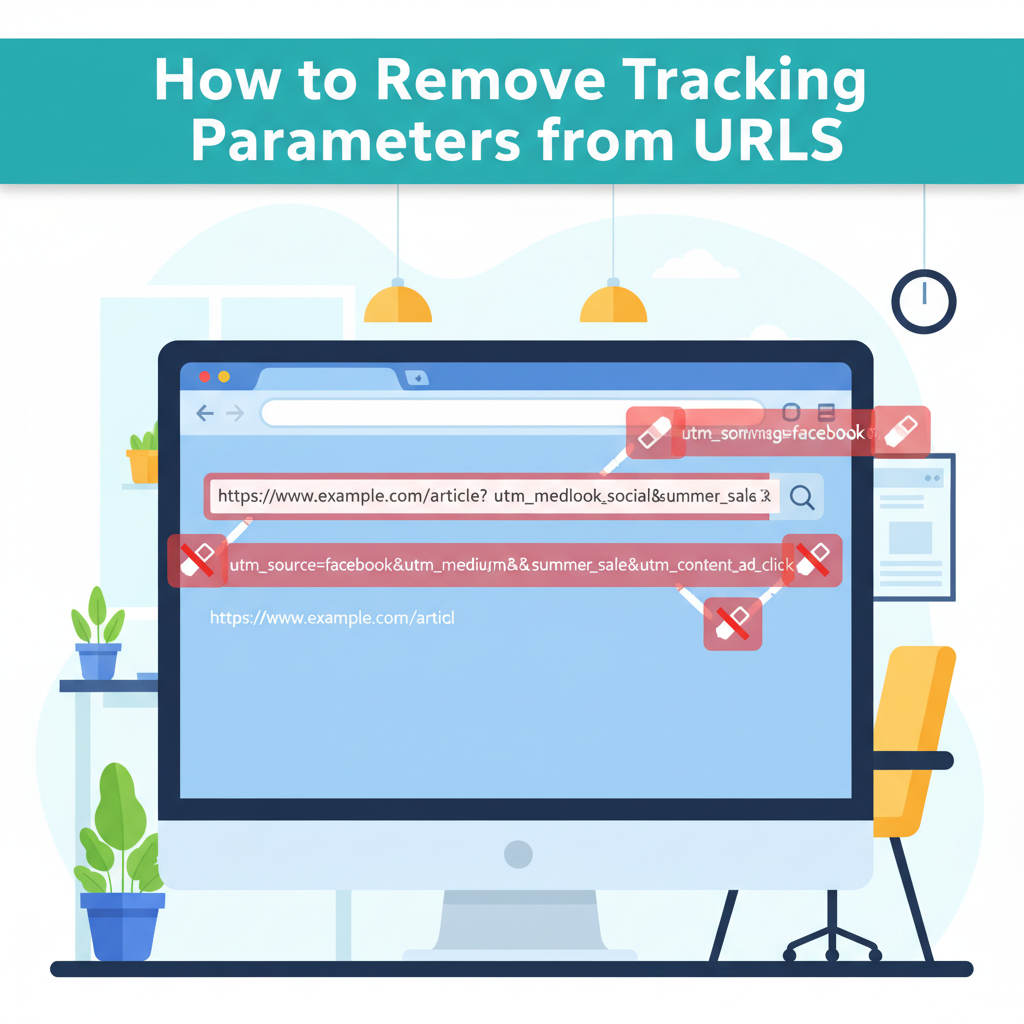
Today many websites use tracking parameters in their URLs to monitor user activity for analytics and advertising purposes. These trackers can compromise your privacy and clutter links. This article explores proven methods for identifying and removing tracking parameters from URLs, helping you enjoy a cleaner, safer browsing experience.
Step-by-Step Guide to Identifying and Cleaning Tracking Parameters
URL tracking parameters are fragments appended to the end of URLs, typically following a question mark (?), that serve to track user behavior across websites. According to Wikipedia, these parameters are most often used by advertisers and analytics platforms to monitor the effectiveness of campaigns, observe referral patterns, and gather data on visitor interactions. Recognizable examples include utm_source (used for tracking the source of traffic), utm_medium, utm_campaign, fbclid (Facebook Click Identifier), gclid (Google Click Identifier), and mc_eid (Mailchimp email campaign tracking). Such parameters are automatically added by publishers or advertising networks every time you click a promotional link or interact with online ads.
To manually remove tracking parameters from URLs, simply select the address bar in your browser, identify the unnecessary parts—usually everything after the main web address and before any reference to important navigation (such as ?utm_source=newsletter&utm_medium=email)—and delete them. Ensure that you are not deleting vital elements required for accessing unique pages or files; the tracking parameters are usually separated by an ampersand (&) and are easily identifiable.
Alternatively, browser extensions such as “ClearURLs,” “Neat URL,” or “Privacy Badger” can automatically clean links as you navigate, saving time and enhancing privacy. Specialized tools and services, like online URL cleaners, offer batch processing of links for convenience.
Limiting interactions with platforms that routinely deploy invasive tracking—such as email newsletters or certain social media feeds—can reduce your exposure to tracking parameters. Adopting these practices ensures that links you share or bookmark remain concise, reduces inadvertent sharing of your browsing habits, and helps prevent unwanted profiling by third parties. Always preview and verify URLs before sharing, favoring sources and platforms that respect privacy and offer clean, parameter-free links by default.
Conclusions
Removing tracking parameters from URLs is essential for safeguarding your online privacy and ensuring a clutter-free browsing experience. By learning how to spot and eliminate these trackers, you regain control over your information and make your web navigation more efficient.