

 Русский
 Bahasa Indonesia
 فارسی
فارسی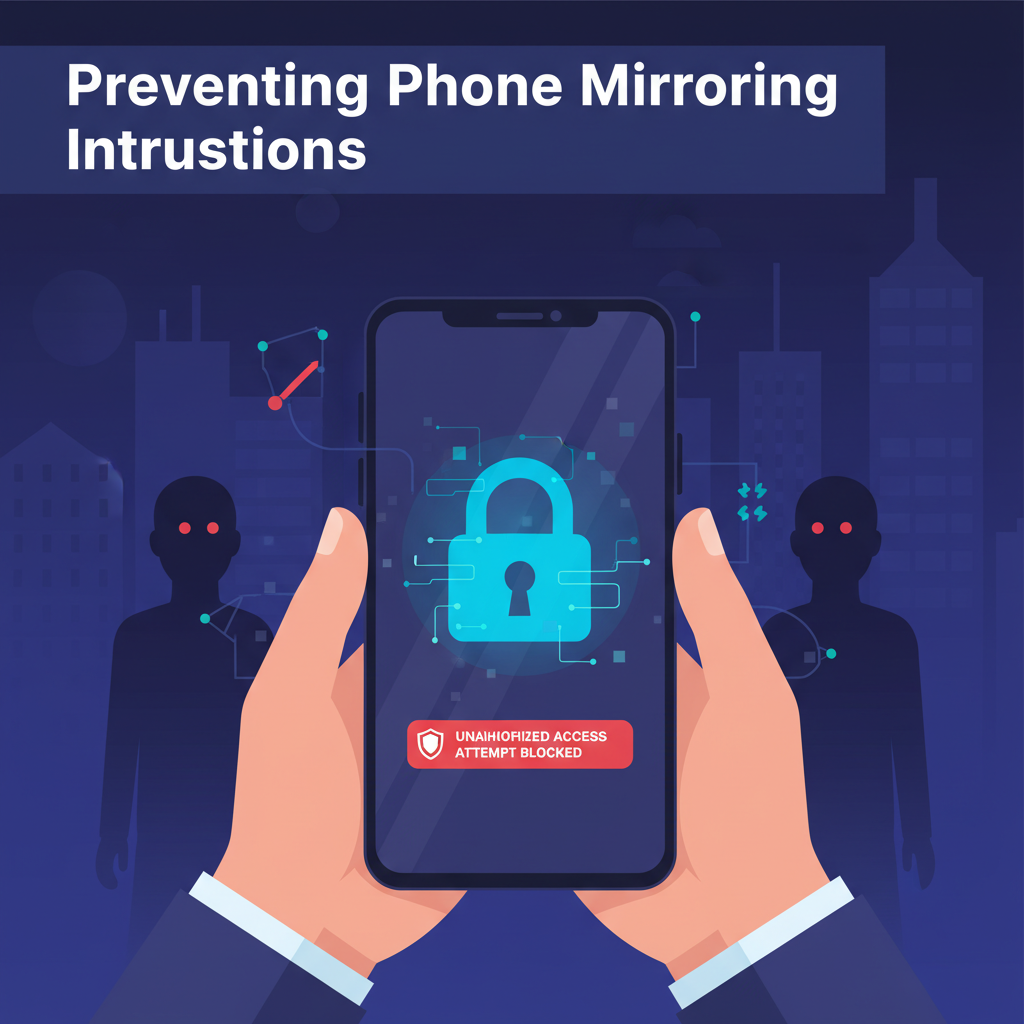
Phone mirroring allows someone to view or control your device remotely, posing serious risks to your privacy and data security. In this article, we’ll explore comprehensive steps you can take to detect and stop unwanted phone mirroring, ensuring your personal information stays safe from prying eyes and unauthorized manipulations.
Detecting and Blocking Unauthorized Phone Mirroring
Phone mirroring exploits can be subtle but dangerous, allowing intruders to observe your activities or access sensitive information without your knowledge. At its core, phone mirroring works by wirelessly transmitting your phone’s screen and sometimes input data to another device via third-party apps, built-in system features, or even compromised hardware. This process can be triggered deliberately or stealthily using malware or unauthorized networks.
Common signs your device could be mirrored without your permission include unexpected battery drain, unexplained spikes in data usage, laggy performance during idle times, or unknown devices showing up on your network. You may also notice unfamiliar icons in your notification bar, persistent screen sharing prompts, or device overheating even when not in use.
To detect unauthorized mirroring on Android, open your device’s connection or casting menu and examine paired devices—remove any that you don’t recognize. Check the app permissions list for apps with screen recording or broadcasting rights, and disable these for suspicious apps. For iOS, enter the Control Center and look for active AirPlay or screen mirroring sessions; terminate any session you did not start. Both platforms allow you to view connected devices under Wi-Fi or Bluetooth settings—disconnect and “forget” anything unfamiliar.
If an intrusion is suspected, act swiftly by changing all device passwords and enabling biometric locks. Uninstall unknown or suspicious apps, and revoke unnecessary screen recording or sharing permissions. Update your operating system to patch known vulnerabilities. For ongoing safety, enable two-factor authentication on critical accounts, regularly update your Wi-Fi password, avoid connecting to unsecured public Wi-Fi, and schedule periodic privacy audits. Utilizing a VPN provides an extra layer of security, particularly when accessing sensitive data or public networks, reducing the risk of network-based mirroring intrusions.
Conclusions
Protecting your phone from mirroring is essential for privacy and security. By staying alert to suspicious activity, updating software, managing trusted devices, and securing your network, you can effectively guard against unauthorized mirroring attempts. Taking these proactive steps helps ensure your sensitive data and personal communications remain secure and private.