

 Русский
 Bahasa Indonesia
 فارسی
فارسی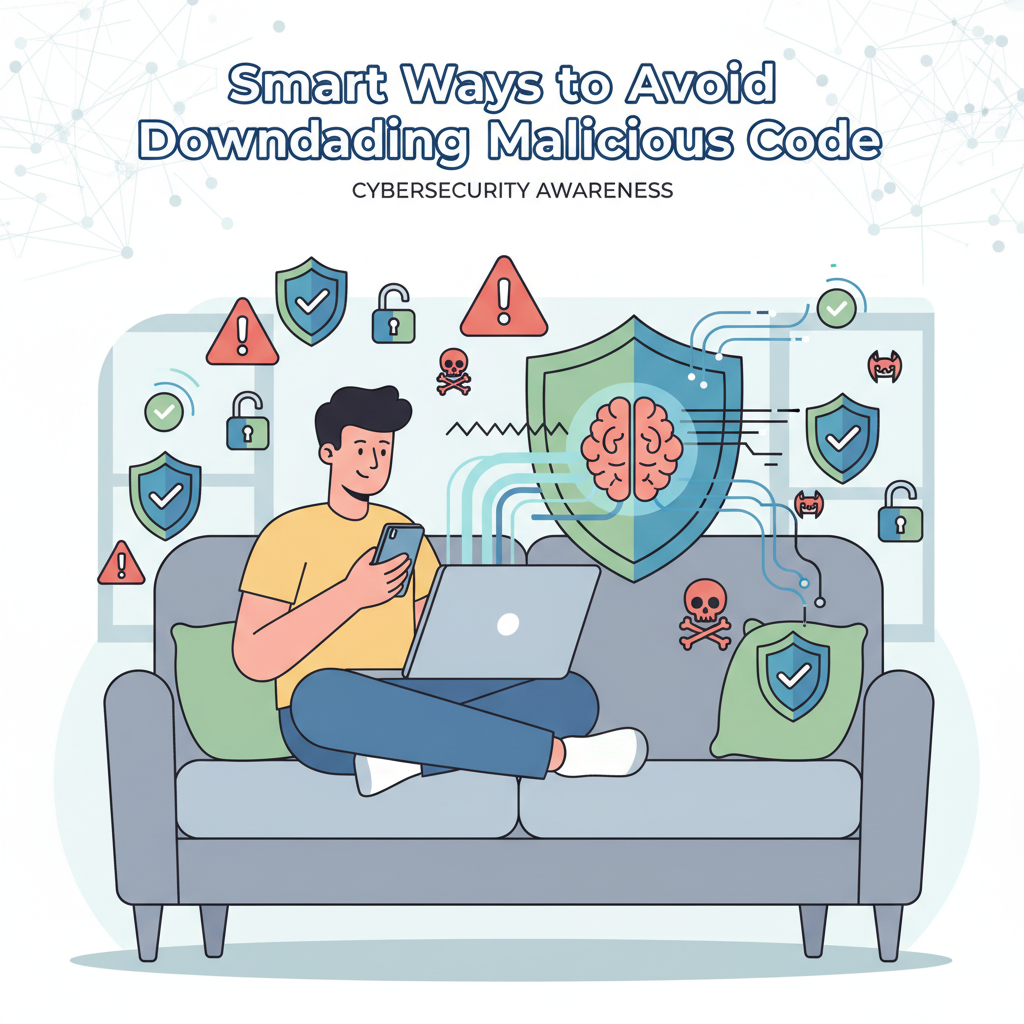
Staying safe online means knowing how to avoid downloading malicious code. In this article, we’ll explore practical steps to protect your devices from harmful software. From recognizing suspicious files to using trusted sources, you’ll learn effective ways to defend your data and privacy against online threats.
Best Practices to Prevent Malicious Downloads
To prevent the accidental download of malicious code, always prioritize retrieving software and files from official websites and reputable app stores. These sources enforce strict security audits and validation processes that significantly reduce the risk of malware-infected downloads. When seeking an application or update, ensure the website address matches the legitimate vendor’s domain; avoid similarly named or misspelled sites, which are a frequent tactic of cybercriminals.
Another vital step is to verify the software publisher before downloading or installing any program. Look for the publisher’s name and official website, especially when using app stores or software repositories. Authentic software also typically displays a digital signature; right-click the installer, go to Properties, and check the signature in the Digital Signatures tab, ensuring it matches the developer’s correct name. This simple verification thwarts attempts by imposters distributing malicious files disguised as trusted applications.
Exploring user reviews can reveal warning signs of suspicious behavior, such as complaints about unwanted ads, strange permissions, or poor post-download experiences. Be wary if a program has few reviews, many negative ratings, or reports of crashes soon after installation.
Before opening any downloaded file, always scan it with updated antivirus or anti-malware tools. Most reputable solutions allow you to right-click the file and select “Scan with [Your Antivirus].” These tools can detect newly emerging threats that signatures or reputation systems might have missed.
Enable automatic updates on your operating system and security tools; applying patches regularly closes vulnerabilities that cybercriminals exploit via infected downloads. Exercise caution with email attachments, pop-up links, or files from unknown contacts. Watch for phishing tactics like urgent messages, spoofed sender addresses, and mismatched URLs—these often trick users into downloading trojans or ransomware.
- Download from official sources only
- Verify publisher and digital signatures
- Read detailed user reviews
- Scan all files with updated security tools
- Keep automatic updates enabled
- Avoid suspicious emails, links, and attachments
Conclusions
By following these best practices—verifying sources, scanning files, updating regularly, and staying alert—you can greatly reduce your risk of downloading malicious code. Safeguarding your devices is vital for your privacy and security, making informed actions your strongest defense in today’s digital world.