

 Русский
 Bahasa Indonesia
 فارسی
فارسی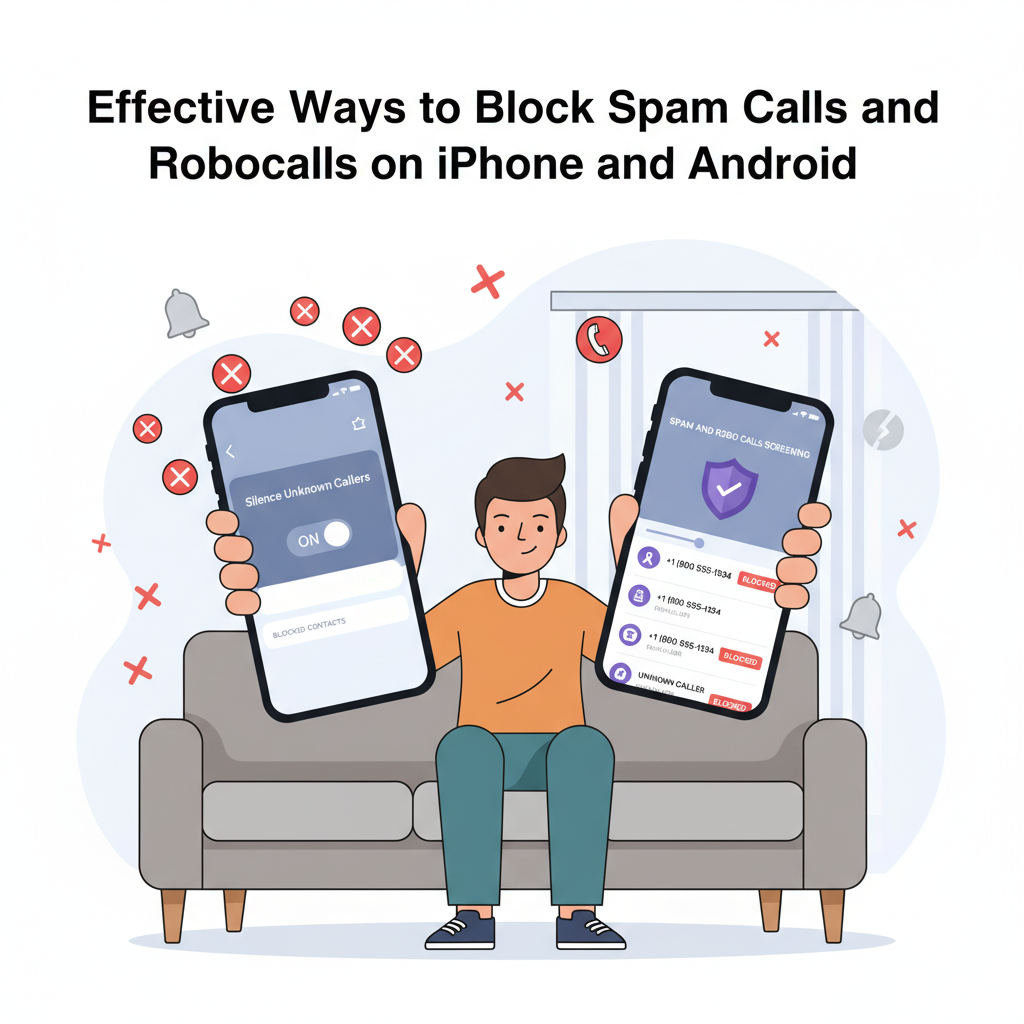
Receiving countless spam calls and robocalls can be frustrating and disruptive. Fortunately, both iPhone and Android devices offer robust features to help you block these unwanted intrusions. In this guide, we’ll explore the most reliable and practical methods to stop spam and robocalls, ensuring a more peaceful and secure mobile experience.
Strategies and Tools for Blocking Spam Calls on iPhone and Android
Blocking spam calls and robocalls on both iPhone and Android devices is now easier than ever thanks to robust built-in tools. On iPhone, Apple’s Silence Unknown Callers feature, found under Settings > Phone, directs calls from numbers not in your contacts, messages, or mail to voicemail, keeping your phone quiet from potential spam. To individually block suspicious numbers, open the Phone app, tap the info icon next to the number, and select “Block this Caller.” iOS also offers spam filtering under Settings > Messages > Unknown & Spam, automatically sending suspected messages to a separate list. These features work best in tandem but may occasionally silence legitimate calls, so periodic review of missed calls or voicemails is important.
Android devices offer similar and, in some cases, more customizable options. On Google Pixel phones, for example, the Call Screen feature uses Google Assistant to answer and vet suspected spam in real-time, displaying a transcript for you to review before choosing to answer. You can block numbers directly from the call log by tapping and holding, then selecting “Block/report spam.” Samsung and other Android phones include built-in caller ID and spam protection settings found in the Phone app options menu. Adjusting Do Not Disturb modes can further cut down interruptions, though this may mute calls you want to receive.
Official support pages from Apple and Google provide step-by-step guidance for each feature and device model. While third-party apps like Hiya or Truecaller offer expanded capabilities, they require access to contacts and call logs for full functionality, raising privacy considerations. These apps usually rely on large robocall databases, updated by user reports, but their effectiveness depends on continuous community input and database accuracy. To minimize risks, always choose reputable apps and review their privacy policies. It’s also wise to avoid answering or engaging with unfamiliar numbers, never share personal verification codes over the phone, and promptly report spam calls to the FTC or local authorities for wider protection. Safeguard your number by keeping it private and avoiding public postings whenever possible.
Conclusions
Tackling spam calls and robocalls on iPhone and Android is easier than ever with built-in device tools and third-party apps. By customizing your call settings and staying aware of new anti-spam resources, you can dramatically reduce disruptive calls. Take action today for a more private, stress-free phone experience and better control of your mobile communication.