

 Русский
 Bahasa Indonesia
 فارسی
فارسی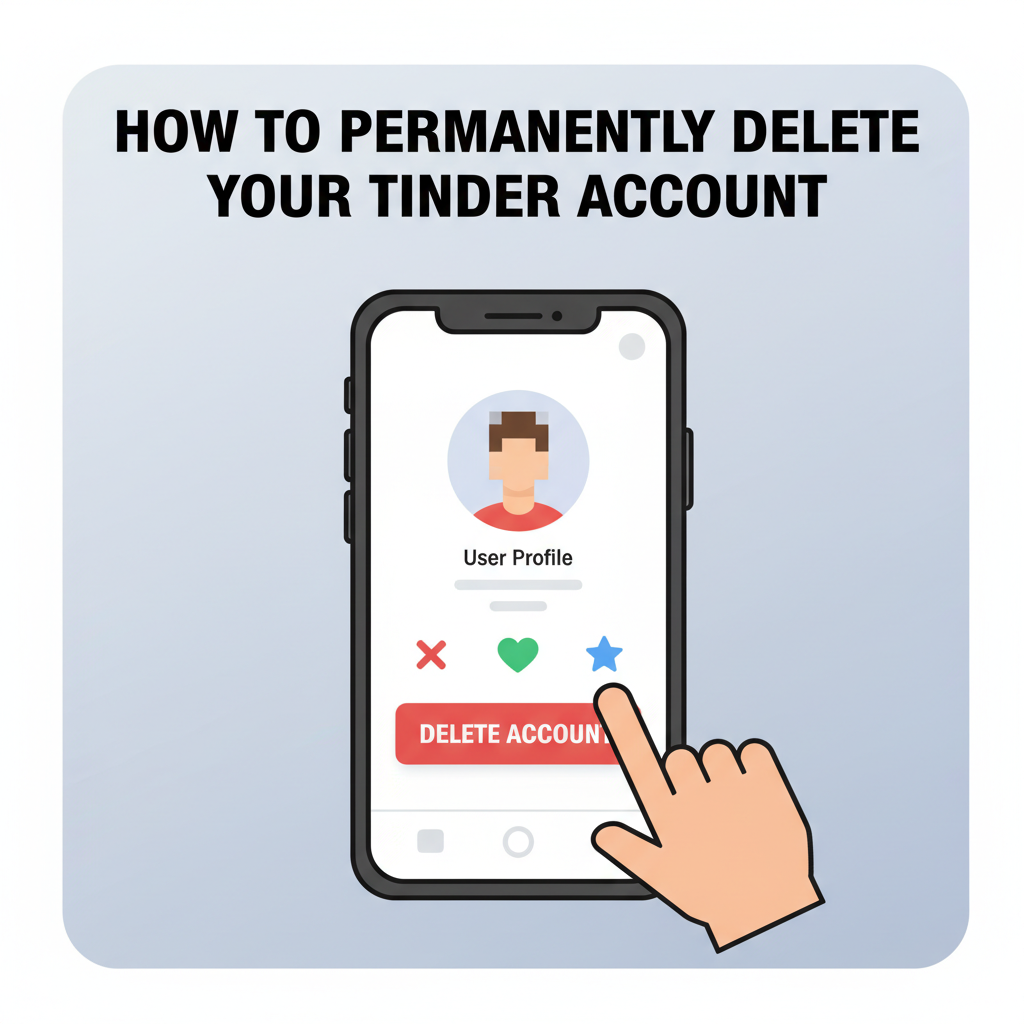
Tinder is a popular dating app used by millions worldwide, but there are times when users may want to step back or leave the platform altogether. Whether it’s for privacy concerns, digital detox, or a change in relationship status, deleting your Tinder account is a straightforward process. This article will walk you through every step to ensure your profile is fully erased.
Step-by-Step Guide to Deleting Your Tinder Account
To delete your Tinder account permanently, it’s essential to follow the correct steps within the app rather than just removing the app from your device. Simply deleting the Tinder app only removes it from your phone, but your profile, along with matches and messages, will remain active and visible to others. To ensure your Tinder account and data are completely erased, start by opening the Tinder app and tapping your profile icon in the top-left corner. Next, select “Settings” at the bottom of the menu. Scroll down to the end of the Settings page where you’ll find the option labeled “Delete Account.” Tap on this, and Tinder will prompt you to confirm your decision, possibly offering a survey or alternative options like pausing your account. Confirm the permanent deletion by following the on-screen prompts.
Be aware that deleting your account removes all of your matches, conversations, photos, and profile information from Tinder’s platform. Once deleted, this data is not recoverable, so if there’s anything you wish to save, such as important conversations or contact information, do so beforehand. If you created your Tinder account using Facebook, Google, or Apple credentials, deleting Tinder does not affect your accounts with these services. However, for added security and privacy, consider revoking Tinder’s access to your Facebook or Google profile through each network’s settings.
If you have an active Tinder subscription purchased through the App Store or Google Play, remember to cancel it separately. Deleting your Tinder account does not automatically end recurring payments—use the respective app store to manage and cancel your subscription to avoid future charges. As a best practice, periodically check which apps have access to your personal data and review associated subscriptions to stay in control of your digital footprint.
Conclusions
Removing your Tinder account is a clear and definitive way to ensure your profile and personal data are no longer accessible on the platform. By following the complete process, you can protect your privacy and start a fresh digital chapter. Remember, deletion is permanent, so make sure you’re ready for this change before proceeding.