

 Русский
 Bahasa Indonesia
 فارسی
فارسی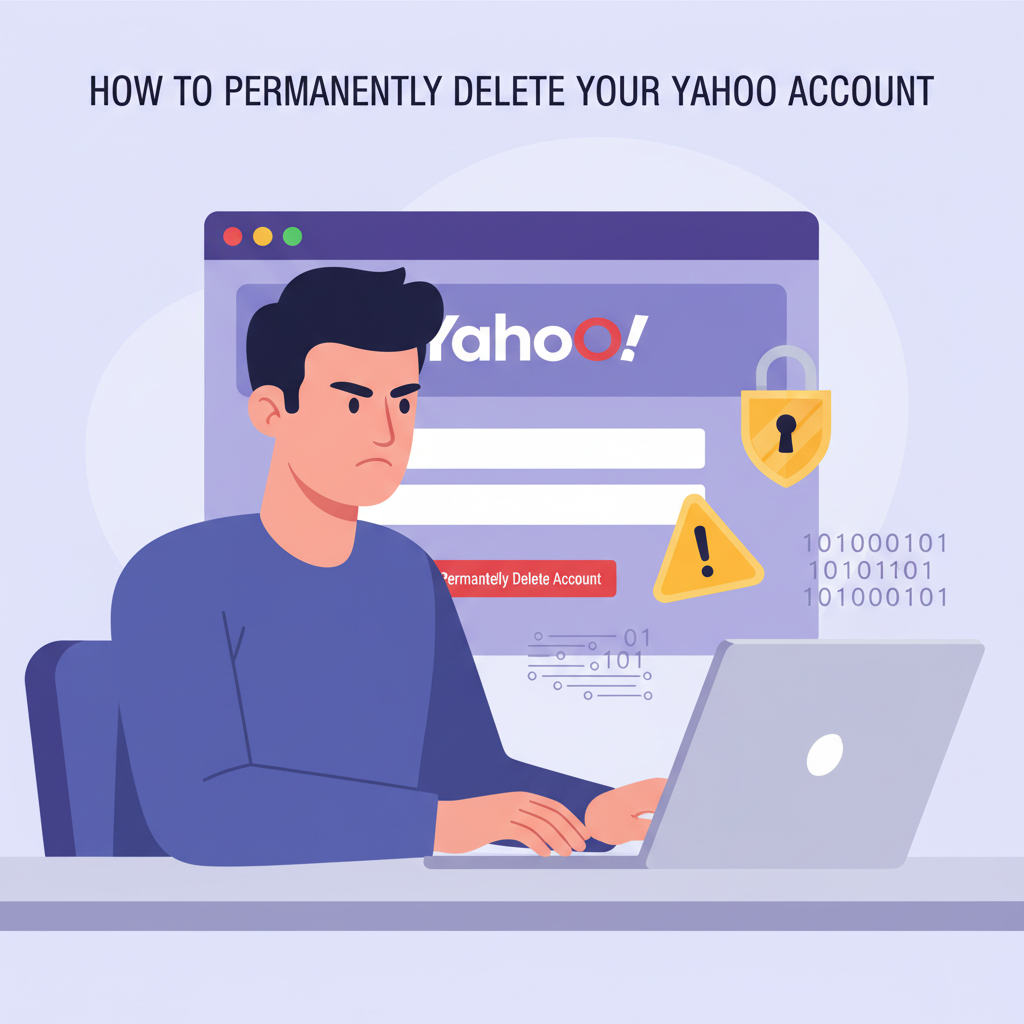
Deleting your Yahoo account can be a crucial step for those seeking to protect their privacy, minimize online presence, or switch to a different email service. In this article, we’ll guide you through the process of permanently deleting your Yahoo account, address important considerations, and help you understand the consequences to ensure you make an informed decision.
Steps and Precautions for Deleting Your Yahoo Account
Before initiating the deletion process, carefully consider and address any crucial data or services tied to your Yahoo account. Begin by reviewing and downloading all essential emails, attachments, contacts, and media stored in your Yahoo Mail and associated services. Yahoo does not retain your data after the account is deleted, so once the deletion is finalized, all messages, folders, and files will be permanently lost. Additionally, back up your Yahoo Contacts and export any calendar entries or Flickr photos, if utilized.
To proceed with deleting your Yahoo account, navigate to the Yahoo account termination page using a secure web browser. Log in using the credentials of the Yahoo account you wish to close. Yahoo will prompt you to verify your identity—this might involve entering your account password again and, in some cases, confirming a verification code sent to your recovery email or phone number. This security check is essential to prevent unauthorized deletions.
After verification, you will see a detailed summary of what deleting your Yahoo account entails. Carefully read the messages explaining that all Yahoo Mail, contacts, calendars, Flickr data, and access to services such as Yahoo Finance, Fantasy Sports, and other Yahoo-linked platforms will be lost. If your Yahoo account is used for logins on third-party platforms or for billings, plans, or subscriptions (such as Yahoo Plus), these will also become inaccessible. Ensure you update any accounts or services using Yahoo as a login method before proceeding.
To confirm, re-enter your email address and acknowledge any on-screen warnings. Click the final confirmation button to complete the request. Account closure may not be instantaneous—Yahoo quotes a 30-day waiting period (up to 180 days in certain regions) before permanent deletion, during which you can cancel account deletion by simply logging in.
Should you encounter errors such as password issues or access denials, double-check your login credentials, browser security settings, and recovery options. If you’ve lost access to your recovery phone or email, follow Yahoo’s account recovery procedures beforehand. Patience is key; give the system time to process your request, and always verify you’re on the official Yahoo termination page to avoid phishing threats.
Conclusions
Deleting your Yahoo account is a straightforward process, but it requires careful consideration of data loss and access implications. By following the correct steps and taking necessary precautions, you can securely close your account and protect your online privacy. Make sure to back up important information before finalizing deletion, and take charge of your digital footprint confidently.