

 Русский
 Bahasa Indonesia
 فارسی
فارسی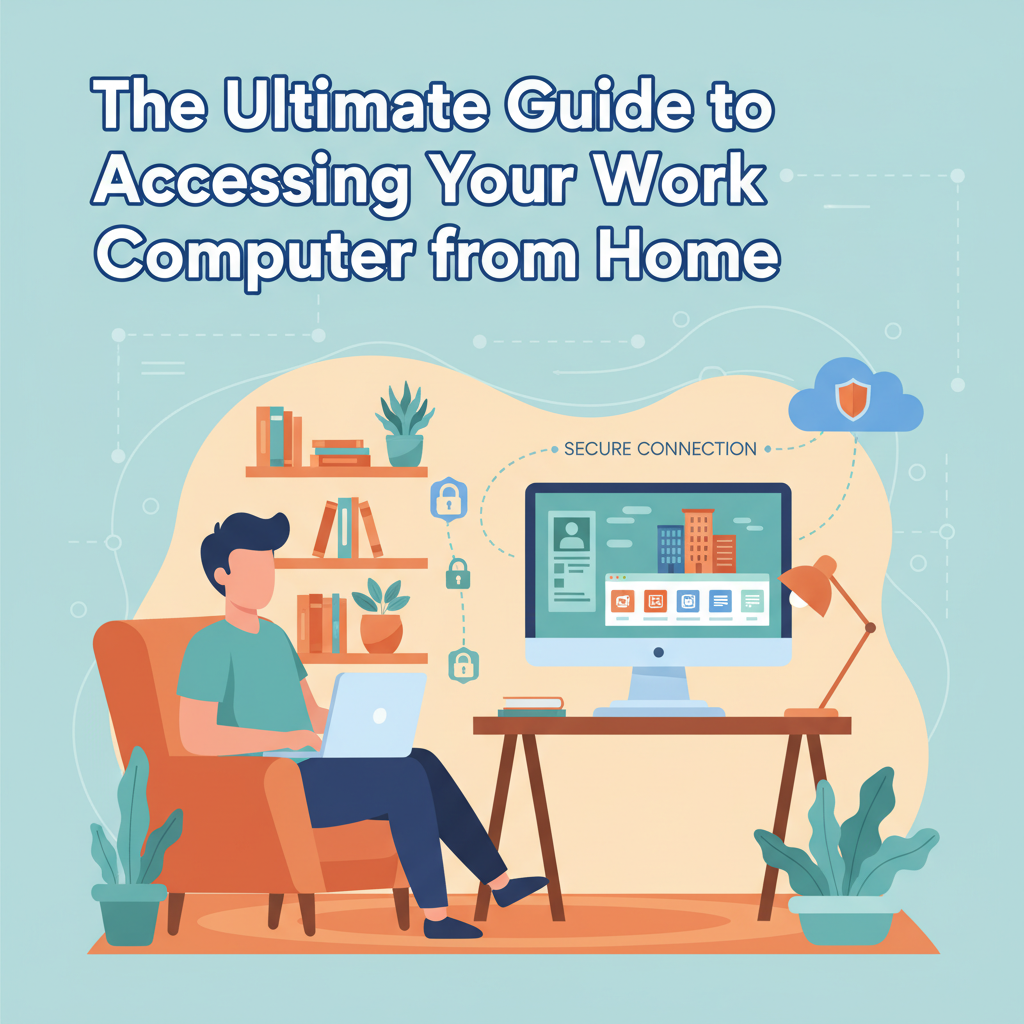
Learning how to access your work computer from home is essential for remote productivity and flexibility. With secure setups and the right tools, you can work efficiently outside the office. This guide explores reliable methods, best practices, and important security considerations to help you establish a smooth and safe remote connection to your workplace computer.
Secure Methods and Best Practices for Remote Access
When accessing your work computer from home, ensuring both reliability and security should be paramount. The most widely accepted methods for secure remote access are Remote Desktop Protocol (RDP), Virtual Private Network (VPN), and reputable cloud-based remote desktop applications. RDP allows users to connect directly to their office computers, but it’s essential to configure it behind a VPN, as exposing RDP directly over the internet increases vulnerability to cyberattacks. A VPN creates an encrypted tunnel, safeguarding data as it travels between your home device and the office network, significantly reducing the likelihood of interception.
Cloud-based solutions, such as Microsoft Remote Desktop, TeamViewer, or AnyDesk, offer user-friendly interfaces and robust security models, including end-to-end encryption and frequent updates to patch vulnerabilities. Regardless of the technology chosen, adhering to your organization’s IT policies is vital. Companies often require setting up strong, unique passwords, enforcing multi-factor authentication (MFA), and utilizing company-provided security tools. MFA adds an extra layer of protection, making unauthorized access considerably more difficult even if passwords are compromised.
Organizations should rely on encryption protocols like TLS when configuring remote access tools, as recommended by Wikipedia and leading cybersecurity experts. Always ensure software on both the office and home devices is regularly updated. Avoid saving sensitive credentials in browsers or third-party apps. To minimize risk, never share access credentials, and always log out after each session. Following both your employer’s protocols and official cybersecurity guidelines protects not just your work, but the integrity of the entire organization’s data.
Conclusions
Accessing your work computer from home enables greater flexibility and productivity for remote work. By choosing the right remote access method, following security protocols, and leveraging modern tools, you can create a seamless connection that keeps your data safe. Embrace these strategies to enjoy the benefits of a hybrid or fully remote work arrangement with peace of mind.