

 Русский
 Bahasa Indonesia
 فارسی
فارسی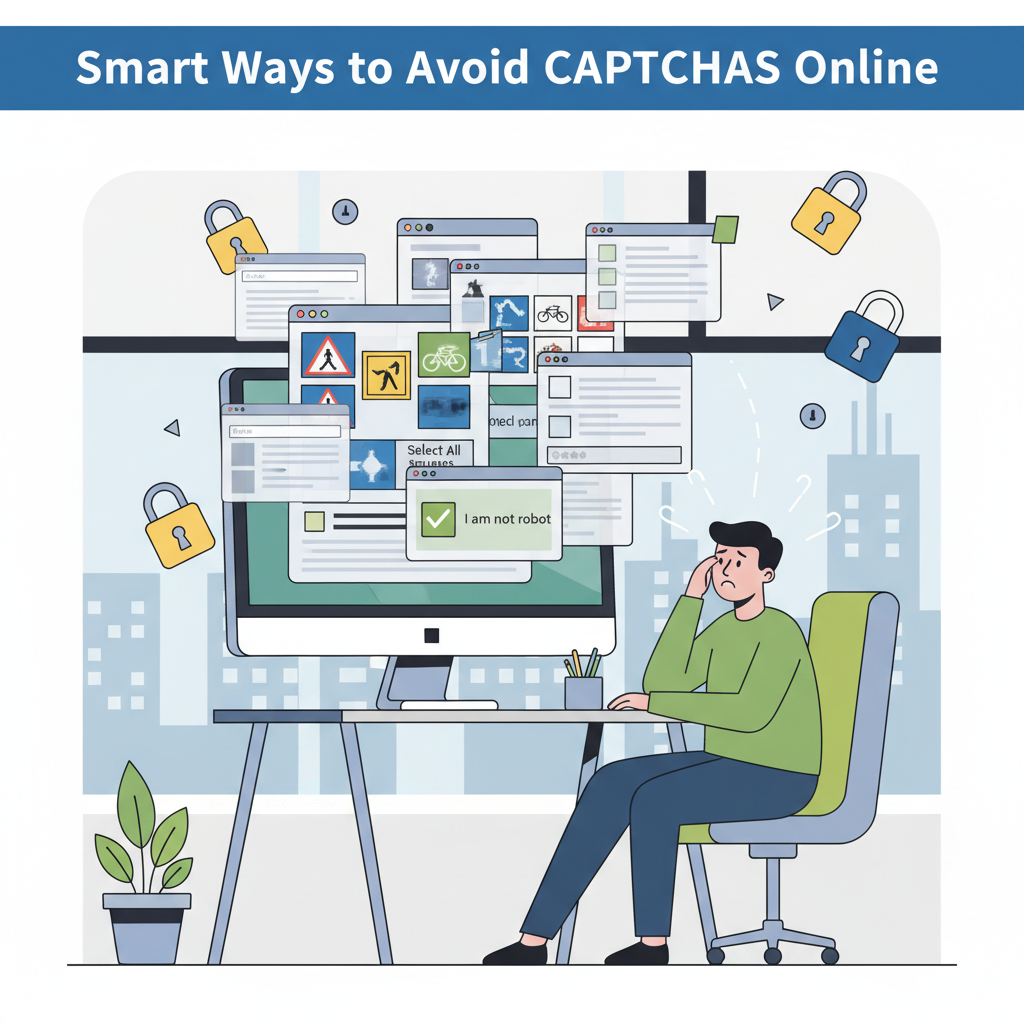
Encountering CAPTCHAs can be a frustrating hurdle in your browsing experience. While essential for online security, these tests often seem to slow us down. In this article, we explore proven strategies and technical insights to reduce or avoid CAPTCHAs, improve your web experience, and maintain security. Learn how to surf smarter and save time online.
Understanding and Reducing CAPTCHA Encounters
CAPTCHAs serve as gatekeepers on the internet, specifically devised to separate genuine human users from automated bots. As Wikipedia defines them, these challenges—whether image puzzles, text recognition, or logical questions—are essential tools that maintain online security, thwarting fraud, spam, and automated abuse. However, CAPTCHAs often intrude on our browsing experience due to triggers linked to both our browsing behavior and background technical factors.
In most cases, CAPTCHAs appear when a website suspects unusual activity. Examples include accessing too many pages too quickly, frequent refreshing, or using automations that mimic bot-like behavior. Another primary trigger is your IP address: when it has a poor reputation—perhaps due to prior abuse, or being part of a shared or VPN service—sites are more likely to challenge you. Data privacy filters and algorithms can misinterpret some legitimate behaviors as suspicious, further increasing CAPTCHA encounters.
To reduce these interruptions, consistently use a reputable and up-to-date browser, as it’s more likely to pass site integrity checks. Regularly clearing cookies and cache will prevent the build-up of activity patterns that might seem questionable to algorithms. Avoid erratic browsing, such as opening an excessive number of tabs at once or repeatedly reloading pages. Steer clear of browser automation tools and suspicious extensions, which are known to trip bot detection systems.
IP reputation matters as well; using a static, trustworthy IP—ideally from a recognized ISP—is generally preferable. If you must use a VPN for privacy, select reputable providers and locations, and avoid switching servers too rapidly. Having JavaScript enabled is crucial since many CAPTCHAs rely on it to detect normal user interactions. Finally, keeping your network secure and avoiding public or suspicious Wi-Fi networks will bolster your credibility as a human visitor, streamlining your CAPTCHA-free experience.
Conclusions
Avoiding CAPTCHAs involves understanding why they appear and using targeted methods such as adjusting browsing habits, keeping your browser updated, and managing cookies wisely. By implementing these techniques, you can greatly reduce disruptions without compromising security. A seamless web experience is possible when you navigate with knowledge and care.