

 Русский
 Bahasa Indonesia
 فارسی
فارسی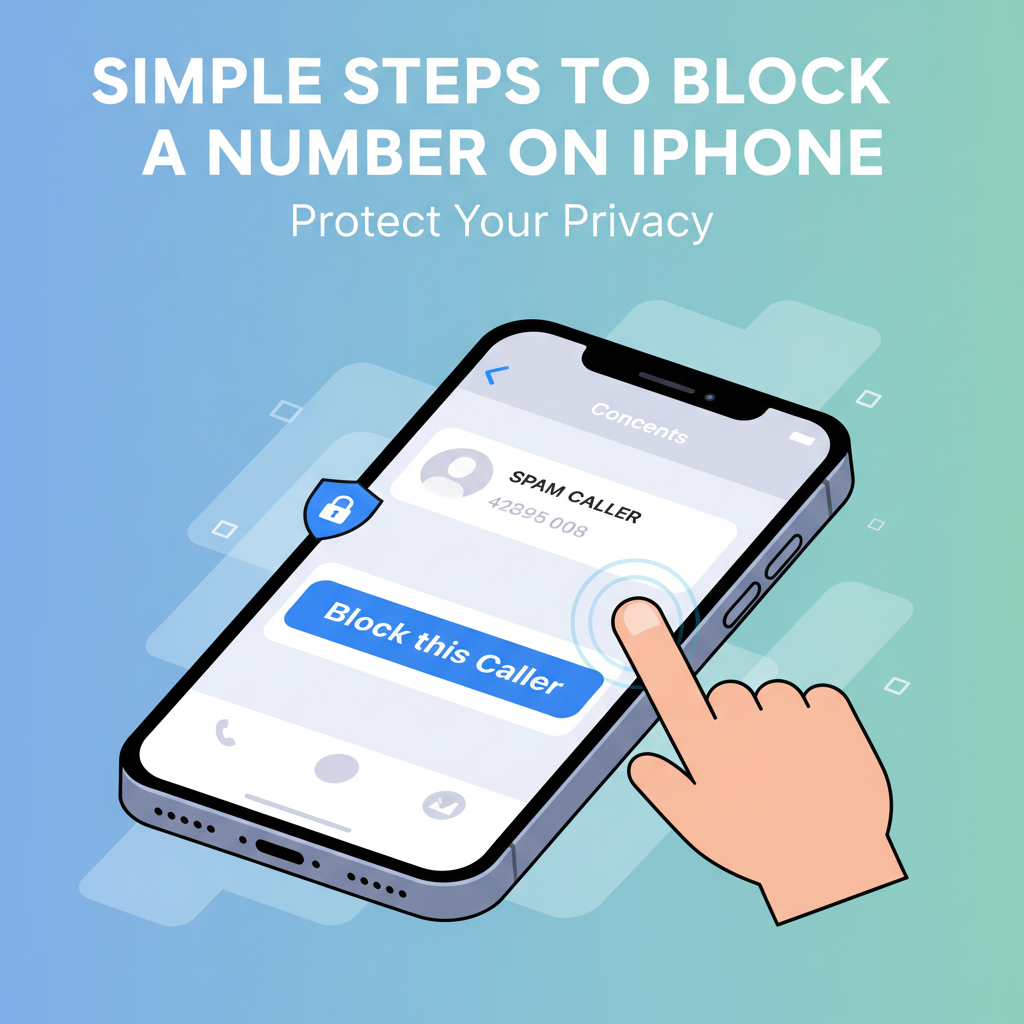
Blocking a number on your iPhone can instantly offer peace of mind by stopping unwanted calls, texts, and FaceTime requests. Whether you’re dealing with telemarketers, persistent contacts, or spam, knowing how to restrict access is a key skill for digital privacy. In this article, discover exactly how to block a number efficiently on your iPhone.
How to Block Numbers on iPhone and Manage Blocked Contacts
Blocking a number on your iPhone is a straightforward process that puts control back in your hands, whether you’re dealing with persistent sales calls, spam messages, or simply wish to limit communication from certain contacts. To block a number using the Phone app, begin by opening the app and navigating to the ‘Recents’ tab, where your recent calls are listed. Find the phone number or contact you want to block, then tap the small ‘i’ icon (information button) next to that entry. Scroll down until you find the option labeled ‘Block this Caller’ and tap it. Confirm your choice to finalize the block. This process can also be performed from the Contacts tab in the Phone app by selecting a contact’s profile, scrolling down, and choosing ‘Block this Caller’.
Blocking numbers through the Messages app follows a similar process. Open a conversation with the unwanted contact, tap the contact’s name or number at the top of the screen, then tap the ‘info’ button. Tap ‘Block this Caller’ and confirm. According to Apple’s official support documentation, once a number is blocked, calls, messages, and FaceTime requests from that contact are automatically prevented from reaching you, keeping your device free from interruptions.
To see or manage numbers you’ve blocked, head to Settings, scroll to either Phone, Messages, or FaceTime (all three share a blocked list), and select ‘Blocked Contacts’. Here, you will see all numbers and contacts you’ve blocked and can tap ‘Edit’ to remove anyone from the blocked list should circumstances change. The ability to block and manage contacts is a key feature for maintaining user privacy and control, as described on Wikipedia’s article about mobile phone security, ensuring that your iPhone remains a space for secure and chosen interactions.
Conclusions
Blocking numbers on your iPhone is a smart way to take control of your privacy and minimize interruptions. With just a few taps, you can prevent unwanted calls, texts, and FaceTime requests, ensuring a more secure and peaceful mobile experience. Remember, these tools are designed to put you in charge of your digital life.