

 Русский
 Bahasa Indonesia
 فارسی
فارسی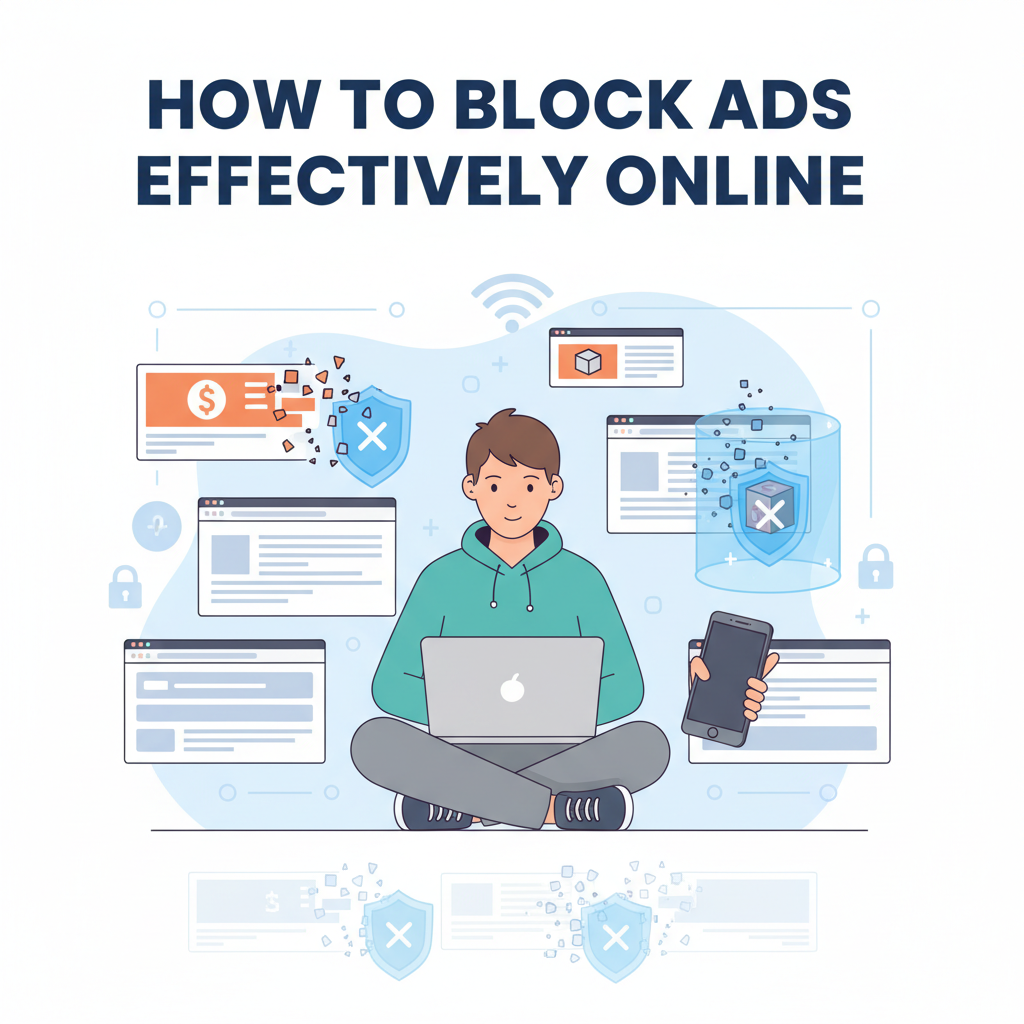
Online ads can disrupt your browsing experience, slow down page loads, and compromise privacy. Fortunately, there are effective ways to block ads and enjoy a cleaner, faster, and safer internet. This article explores the most efficient methods to block ads using browser extensions, built-in tools, and best practices for maintaining an ad-free environment across devices.
Best Methods to Block Online Ads
Blocking online ads effectively can be achieved using several primary methods, each with unique mechanisms, advantages, and considerations. The most common tools are browser-based ad blockers such as uBlock Origin and AdBlock Plus. These extensions intercept web requests in real time, filtering out traffic known to serve ads based on constantly updated lists. uBlock Origin, for example, is praised for its efficiency and granular control, while AdBlock Plus is user-friendly and widely supported. Users simply install these extensions from their browser’s web store, configure filter lists, and enjoy a significantly cleaner web experience. It’s important to update filter lists frequently and selectively whitelist sites you’d like to support.
Modern browsers like Brave and some versions of Firefox also offer built-in ad blocking. This means ad blocking is available “out of the box,” reducing the need for third-party extensions. These features are typically easy to toggle in the browser settings and can include tracking prevention, which enhances privacy alongside ad blocking.
For network-wide solutions, DNS-based filtering with tools like Pi-hole can be set up. Pi-hole acts as a local DNS server, filtering traffic for the entire network, regardless of device or browser type. This method is highly effective not only for blocking ads but also for enhancing privacy, as it suppresses tracking domains across smart TVs, smartphones, and computers. Setting up Pi-hole does require basic networking knowledge and an always-on device like a Raspberry Pi.
Mobile ad-blocking involves installing dedicated apps (such as Blokada on Android or AdGuard for iOS) or using browsers like Brave or Firefox Focus, both of which actively block ads and trackers. Installation is straightforward, although some solutions may require configuring VPN settings.
While these tools can dramatically improve browsing speed and privacy, they may also cause certain sites to break or restrict content until the ad blocker is disabled. Users should be aware that blocking ads diminishes revenue for many websites, potentially impacting free content and services. For additional details about the mechanisms and debates surrounding ad blocking, Wikipedia’s pages on ad blocking and online privacy offer reliable background information.
Conclusions
Blocking ads can greatly improve your online experience, making browsing faster and more enjoyable while protecting your privacy. With the right tools and settings, you can minimize distractions, prevent tracking, and even safeguard against malicious ads. Choose solutions that fit your needs to maintain a safer, ad-free digital environment.