

 Русский
 Bahasa Indonesia
 فارسی
فارسی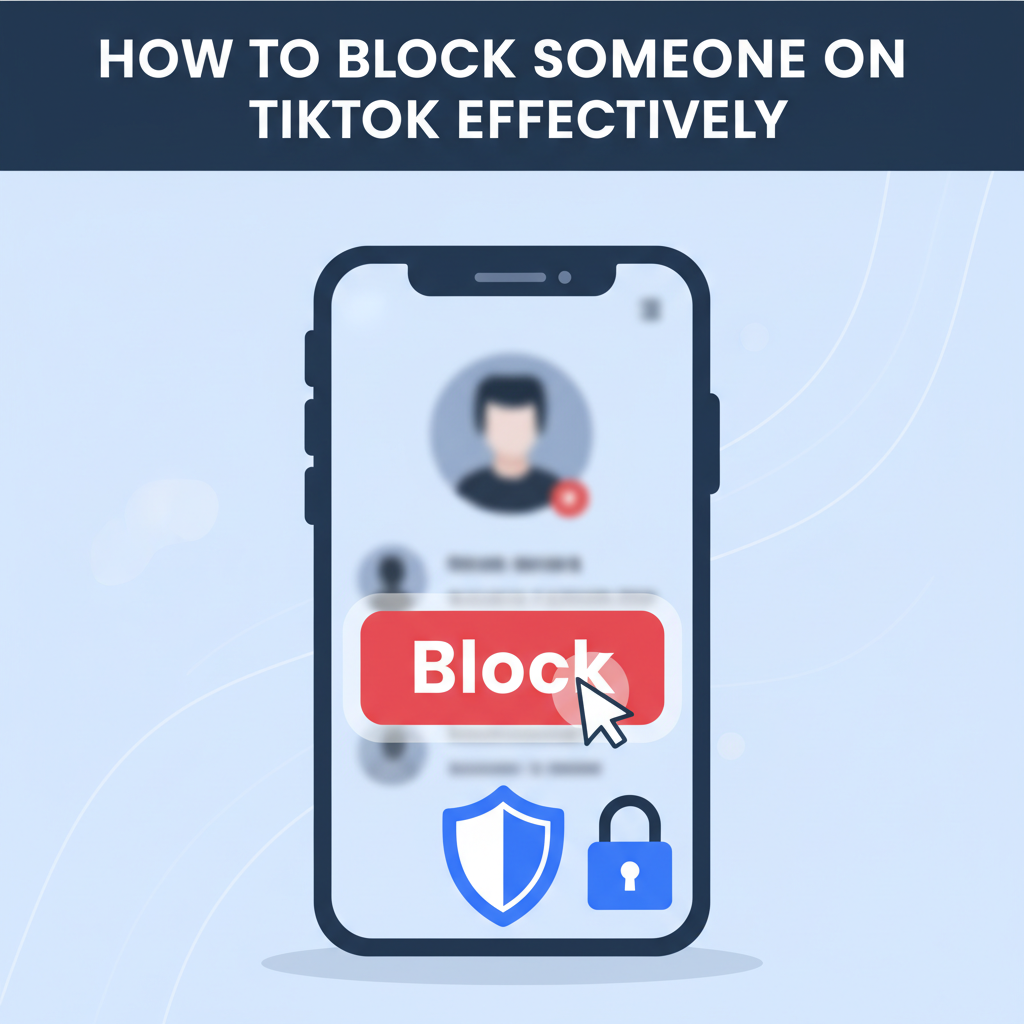
TikTok offers a fun and engaging platform to share videos, but sometimes it’s necessary to block users for a safer, more enjoyable experience. If you’re dealing with unwanted interactions or need to manage your privacy, knowing how to block someone on TikTok is essential. This guide explains the process in detail so you can make the most of your TikTok journey.
A Complete Guide to Blocking Users on TikTok
Blocking a user on TikTok is a straightforward but powerful tool when it comes to managing your digital experience. The need to block someone can rise from a variety of situations—persistent unwanted messages, encountering harassment or bullying, or simply your desire to preserve personal space and peace of mind while using the app. TikTok has taken steps to ensure that blocking is both easy to access and discreet, allowing users to take control over their interactions.
To block someone on TikTok, start by visiting the profile of the user you wish to block. You can do this by tapping their username from a comment, direct message, or by searching their account. Once you are on their profile, look for the three dots (⋮) in the upper right corner of the screen. Tap this to open a menu of options. In this menu, select Block. TikTok will prompt you to confirm; tap Block again to finalize the action.
After blocking, the affected user will no longer be able to view your content, follow you, message you, or interact with your profile in any way. They will also be removed from your followers list, and your profile becomes invisible to them. Importantly, the blocked user is not notified of this change, keeping your action private.
If you wish to unblock someone or review users you have blocked, navigate to your Profile, tap on the three dots or Settings and Privacy menu, and select Privacy. Scroll down to Blocked accounts to see the list. To unblock, simply select the user and tap Unblock.
Remember to regularly review your list and update your privacy settings for maximum safety. For further guidance, consult TikTok’s official privacy guidelines and know that you are empowered to shape your online space—block liberally if it contributes to your peace and security.
Conclusions
Blocking someone on TikTok is a straightforward way to regain control over your social media experience. By learning how to block and manage users, you can protect your privacy and enjoy content peacefully. Remember, you can always unblock users or adjust your privacy settings as needed to keep your TikTok interactions positive and safe.