

 Русский
 Bahasa Indonesia
 فارسی
فارسی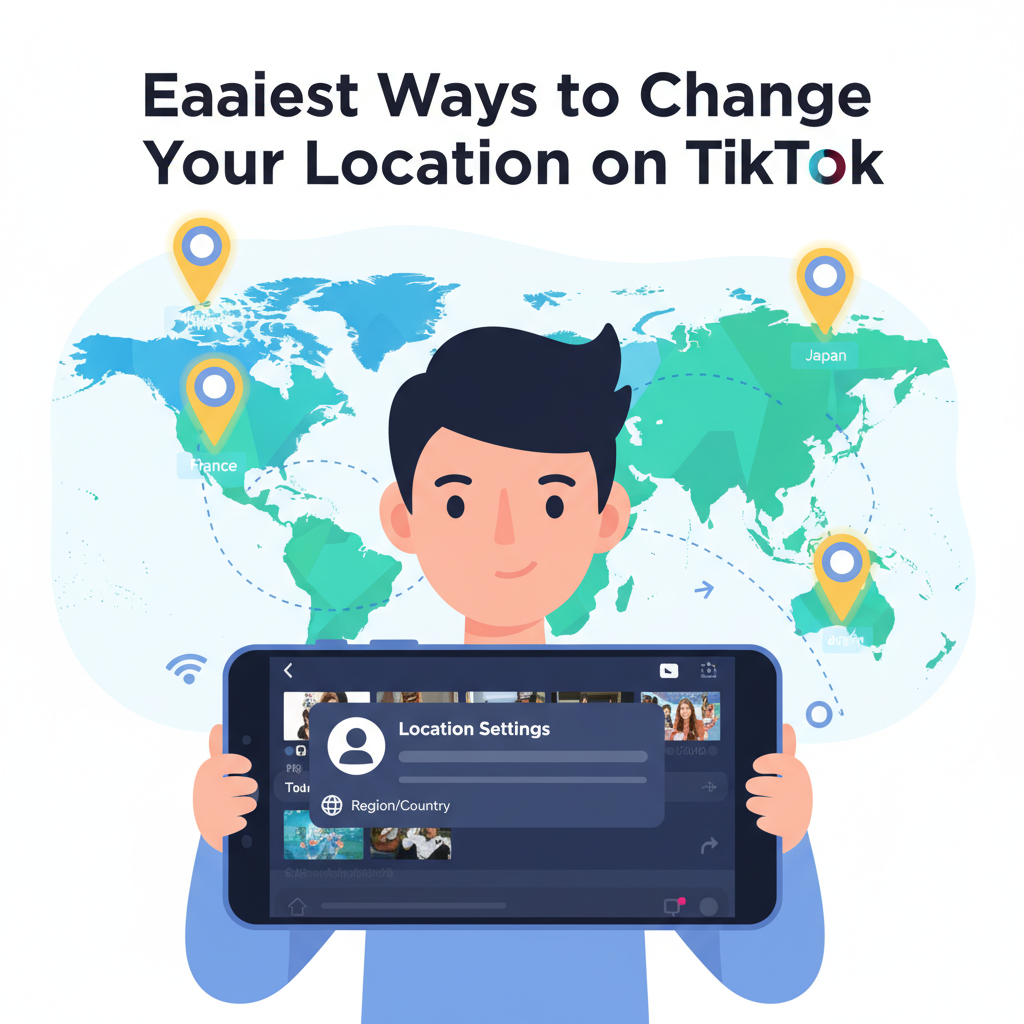
Changing your location on TikTok can help you access trending content, reach new audiences, or simply enjoy a different regional experience. Whether you want to explore videos from another country or adapt your For You Page, knowing how to adjust your TikTok location settings is essential. Here, we explain practical methods to change your location on TikTok effectively.
Practical Methods to Change Your TikTok Location
Changing your TikTok location can be approached in several practical ways, each offering varying degrees of effectiveness. First, adjusting your account settings can sometimes influence the content you see. Although TikTok does not offer a direct “region” or “country” selection in its main interface, switching your language preference to the language commonly spoken in the region you wish to access can help tailor recommendations. For instance, selecting French as your language often boosts the presence of French trends and creators in your feed.
Another practical method involves your device’s SIM card. TikTok detects your country based on the mobile network’s origin. By temporarily swapping your SIM card for one from another country, the platform may start recognizing you as a user from that region. Similarly, your device’s GPS settings play a role—enabling or disabling location permissions for TikTok can influence the locality of shown content. Turning location permissions off may limit region-specific features, while turning them on and spoofing your location can trick the platform into serving foreign trends.
An overlooked factor is the combination of region preferences on your phone’s operating system and app store. For example, changing your App Store or Google Play region and reinstalling TikTok might prompt the app to reset its regional content algorithm accordingly.
There are clear advantages to changing your TikTok location, such as early access to country-specific trends, joining new challenges, or growing an audience in different regions. However, caution is warranted: manipulating location data may violate TikTok’s terms of service and potentially disrupt your personalized recommendations, making your experience less relevant. Employing privacy tools like VPNs can offer greater flexibility and safety. A reputable VPN not only helps bypass geo-restrictions but also enhances privacy by hiding your real IP address, making location changes less traceable and giving you a more open and secure browsing experience.
Conclusions
In summary, changing your location on TikTok is possible through strategic editing of app settings, adjusting your device’s GPS, or using additional tools for privacy and flexibility. This can open up new trends, content, and connections on TikTok, helping you make the most of the platform. Follow these methods to customize your TikTok experience easily.