

 Русский
 Bahasa Indonesia
 فارسی
فارسی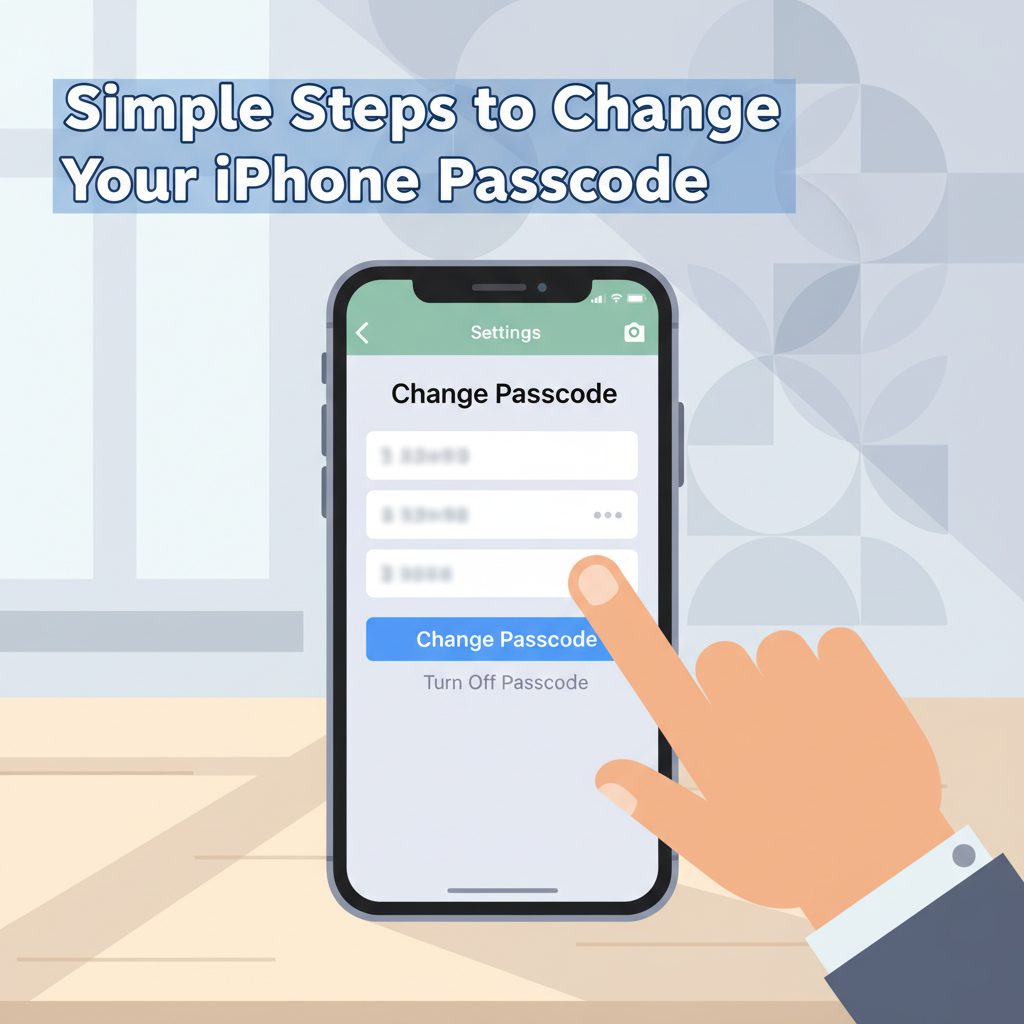
Changing your iPhone passcode is vital for protecting your device and personal data against unauthorized access. Whether you want to update for extra security or simply forgot your old code, learning how to change your passcode is essential. In this article, we’ll guide you through the process step-by-step, ensuring your device remains secure.
How to Change Your Passcode on iPhone
To change your passcode on an iPhone running the latest iOS, start by unlocking your device and opening the Settings app. Scroll down and select Face ID & Passcode if your iPhone uses Face ID, or Touch ID & Passcode for models using fingerprint authentication. When prompted, enter your current passcode to access the security settings.
Within this menu, tap the Change Passcode option. You’ll need to enter your current passcode once more to confirm your identity. Afterward, you’ll be prompted to create a new passcode. By default, iOS suggests a 6-digit numeric code, which strikes a good balance between convenience and security. However, if you prefer a different format, tap on Passcode Options. Here, you can choose from several types: a custom alphanumeric code (which allows both letters and numbers for maximum strength), a 4-digit numeric code (faster but less secure), or a custom numeric code (for a numeric code of your chosen length).
After entering your new passcode, you’ll be asked to re-enter it for verification. Make sure you choose a passcode that’s easy for you to remember but hard for others to guess. Avoid using easily discoverable numbers like your birthday or simple sequences. Once your new passcode is confirmed, your iPhone security is updated immediately.
Regularly updating your passcode is highly recommended by organizations like Apple and the Cybersecurity & Infrastructure Security Agency (CISA), as it can help protect your device from unauthorized access. If you ever forget your passcode, you’ll need to use Apple’s recommended recovery steps, often involving connecting your device to a computer and using Finder or iTunes to restore it—highlighting why selecting a memorable but strong passcode is so important.
Conclusions
Updating your iPhone passcode is a straightforward process that enhances your device’s security. Regularly changing your passcode helps guard your privacy and prevents unauthorized access. By following this guide, you can confidently manage your iPhone’s security settings. Stay proactive with your digital safety and enjoy peace of mind knowing your information is protected.