

 Русский
 Bahasa Indonesia
 فارسی
فارسی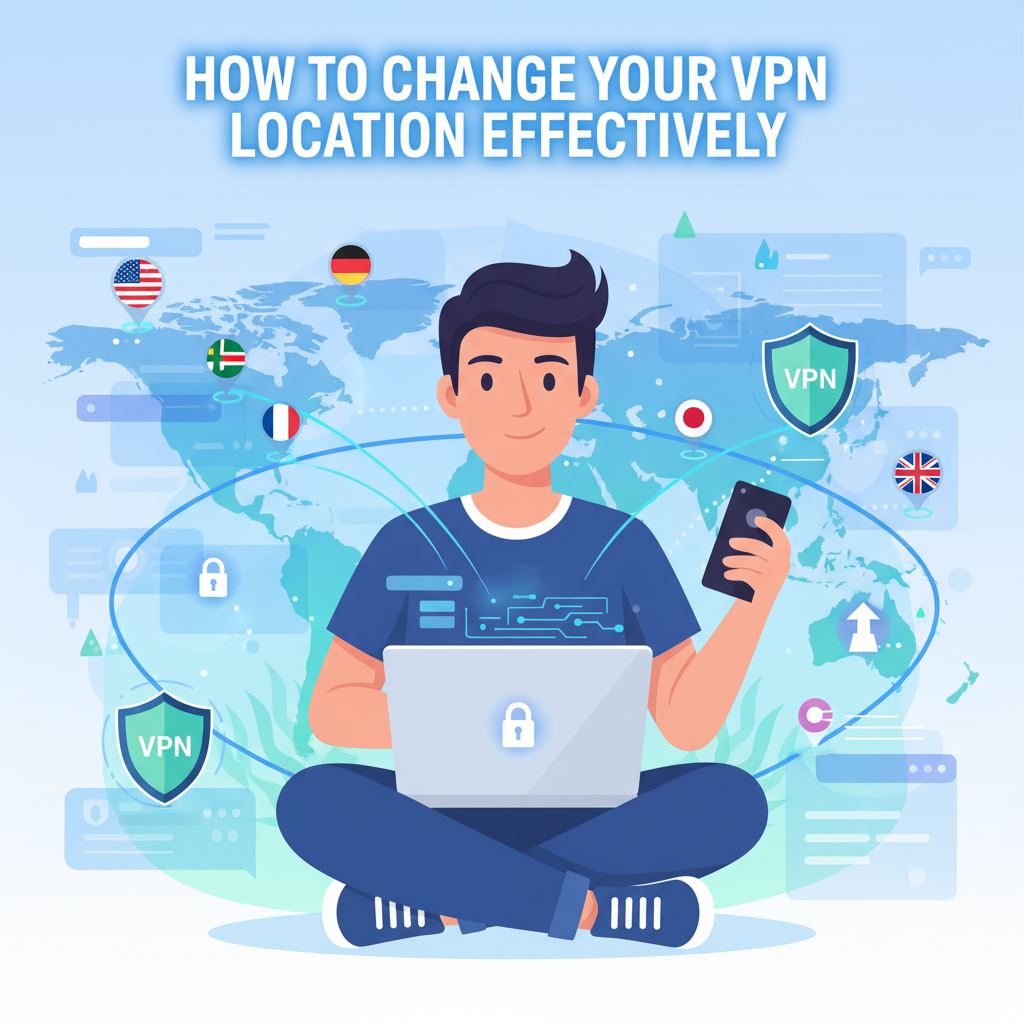
Changing your VPN location is an essential skill for safeguarding your online privacy, accessing geo-restricted content, or improving your digital security. In this article, we’ll provide a comprehensive walkthrough on how to switch your VPN server location across different devices and platforms, along with tips on choosing the best location for your needs.
Changing Your VPN Location on Any Device
Changing your VPN location across different devices is a straightforward process, though the exact steps can vary slightly depending on the operating system and the VPN provider’s application interface. For most platforms, begin by launching your VPN app and signing in with your credentials if prompted. Whether you are using Windows, macOS, Android, or iOS, look for the main dashboard of your VPN client where a list or map of available server locations is displayed.
On Windows and macOS, these typically appear as a scrollable list or a world map; simply select the country or city you wish to connect to. On Android and iOS apps, the process is similarly intuitive: after opening the app, tap on the location selector, then choose your preferred server. Most apps allow you to click or tap on the specific region, often enhanced by search functions for quick access.
Changing your VPN location impacts your online presence—your browsing, streaming, and app experiences will reflect the selected region. This is crucial if you’re looking to bypass geo-restrictions, watch streaming services from other countries, or retain greater privacy while traveling. When choosing a server for speed, look for ones geographically closer to your physical location, as this often results in reduced latency and improved stability. For accessing specific regional content, select a server in the relevant country.
If you encounter failed connections or slower speeds, try switching to another nearby server or restarting the app. Persistent troubles may suggest overloaded servers; most reliable VPN services offer status indicators or recommendations for the fastest available servers. Always ensure your VPN provider supports regular updates and maintains a large, distributed server network, as this makes location switching seamless and reliable for all users.
Conclusions
Mastering how to change your VPN location enables you to unlock global content, enhance privacy, and bypass restrictions seamlessly. By understanding your VPN’s interface and selecting the most suitable server, you ensure a secure and versatile browsing experience. Regularly updating your VPN location is key to maintaining both privacy and access on the digital landscape.