

 Русский
 Bahasa Indonesia
 فارسی
فارسی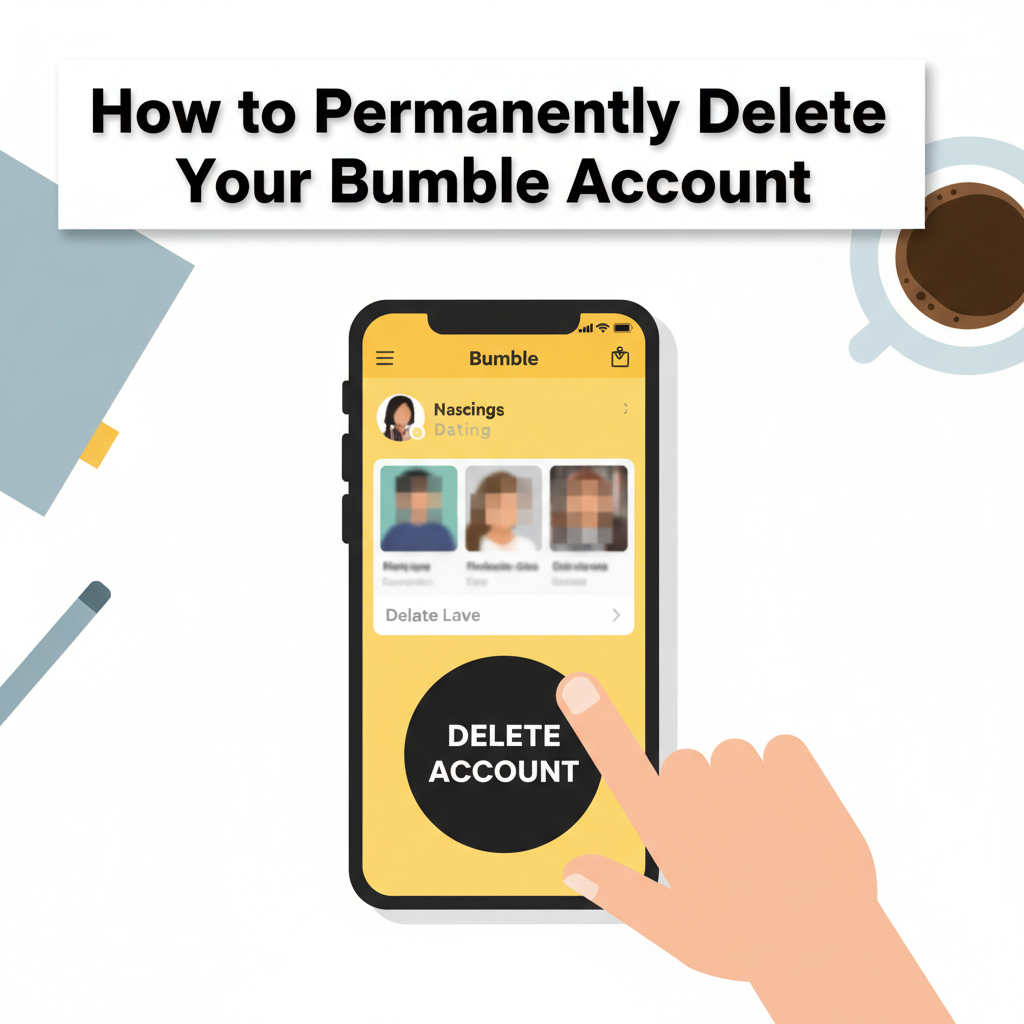
Thinking about leaving Bumble and deleting your account for good? It’s important to know the correct process to ensure your profile, matches, and data are completely removed. This article walks you through each step, so you can confidently and securely delete your Bumble account if you no longer wish to use the app.
Step-by-Step Process to Delete Your Bumble Account
To permanently delete your Bumble account, you’ll need to navigate through the app’s settings, which is consistent on both iOS and Android devices. Begin by launching the Bumble app and logging into your profile if you aren’t already signed in. On the main screen, tap on the profile icon located in the upper-left (resembling a person or silhouetted image), which leads you to your personal account overview.
Scroll down until you see the gear icon for *Settings* and tap it to open the settings menu. In this menu, you’ll find a range of account and privacy options. Continue scrolling to the very bottom of the settings page. Here, you’ll find the *Delete Account* button, usually highlighted in red for emphasis.
When you select *Delete Account*, Bumble will prompt you for a reason for departure. Choose an answer, then confirm your selection. You’ll be asked to re-enter your password or verify your choice, depending on your login method (such as Facebook, Apple ID, or your phone number). After this step, complete the process by confirming the deletion. Your account is immediately deactivated and scheduled for permanent deletion.
Deleting your account removes your profile, photos, conversations, matches, and any connected information from Bumble’s active database. However, the platform may retain certain data as required by law or for security purposes—this is stated in their privacy policy. Deletion is typically immediate, but cached data may remain for up to 30 days. To further enhance your privacy, before deleting your account, revoke Bumble’s app permissions on Facebook or Apple if you used them to sign up, and consider clearing the app cache from your device’s settings after deletion.
While the process is nearly identical across devices, iOS users might notice minor layout differences and can manage both their subscriptions and app data settings directly from their Apple ID settings after deletion. Both Android and iOS users should ensure they cancel any active Bumble subscriptions through the Apple App Store or Google Play Store to avoid future charges, as deleting only the app does not end paid subscriptions. Taking these steps guarantees your digital footprint on Bumble is thoroughly removed.
Conclusions
Deleting your Bumble account is a straightforward process that removes your personal data and matches from the platform. By following the outlined steps, you ensure your departure from Bumble is complete and secure. Remember to consider saving any important information before deletion. If you’re ready for a fresh digital start, you now know exactly what to do.