

 Русский
 Bahasa Indonesia
 فارسی
فارسی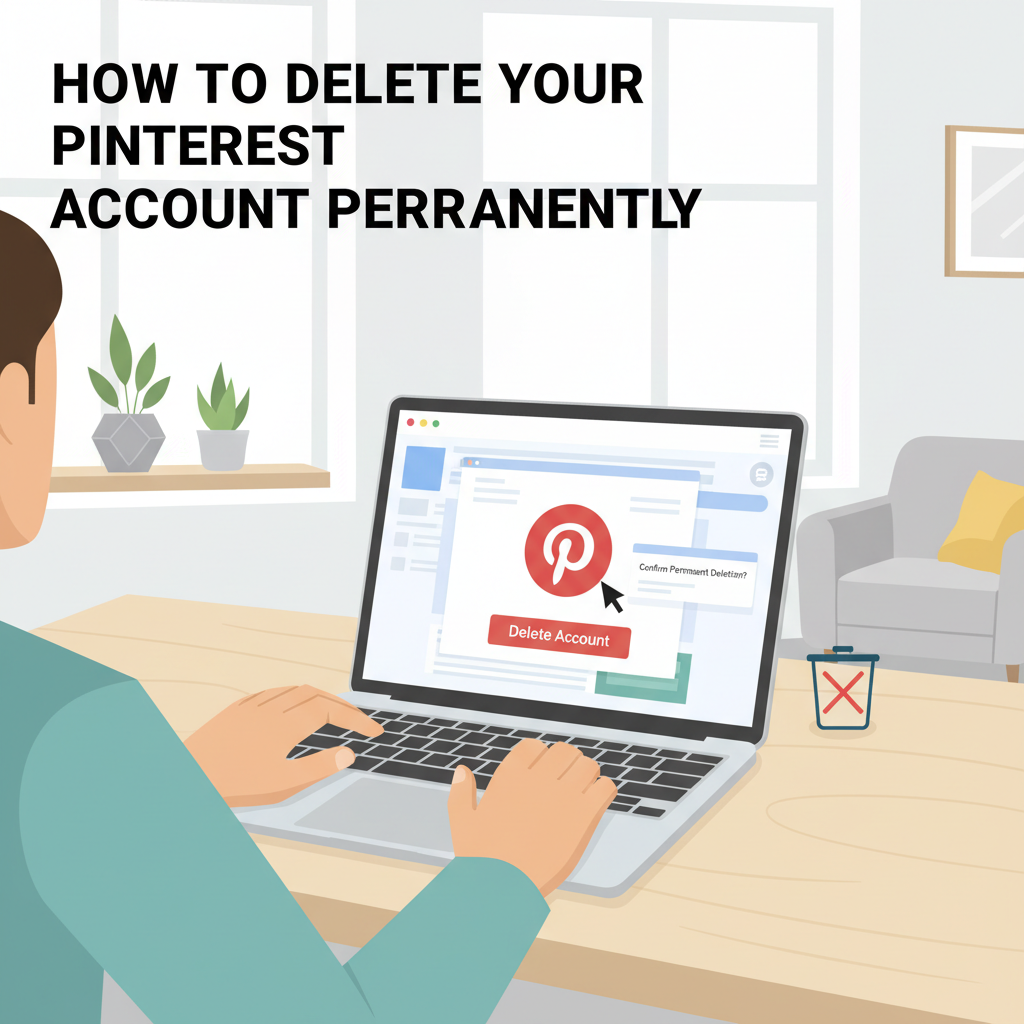
Deciding to delete your Pinterest account is a significant step, whether for privacy reasons, decluttering your digital life, or simply moving on. This guide will walk you through how to permanently delete your Pinterest account, ensuring your data is handled properly and all steps are clearly explained.
Detailed Steps to Delete Your Pinterest Account
Before initiating the permanent deletion process, it’s important to understand the distinction between deactivation and deletion on Pinterest. *Deactivating* your account simply means your profile becomes invisible to other users, but all your boards, pins, and data are preserved, allowing you to reactivate and restore everything later. In contrast, *deleting* your account is irreversible; once completed, all your saved pins, boards, and related data are scheduled for permanent removal from Pinterest’s servers.
To begin, log in to your Pinterest account. On a desktop, click the down arrow at the top right corner, select ‘Settings,’ then find the ‘Account management’ section. Here, you’ll see options to deactivate or delete your account. Choose ‘Delete account.’ Pinterest will prompt you to confirm your identity, often by entering your password or confirming via email. You’ll be asked to provide a reason for leaving. Once confirmed, Pinterest sends a final verification link to your registered email address. Clicking this link permanently initiates the deletion.
On the mobile app, tap your profile picture, go to ‘Settings,’ select ‘Account management,’ and then tap ‘Delete your data and account.’ Follow the prompts, and complete the process by confirming through the verification link sent to your email.
When you request deletion, your profile is first deactivated immediately, making it invisible, and after 14 days without reactivation, the account and all associated personal data are deleted permanently. During this waiting period, you can still restore your account by clicking the reactivation link in your email.
Before confirming your decision, consider exporting your data. Pinterest provides an option to request a copy of your data within the settings; downloading your pins, boards, and account information can be vital for records or creativity preservation. Remaining vigilant about your privacy, ensure you have backed up anything important, as once the process is finalized, recovery of data is impossible.
Conclusions
Deleting your Pinterest account can be straightforward if you follow the right process. Make sure you have saved any important pins or data before finalizing your decision. Once your account is deleted, recovery is not possible, so proceed thoughtfully. With these steps, you can confidently close your Pinterest profile and protect your online presence.