

 Русский
 Bahasa Indonesia
 فارسی
فارسی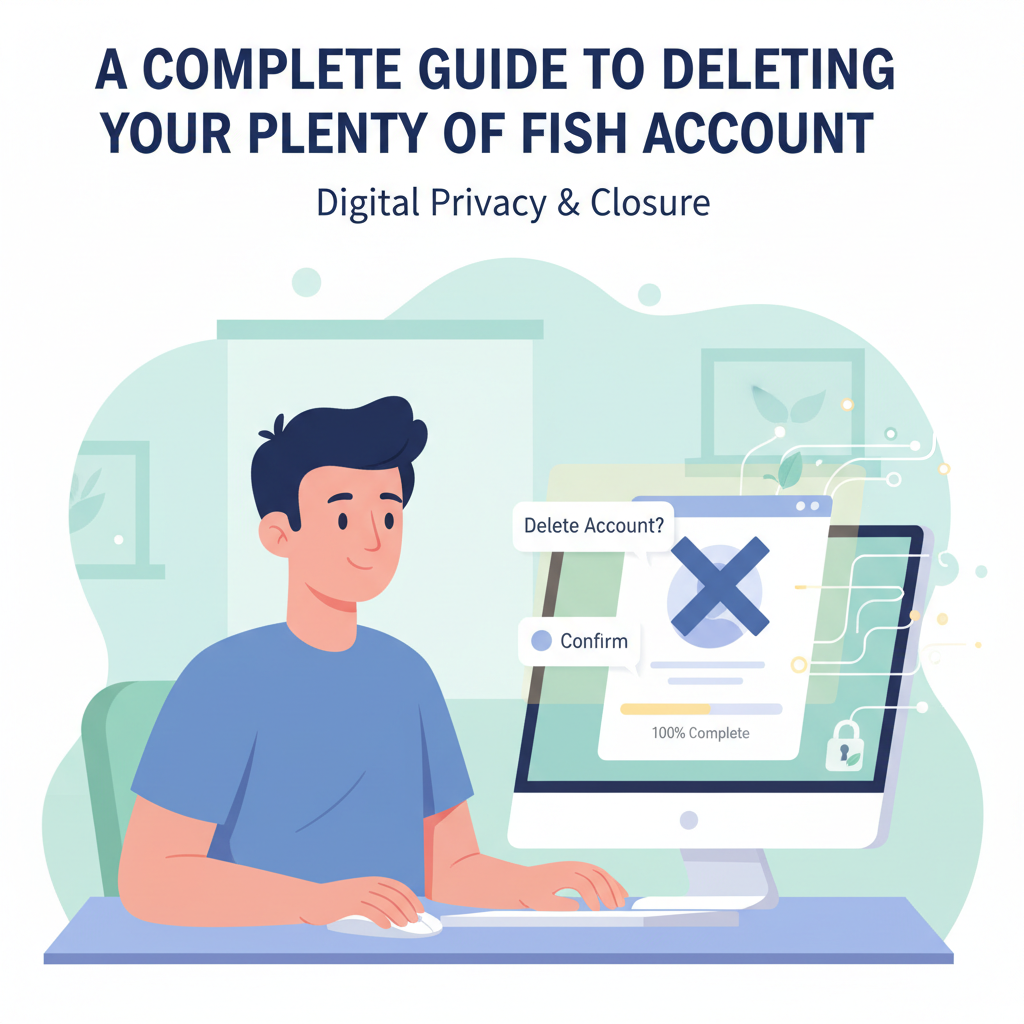
Thinking about leaving Plenty of Fish and deleting your account for good? Whether you’ve found what you were looking for or just want a fresh start, understanding how to fully remove your Plenty of Fish profile is essential. This article offers an in-depth, step-by-step guide to ensure your account is deleted securely, along with helpful tips for protecting your online privacy.
Step-by-Step Process to Delete Your Plenty of Fish Account
If you’re ready to move on from Plenty of Fish, deleting your account is a straightforward process, but it requires careful attention to ensure your information is fully removed. Start by logging into your POF profile on either your desktop or the mobile app, keeping in mind that simply uninstalling the app does not erase your profile or data from POF’s servers.
On desktop, click the profile icon at the top and navigate to “Help” or “Settings.” Here, you’ll find the “Delete Account” option. You’ll be prompted to enter your credentials for security, and you may have to answer a brief survey about why you’re leaving. On the mobile app, tap “My Profile,” then “Settings,” scroll to find “Delete Account,” and follow the prompts provided.
Before you finalize deletion, know that all your messages, matches, photos, and profile details will be lost permanently, and you won’t be able to recover your account or reuse the same username or email later on. If there’s information you wish to save, consider archiving important messages or making copies of any photos first.
Review and update your privacy settings before deleting, ensuring that any linked accounts (such as social media) are unlinked, and revoke POF’s access to your information where possible. It’s also wise to use unique, strong passwords for each online account and avoid sharing personal data in your dating profiles.
For additional privacy, always use a trusted VPN while accessing dating platforms like POF—this keeps your connection secure and your data private, offering protection even after account deletion.
Conclusions
In summary, deleting your Plenty of Fish account is a straightforward process when you follow the proper steps. By carefully removing your profile, you ensure your data is no longer accessible on the platform. Remember to consider additional privacy measures if you’re concerned about your digital footprint. Taking control of your online presence is always a smart move.