

 Русский
 Bahasa Indonesia
 فارسی
فارسی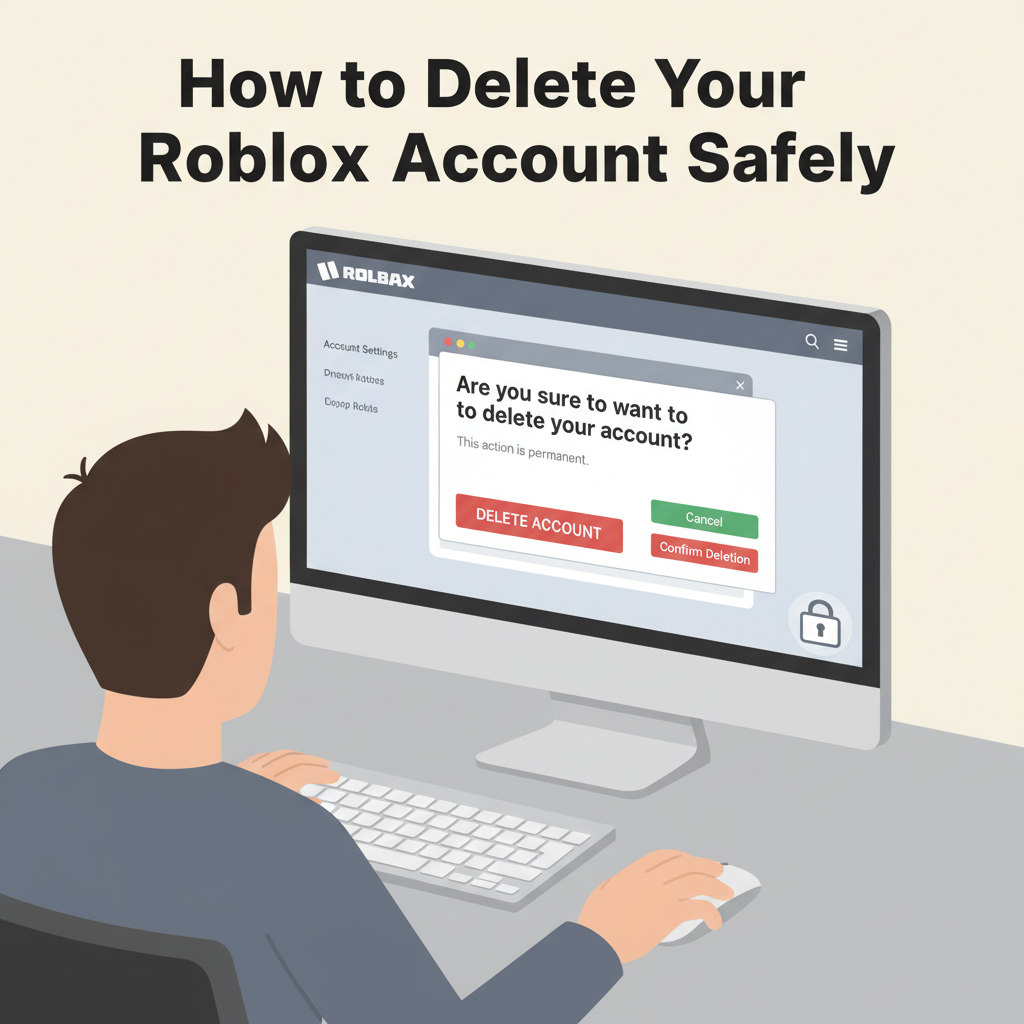
If you’ve decided to take a break from Roblox or simply want to close your account, understanding the right steps is essential for a hassle-free process. In this article, we explore everything you need to know about deleting your Roblox account, including crucial considerations and alternatives you might want to explore first.
Step-by-Step Guide to Deleting Your Roblox Account
To permanently delete your Roblox account, you’ll need to follow specific steps as Roblox does not currently offer a one-click account deletion option right from their website or mobile app. The official methods for requesting permanent account deletion involve contacting Roblox’s Customer Support directly. Begin by ensuring you have access to the email address tied to your Roblox account, as this will be crucial throughout the process. Gather your username and any associated account details—this helps verify that you are the rightful owner.
One approved way is to visit the Roblox Support page and fill out their contact form. In the Issue Details section, select “Account Deletion Request” or a similar option, and be explicit in your message that you wish your account and all personal data to be permanently deleted. Providing information such as your username, the email address linked to your account, and proof of ownership (like the last four digits of your payment method if you’ve purchased Roblox Premium or Robux) speeds up the process. Alternatively, you can directly email Roblox support via [email protected] with your request, including the same verification details.
Account deletion requests can take several days to process. Once approved, your account and all associated data—including virtual currency balances, game progress, and any creations—are permanently erased. Roblox cannot recover accounts or data after deletion is completed, so ensure you truly wish to proceed. Be particularly careful to clear any personal information from your account profile before submitting your request. If your concern is privacy or usage limits for children, parental controls or account restrictions may be suitable alternatives, as deactivation is not an option on Roblox. Always double check you’ve removed sensitive personal details, and understand this process cannot be reversed.
Conclusions
Deleting your Roblox account is a straightforward process once you understand the official method and implications. Always consider retrieving your data and ensuring you no longer need access before making the final decision. By following the outlined steps, you can securely close your Roblox account and protect your personal information online.