

 Русский
 Bahasa Indonesia
 فارسی
فارسی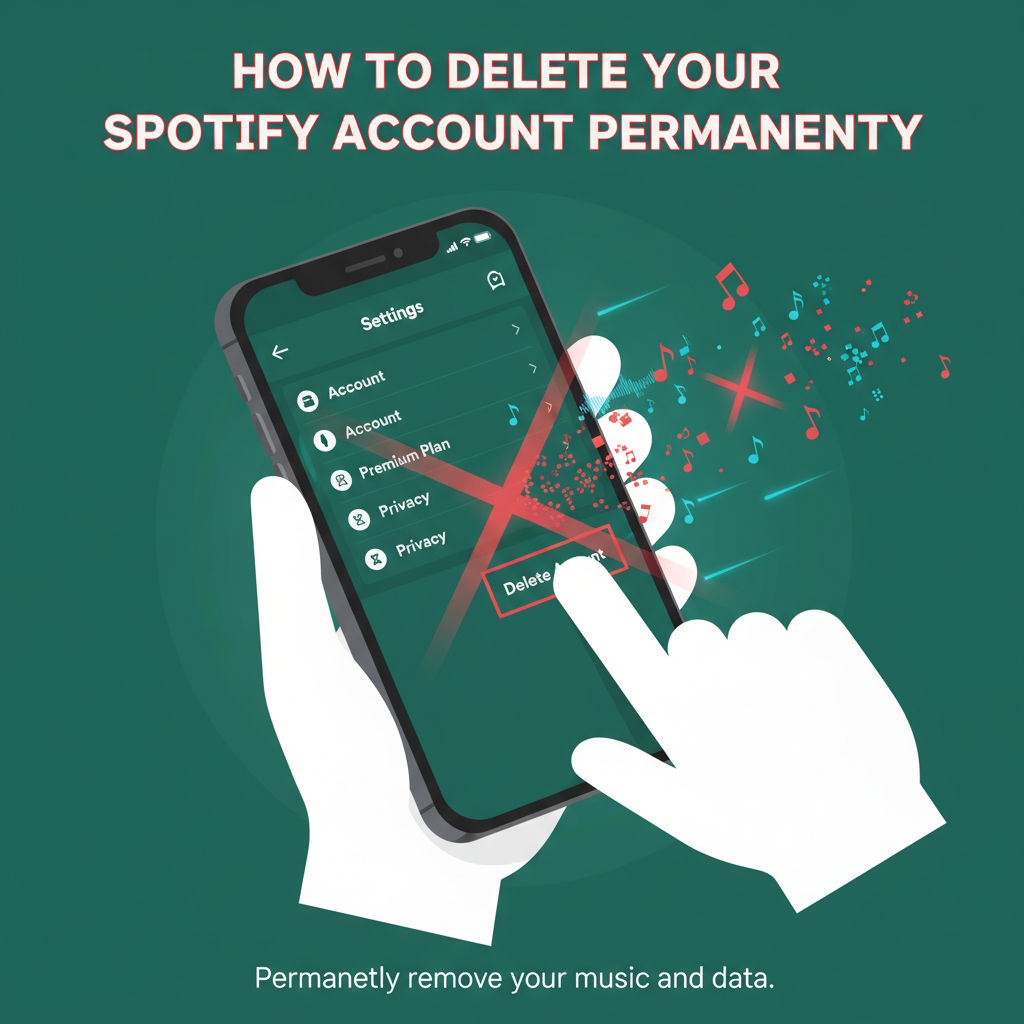
Thinking about leaving Spotify and deleting your account for good? Whether you’re switching music services or taking a digital break, permanently removing your Spotify account is straightforward but important to do correctly. This guide walks you through everything you need to know for a smooth and complete account deletion process.
Guided Steps to Delete Your Spotify Account
Before you embark on deleting your Spotify account, it’s important to understand the key difference between simply canceling your Premium subscription and permanently deleting your Spotify account. Canceling Premium will revert your account to the Free version, preserving your playlists and saved music. Permanent deletion, however, erases your entire account and all associated data, so make sure you truly want to leave the platform before proceeding.
- Backing Up Your Data: Before initiating the deletion process, consider saving any important playlists or data you might want in the future. You can export your playlists manually using third-party tools or by copying links and track lists into a document. Once the account is deleted, Spotify removes access to all playlists, followers, saved songs, and podcast subscriptions, and this data cannot be recovered.
- Deleting Your Account on the Official Website: Spotify does not allow account deletion via their mobile or desktop applications. You must visit the Spotify Support website on your browser. Log in with your credentials and navigate to “Account Help” found under the “Help” or “Support” section, then select “Closing your account” to begin the process.
- Confirming Deletion and the Email Requirement: When prompted, review the summary of lost data then confirm you wish to proceed. Spotify will send a confirmation link to the email address associated with your account. You must click this link to finalize your deletion request. Failure to do so will halt the process.
- 7-Day Grace Period: After confirmation, Spotify gives a 7-day grace period during which you can restore your account if you change your mind. Simply use the link in the email you receive from Spotify.
- Permanent Loss of Data: Once the grace period ends, your account, playlists, saved music, followers, and user data are irreversibly deleted. Be aware that Spotify’s FAQ underscores that even data connected through Facebook or Google logins will be lost.
Important warnings: If your premium subscription was purchased through a third party (like iTunes), cancel your subscription there first. For family or student accounts, ensure these memberships are ended before deletion. For a seamless transition, double-check that you’ve exported everything of value, since account recovery is impossible after the grace period. Following these steps thoroughly ensures you leave Spotify cleanly and without losing data inadvertently.
Conclusions
Deleting your Spotify account is a major decision, and following the right steps is essential. Ensure you’ve saved your playlists and account data before proceeding. By following this guide, you can close your account confidently and know your data is safely handled. If you ever wish to rejoin Spotify, you can always create a new account.