

 Русский
 Bahasa Indonesia
 فارسی
فارسی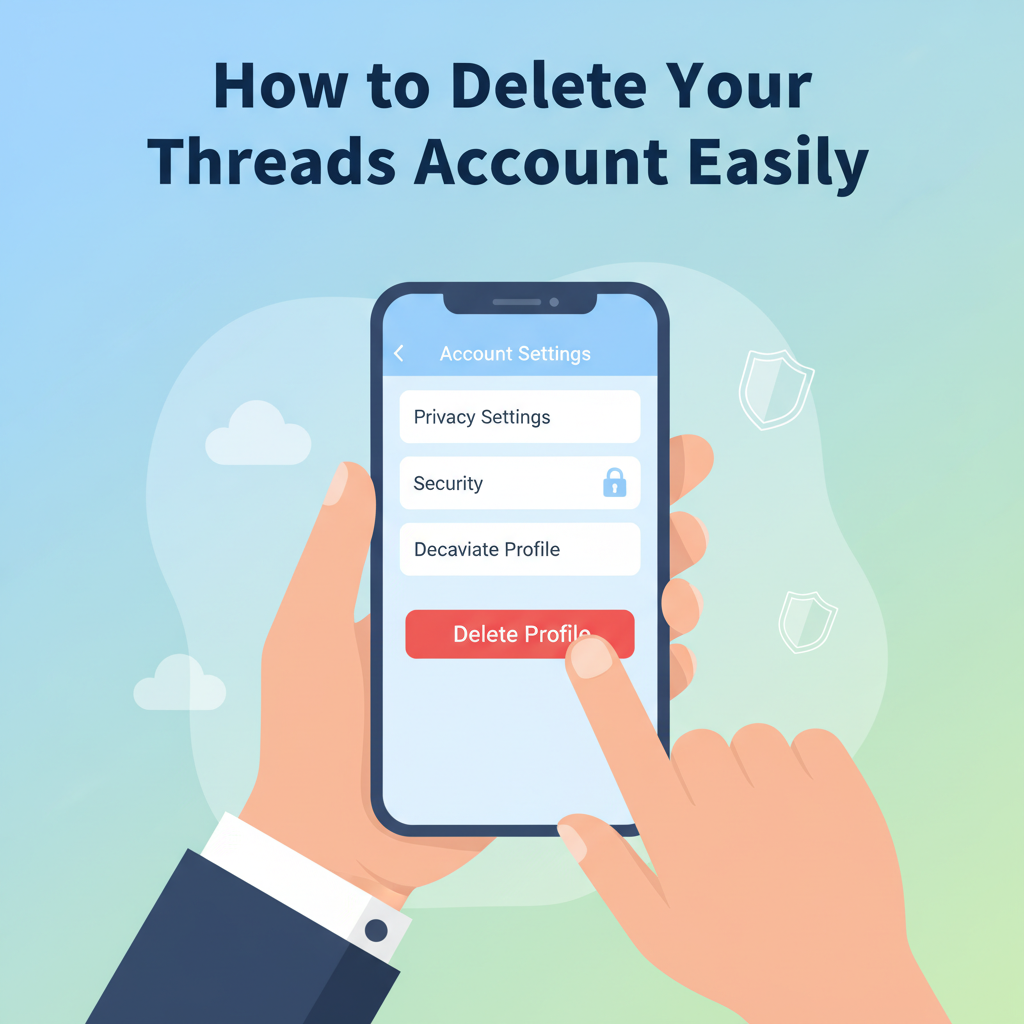
Deleting your Threads account can seem overwhelming, especially if you’re concerned about personal data and connected accounts. This article explains in clear steps how to permanently delete your Threads account, what happens after deletion, and important things to consider before taking action. Learn everything you need to know to delete your Threads profile confidently and safely.
Step-by-Step Process to Delete Your Threads Account
To begin the process of deleting your Threads account, it’s essential to understand that Threads is intrinsically linked to your Instagram profile. Deleting Threads does not mean only erasing content on Threads; it affects your Instagram presence to a degree, since both platforms share core account data. Before proceeding, be aware that removal means you will lose all your Threads posts, replies, messages, and settings permanently. While an option to deactivate Threads exists if you wish to pause rather than erase your presence, permanent deletion is irreversible.
To get started, open the Threads app and log in with your credentials. Access your profile by tapping the user icon at the bottom right. From your profile page, tap the two-line menu icon at the top right to open the app settings. Look for the setting labeled “Account” and tap it. In the Account section, you’ll notice an option called “Delete or Deactivate Profile.” Select “Delete Profile” for permanent removal. You may be prompted to read vital information about how deleting Threads will affect your IG account—read this carefully. If you’re ready, tap to confirm your choice.
Prior to finalizing deletion, ensure you download or make copies of any information or media you might want to keep, as you won’t have access after deletion. Consider reviewing connected apps or third-party integrations and disconnect those you no longer wish to authorize. For privacy, log out of any shared or public devices and clear cache and stored passwords.
After deletion, your Threads profile and content become inaccessible, often instantly or within 30 days. Some personal data may remain on Meta’s servers for a period in compliance with their policies, but will no longer be publicly associated with you. Unfortunately, account restoration is typically not possible—so act with care. For ongoing privacy, regularly audit connected platforms, keep your main Instagram profile data secure, and be aware of email or phishing attempts related to account changes.
Conclusions
Removing your Threads account is a straightforward process, but it’s essential to understand the consequences and steps involved. By following the guide in this article, you can ensure your account and associated data are deleted securely. Take time to back up any important information before proceeding. Staying informed guarantees a safe and hassle-free experience.