

 Русский
 Bahasa Indonesia
 فارسی
فارسی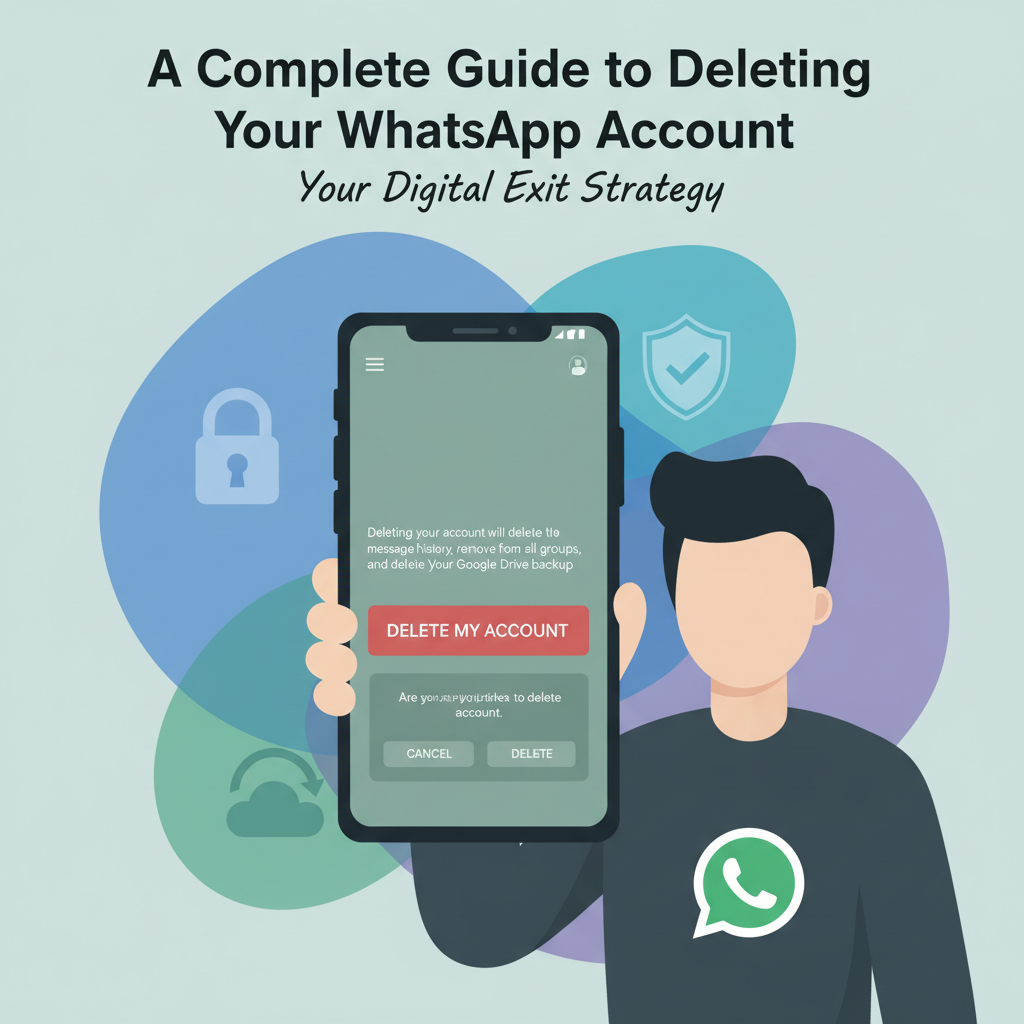
Thinking about leaving WhatsApp? Whether it’s for privacy reasons, switching messaging apps, or simply taking a break, deleting your WhatsApp account is a straightforward process—but it’s important to understand what happens next. In this article, we’ll guide you through every step, what to expect after deletion, and answer common questions about data and privacy.
How to Delete Your WhatsApp Account and What Happens Next
To begin deleting your WhatsApp account, open the WhatsApp app on your device. On Android, tap the three dots in the top right corner, go to Settings, then Account, and choose Delete my account. On iOS, tap Settings at the bottom right, then Account, and select Delete My Account. You’ll be prompted to enter your phone number in full international format to confirm the deletion. Before moving forward, it’s wise to backup any important data. Go to Settings > Chats > Chat backup to save your chat history to Google Drive (Android) or iCloud (iOS), noting that this backup becomes inaccessible once you delete your account.
Deleting your WhatsApp account permanently erases your message history, groups, profile photo, and settings from WhatsApp’s servers. According to WhatsApp’s official help documentation and summarized on Wikipedia, deletion is irreversible: you lose all chat history, and you’re removed from all WhatsApp groups. Your Google Drive or iCloud backup will also be effectively useless, as you won’t be able to link it to a new account created with the same number. Media files already downloaded to your phone remain, but anything stored in-app is lost.
WhatsApp states that messages or user data stored in backup for third-party services or on contacts’ devices aren’t deleted. Your information may linger in WhatsApp’s backup systems for up to 90 days, per their privacy policy, but is inaccessible from the app or to you. If you’ve used WhatsApp on other connected devices or via WhatsApp Web, those sessions are terminated upon deletion.
Let your contacts know about your plans before deleting your account, as your presence will vanish from their WhatsApp lists. Save any necessary contacts or media outside WhatsApp to ease the transition. Be mindful that you won’t be able to restore any data after deletion, so double-check backups and downloaded media for anything you want to keep before taking this final step.
Conclusions
Deleting your WhatsApp account is a big decision, as it permanently removes your messages, backups, and associated data. Understanding the process ensures no surprises, so follow the steps carefully and weigh the implications. If you want added privacy or plan to switch to another service, be sure your digital life is managed securely going forward.