

 Русский
 Bahasa Indonesia
 فارسی
فارسی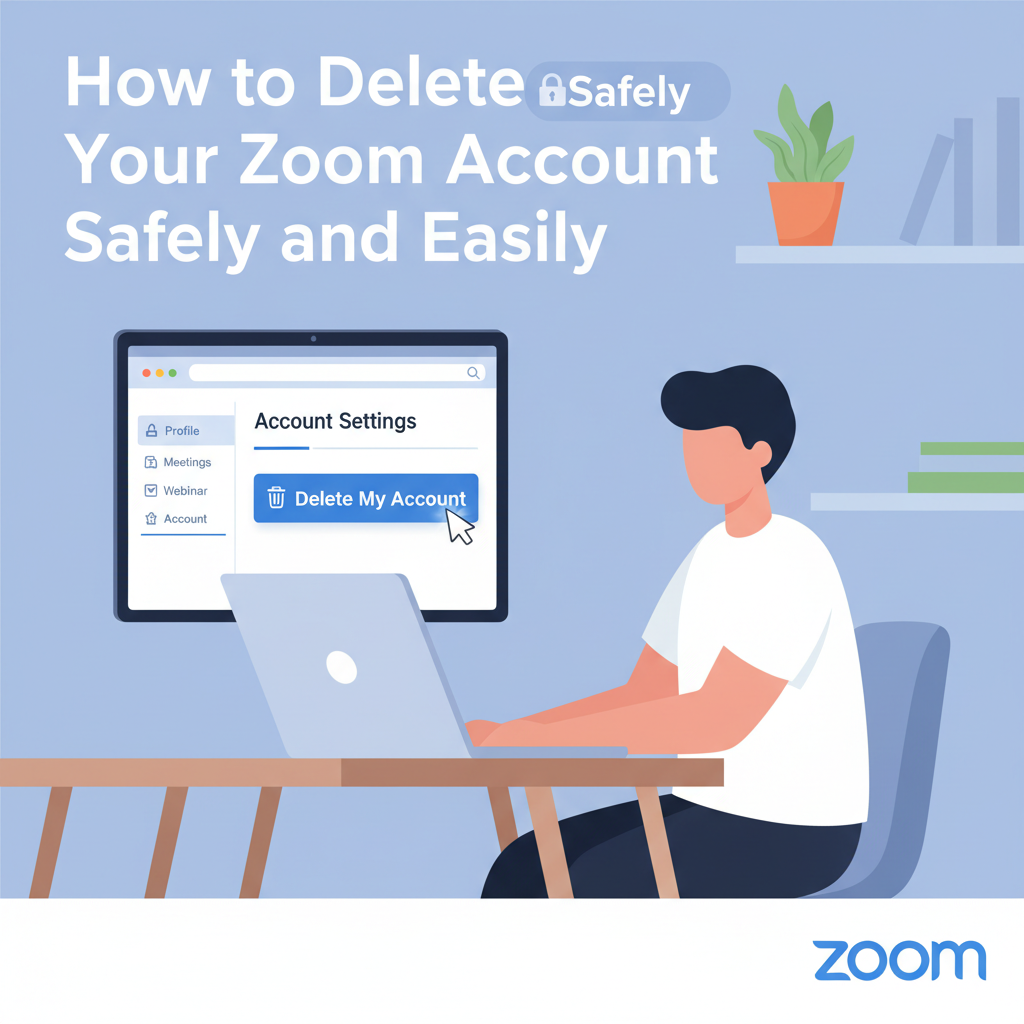
Deleting your Zoom account might be necessary if you no longer use the service, are concerned about privacy, or want to manage your digital footprint. In this guide, we’ll walk you through the entire process of closing your Zoom account safely, ensuring you understand what happens to your data and the steps required for a smooth deactivation.
Step-by-Step Instructions for Deleting Your Zoom Account
Only the owner of an individual Zoom account—not members within a managed organization or business account—has the direct ability to permanently delete that account. If you’re certain you want to close your Zoom account, take the following detailed steps to ensure a safe and complete removal. Begin by logging into the Zoom web portal at zoom.us using your account credentials. It’s important to perform these actions on the web; the desktop or mobile app does not offer account termination features.
Once logged in, locate the navigation menu on the left-hand side. Scroll to the Admin section and select Account Management. Within this menu, click on Account Profile. Here, you’ll find the option called Terminate My Account at the bottom of the page. Clicking this button will prompt you with a final confirmation dialog, asking you to verify that you truly wish to delete your account. Confirming this step is critical—once completed, your Zoom account and all associated data become permanently inaccessible.
It’s wise to review your account for any ongoing subscriptions, unsettled payments, or scheduled meetings before you proceed. Cancel all recurring plans or delete meeting invites to avoid potential disruptions or unwanted charges.
According to Zoom’s privacy policy and data retention guidelines cited on Wikipedia and their official site, your personal information—including meeting data, recordings, and user content—is removed from Zoom’s systems except as required by law or essential for business and security purposes. This means deletion is final and cannot be reversed, so take a moment to export any valuable conversations, contacts, or files you may want before initiating the process. These final best practices will ensure you have thoroughly managed your account, minimizing risks related to forgotten data or upcoming events, and guarantee your Zoom presence is fully and properly removed.
Conclusions
Closing your Zoom account is a straightforward process if you follow the right steps. By understanding how deletion affects your data, you can confidently manage your online presence. If you ever wish to return, it’s simple to create a new account. Make sure to review your settings and any associated subscriptions before finalizing your decision.