

 Русский
 Bahasa Indonesia
 فارسی
فارسی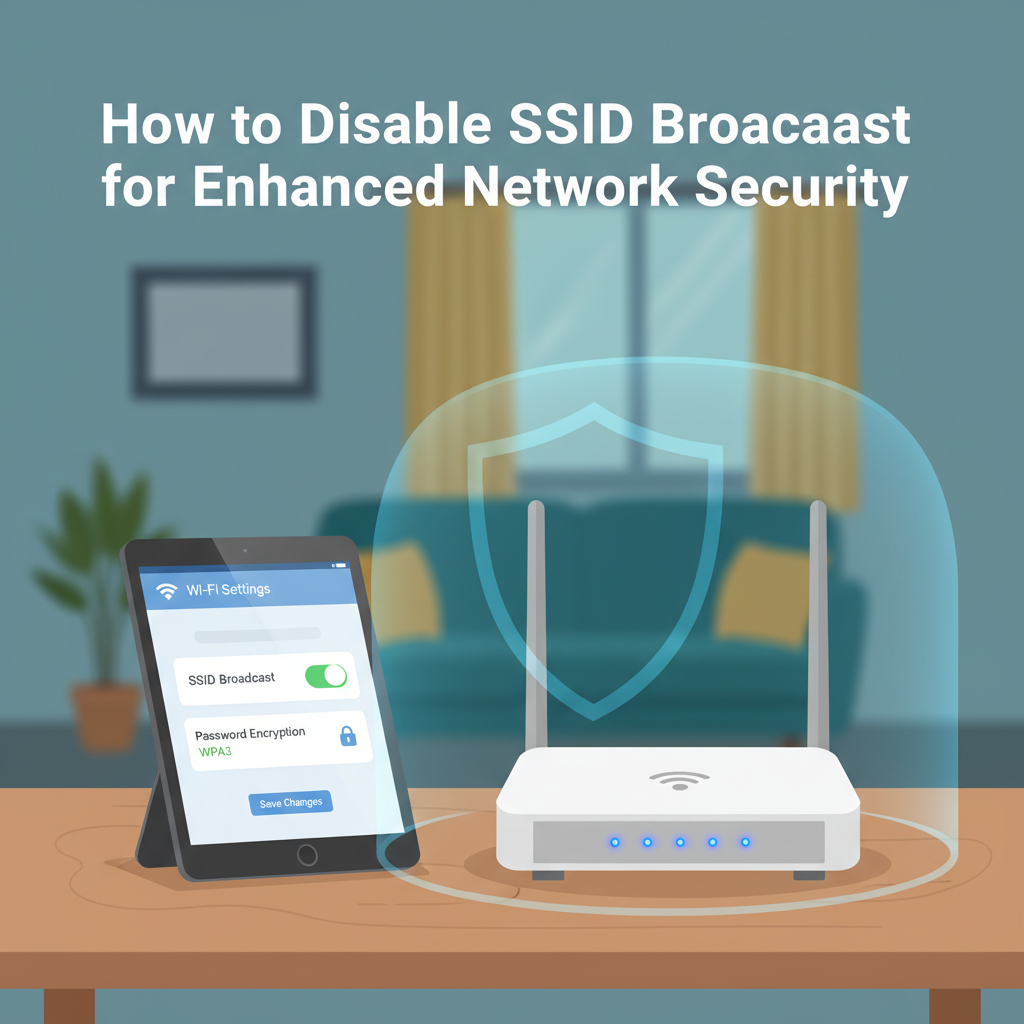
Disabling SSID broadcast is a popular method to enhance wireless network security by hiding your Wi-Fi’s name from nearby devices. This article explores how to disable your router’s SSID broadcast, why you might want to do so, and the implications for your home or office network. Learn to control your Wi-Fi visibility effectively.
Disabling SSID Broadcast on Your Router
Every Wi-Fi router broadcasts a Service Set Identifier (SSID), which is simply the network name you see when searching for available Wi-Fi connections on your device. By default, routers transmit this SSID so it can be easily discovered by nearby devices, enabling users and guests to conveniently connect to the network. This functionality is intended to streamline network setup, making it easy for new devices to locate and join your Wi-Fi. However, users seeking enhanced privacy may choose to disable SSID broadcast, essentially “hiding” the network name from casual scanning.
To disable SSID broadcast on a typical home router, first connect your computer to the router—preferably via Ethernet cable for stability. Open a web browser and enter the router’s admin IP address, commonly 192.168.0.1 or 192.168.1.1. After logging in with your credentials, navigate to the wireless settings section. Here, you’ll find an option often labeled as ‘Enable SSID Broadcast,’ ‘Broadcast SSID,’ or ‘Visibility Status.’ Uncheck this option and save your changes. The broadcast will now be disabled, and your network name will not appear in Wi-Fi search lists.
Disabling SSID broadcast introduces certain consequences. For instance, devices will not automatically detect your network—you must manually enter the network’s SSID on each device. Some older devices or IoT products may struggle to connect to non-broadcast networks, potentially causing compatibility issues. According to sources such as Wikipedia and networking best-practices tutorials, hiding the SSID provides only superficial security. Skilled attackers can still detect hidden networks via network traffic analysis because management frames containing the SSID are still transmitted during connection attempts. Therefore, it is vital to pair SSID hiding with robust encryption methods such as WPA2 or WPA3. While disabling SSID broadcast improves privacy from casual scanning, it should be considered an additional precaution, not a substitute for comprehensive wireless security.
Conclusions
Disabling SSID broadcast is a straightforward way to make your network less visible to casual users. Although not a foolproof security measure, when combined with strong encryption and authentication, it enhances your wireless network’s safety. Consider your needs carefully—hiding the SSID offers privacy, but always maintain robust security practices for optimal protection.