

 Русский
 Bahasa Indonesia
 فارسی
فارسی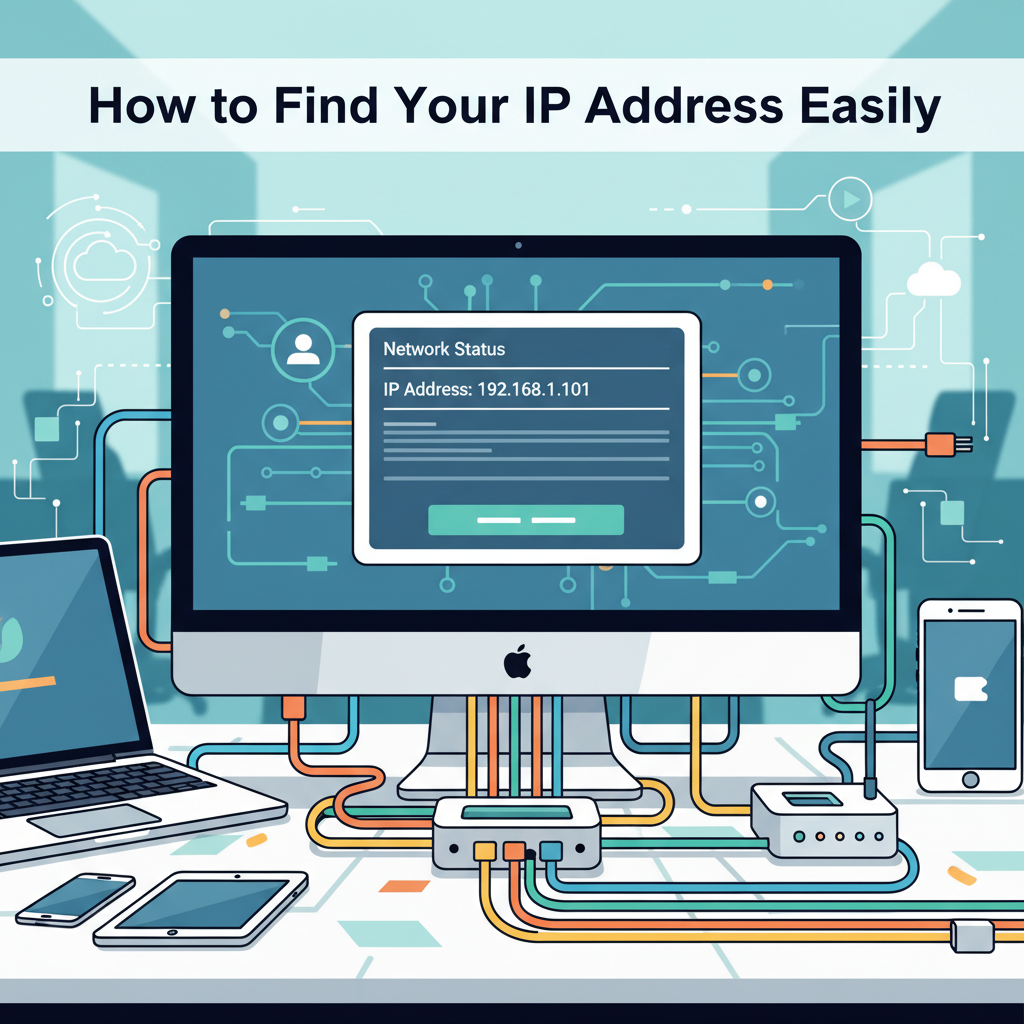
Knowing your IP address is essential for troubleshooting network issues, enhancing online privacy, or configuring devices. This article walks you through different methods to easily find your IP address on various operating systems and devices. Learn the differences between public and private IP addresses and why this information matters for your online security and connectivity.
Methods to Find Your IP Address on Any Device
To locate your IP address, begin by identifying whether you need your private or public IP. Your private IP is assigned by your router and is used within your local network, while your public IP is visible to the internet and is assigned by your Internet Service Provider. For Windows, open Command Prompt and enter ipconfig. Your IPv4 address will appear under your network adapter, representing your private IP. For your public IP, visit a trusted site like whatismyip.com. On macOS, go to System Preferences > Network, select your connection, and your private IP will be displayed. Alternatively, open the Terminal and type ifconfig to find it listed under your active interface.
For Linux users, open Terminal and type hostname -I or ip addr show to display private IPs. As with other platforms, use an online tool for the public IP. For Android devices, open Settings > Network & Internet > Wi-Fi, tap the Wi-Fi you’re connected to, and your private IP will be listed. iOS users can access Settings > Wi-Fi, tap the connected network, and view the IP address.
You may need your IP address for remote troubleshooting, setting up a secure connection, or configuring network devices. Keep in mind that your public IP can reveal your approximate location online. For greater privacy, consider using a Virtual Private Network (VPN) to mask your true public IP during online activities. Knowledge of your IP addresses is critical for diagnosing connection problems, enhancing security settings, or managing smart home networks. Remember, your private IP stays within your network while your public IP represents you on the internet.
Conclusions
Understanding how to find your IP address empowers you to manage your online presence and troubleshoot network problems. By following the outlined steps, you can locate your IP quickly, whether at home or on the go. Regularly checking your IP address enhances your awareness of security and connectivity issues, keeping your digital experience safe and efficient.