

 Русский
 Bahasa Indonesia
 فارسی
فارسی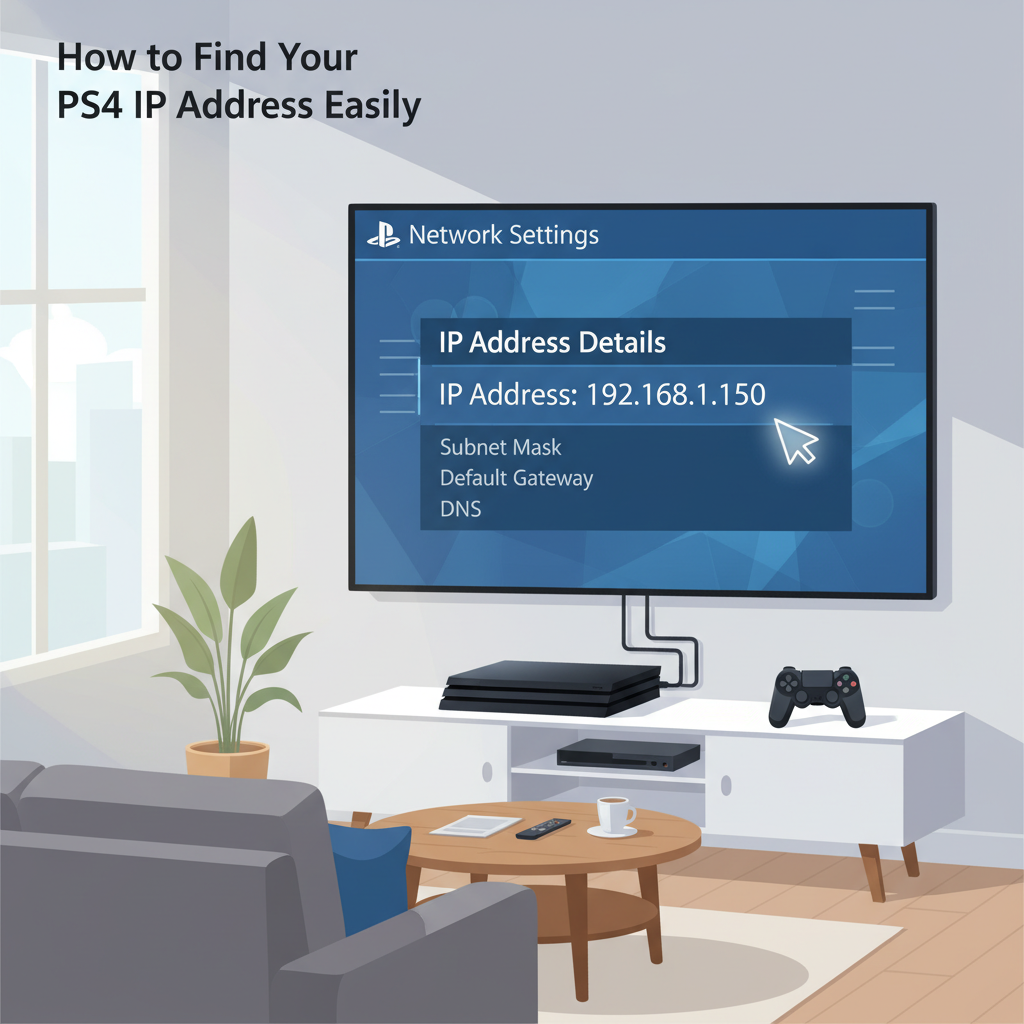
Knowing your PlayStation 4’s IP address is important for troubleshooting, online gaming configurations, and enhancing your network security. This guide will show you step-by-step how to easily locate your PS4’s IP address directly from your console’s settings, ensuring you can manage your network connections with confidence.
Step-by-Step Guide to Finding Your PS4 IP Address
To locate the IP address of your PlayStation 4, begin at the console’s home screen. Using your controller, press the PS button to make sure you are on the main menu. Scroll up to access the function area, then navigate right until you highlight the icon labeled Settings.
Select Settings by pressing the X button. Within the Settings menu, scroll down and select Network. This section is dedicated to all network-related configurations and status. Once inside the Network menu, choose View Connection Status. The PS4 will take a moment to retrieve your current networking information. After the information loads, a screen will appear displaying a range of network details, including your console’s IP Address, Subnet Mask, Default Gateway, and DNS Servers.
Your IP address is a unique identifier assigned by your router to your PS4 on your local network. This IP address is crucial for advanced network settings like port forwarding, setting up a DMZ, or connecting your PS4 to remote services. The IP address also plays a vital role in multiplayer gaming, ensuring the communication between your PS4 and game servers or other players’ consoles is routed correctly. According to Wikipedia, an IP address can also help diagnose connectivity or network issues on your local network.
If you do not see networking details or encounter issues, ensure your PS4 is connected to the internet—either via Ethernet cable or Wi-Fi. You may need to restart your PS4 or reset your router if information doesn’t appear. In cases of persistent problems, checking cables and confirming your wireless password can resolve most network visibility issues. Additionally, be mindful not to share your IP address publicly, as it could expose your network to unwanted access attempts.
Conclusions
Finding your PS4 IP address is straightforward through the console’s settings menu. By following the easy steps in this guide, you can quickly access your network information for advanced configuration or connection troubleshooting. Keeping this information handy can improve your online gaming experience and help you stay connected without unnecessary hassle.