

 Русский
 Bahasa Indonesia
 فارسی
فارسی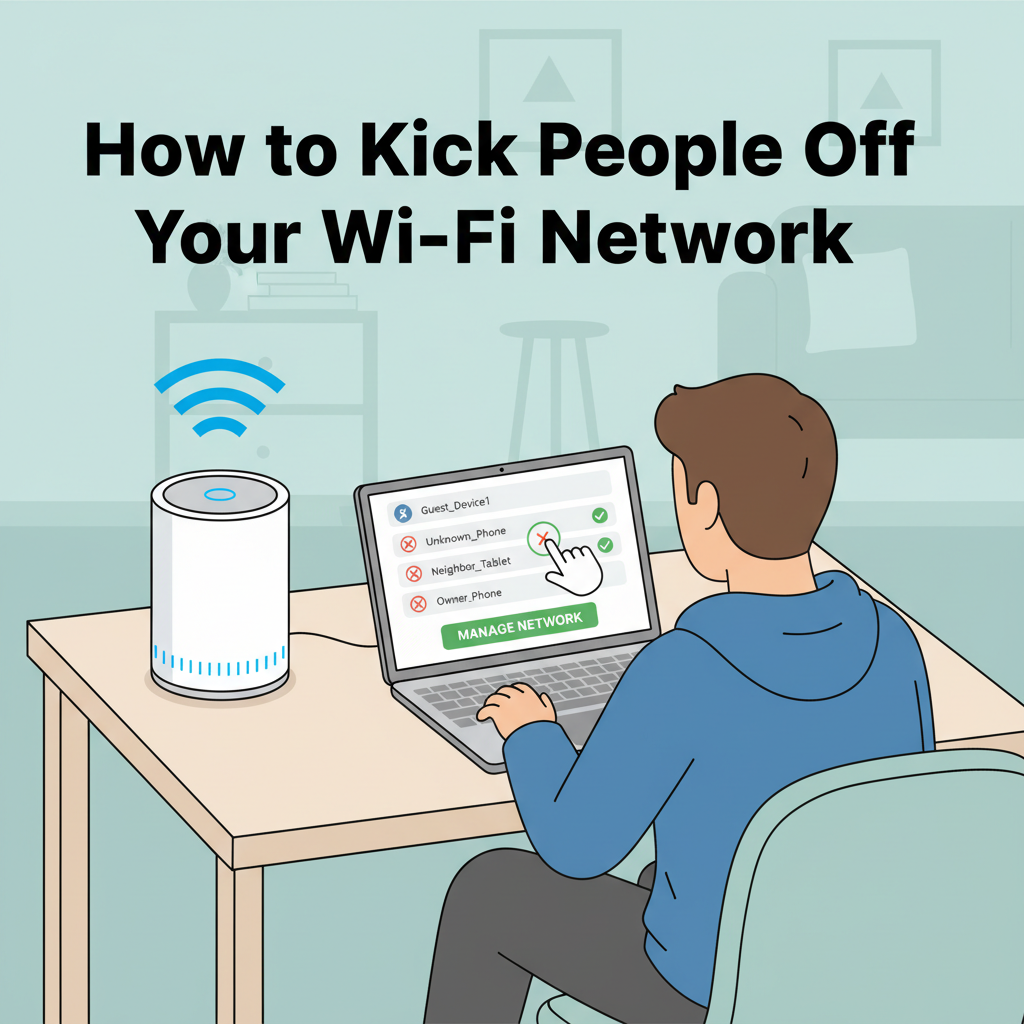
Are you noticing slow internet speeds or unfamiliar devices on your Wi-Fi network? Knowing how to remove unwanted users is key to ensuring your connection remains fast and secure. In this guide, you’ll learn the essential steps to identify, manage, and kick people off your Wi-Fi safely, maintaining both privacy and optimal performance.
Identifying and Removing Unauthorized Devices
To regain full control of your wireless network, identifying and removing unauthorized devices is a key step. Begin by accessing your router’s admin panel—typically done by entering the router’s IP address (such as 192.168.1.1 or 192.168.0.1) into your web browser. Log in using your admin credentials. Once inside, locate the section labeled “Connected Devices” or “Device List.” Here, you’ll see a list of all devices currently connected, usually identified by their device names, IP addresses, and MAC addresses.
Carefully review this list—unknown device names, unfamiliar brands, or connections at odd hours may indicate unauthorized users. To verify, cross-check the MAC addresses of your household’s legitimate devices, as most operating systems display this information in network settings. If unsure about a particular device, temporarily change your Wi-Fi password and see which devices reconnect, as only authorized users with the new password will regain access.
To remove these devices, begin by changing your Wi-Fi password. This immediately disconnects all users and prevents unauthorized re-entry. Subsequently, implement MAC address filtering—a feature on many routers that allows you to whitelist approved devices by their unique hardware addresses. While MAC spoofing exists, this is still an extra layer of protection. Additionally, many modern routers include granular features like client blocking or parental controls, letting you directly block specific devices or set schedules for connectivity.
Make it a routine to periodically inspect your connected devices list to spot new or suspicious connections. By staying vigilant and leveraging these tools, you ensure that only trusted devices use your network. For more on Wi-Fi security and best practices, reputable sources such as Wikipedia’s articles on Wi-Fi Protected Access and Access Control offer comprehensive explanations of these protocols.
Conclusions
Securing your Wi-Fi network and managing who can access it is crucial for both your privacy and internet speed. By regularly monitoring connected devices, updating passwords, and utilizing your router’s control features, you can efficiently remove unauthorized users. Take proactive measures to keep your network safe and enjoy a reliable online experience.