

 Русский
 Bahasa Indonesia
 فارسی
فارسی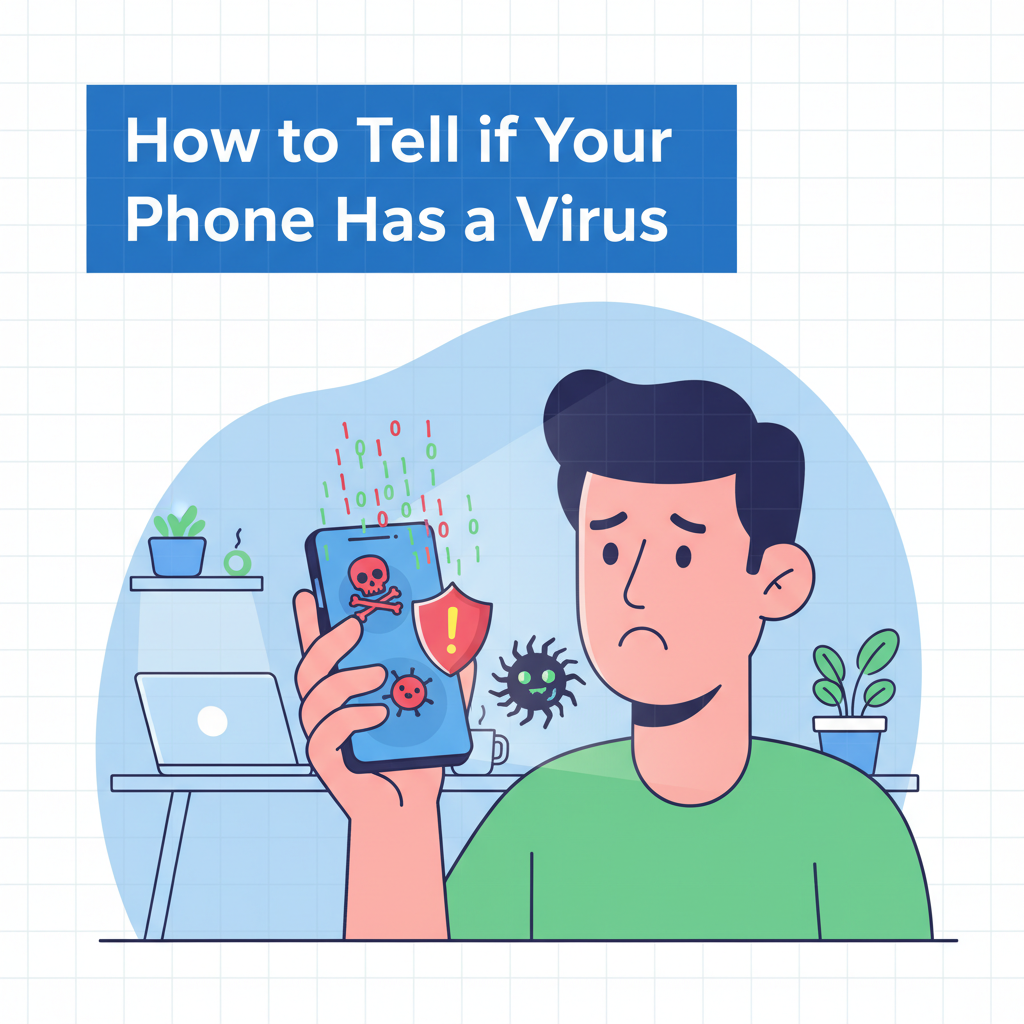
Mobile phones are now essential in our daily lives, but they’re also prime targets for viruses and malware. Recognizing early warning signs can help protect your data and device. In this article, you’ll discover how to know if your phone has a virus and what to do if you suspect an infection.
Common Signs Your Phone May Have a Virus
- Sluggish Device Performance: One of the most noticeable symptoms of a virus or malware on your phone is a sudden slowdown in performance. Malicious software often runs processes in the background, consuming memory and processing power. This extra burden can make apps open slowly, cause lag when switching between screens, or even lead to frequent freezing. If you’ve cleared your cache and closed apps, but your device is still much slower than usual, malware could be to blame.
- Rapid Battery Drainage: Efficient malware is designed to operate in stealth mode, but its activity can still have a significant impact on your battery life. Compromised phones may experience rapid battery depletion because of hidden processes continuously running in the background or because the device is being used to send data without your knowledge. If you notice your battery percentage dropping faster than usual, despite similar usage patterns, investigate which apps are consuming the most power.
- Excessive Pop-Ups or Strange Ads: If you are seeing an unusual increase in intrusive ads, pop-ups, or redirects—especially when not using your browser—the cause may be adware or other forms of malware. This software hijacks your system to display unwanted content, often leading to phishing pages or further infections. It’s crucial to avoid tapping on suspicious ads and to check for unauthorized changes in your browser settings.
- Unexplained Data Usage Increases: Significant, unexplained spikes in data usage are another sign of a possible infection. Many types of malware rely on an internet connection to send information back to attackers, download new payloads, or display ads. Monitor your data usage statistics, and if you see unexpected surges, cross-check which apps are using bandwidth.
- Unexpected App Crashes or Unfamiliar Apps: If commonly used apps crash frequently or if you spot apps you don’t remember installing, be cautious. Malicious apps sometimes disguise themselves as legitimate system apps, or hide entirely. Review your installed apps list carefully and uninstall anything unfamiliar or that requests more permissions than it should.
Being vigilant about these signs is key. Investigate suspicious behavior by reviewing battery and data usage in your device settings, uninstalling unfamiliar apps, and scanning your device with a reputable antivirus app. Most importantly, keep your software updated and be aware of what legitimate activity looks like on your device—so that when something is amiss, you’ll catch it early.
Conclusions
Identifying if your phone has a virus requires vigilance and awareness of unusual signs like slow performance or strange pop-ups. Staying updated with security measures and avoiding suspicious downloads help keep your phone safe. Act swiftly if you notice any symptoms—early intervention can protect your data and privacy.