

 Русский
 Bahasa Indonesia
 فارسی
فارسی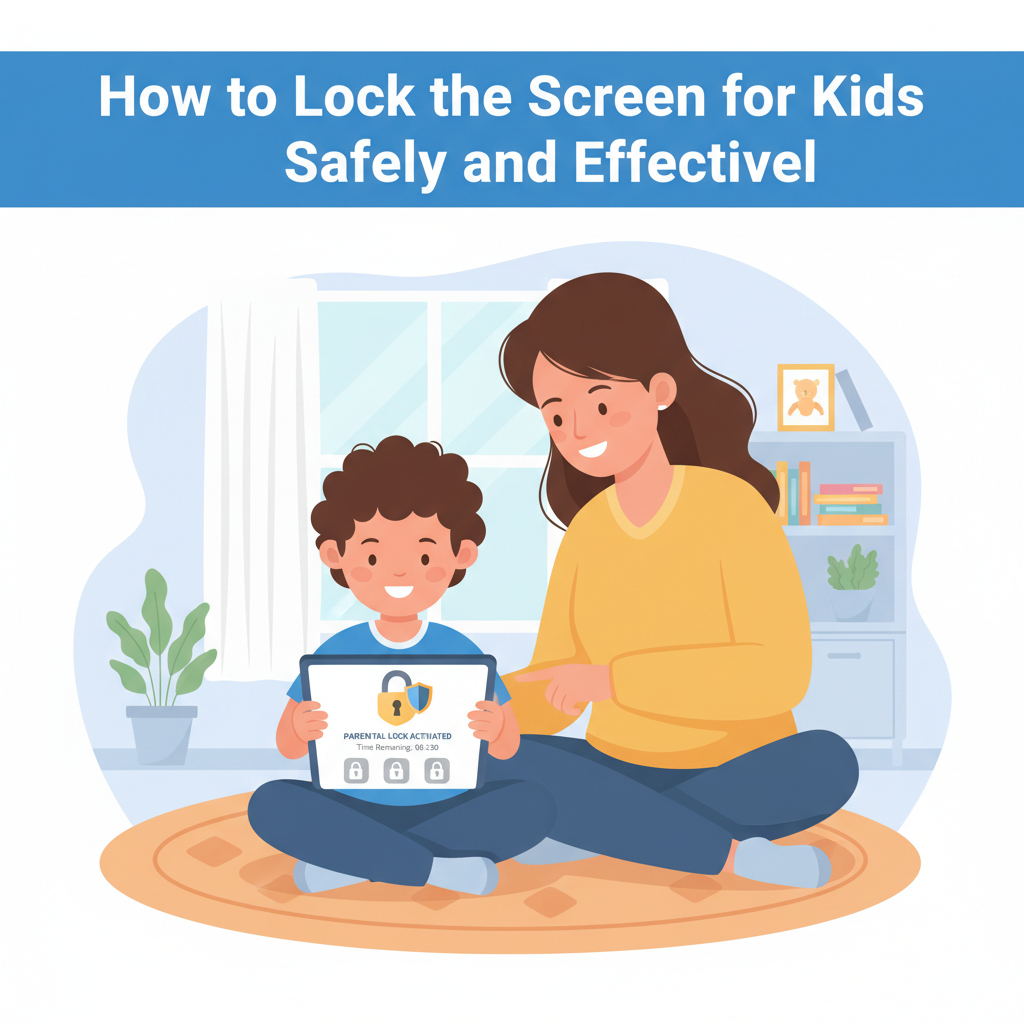
With children using digital devices at ever-younger ages, keeping them safe online and managing their screen time has become a priority for parents. This article explores the most effective ways to lock screens for kids, offering step-by-step guidance and practical tips to help you create a secure and child-friendly digital environment.
Best Methods and Tools to Lock Screens for Kids
When it comes to locking screens for children, a combination of device settings, parental control apps, and physical safeguards offers robust protection and flexibility. On Android devices, the Digital Wellbeing & Parental Controls system provides app timers, content filters, and bedtime schedules, all managed through user-friendly settings. For deeper control, Google Family Link stands out; it enables parents to remotely lock devices, approve downloads, and set precise daily limits. The pros include centralized management and remote locking; however, determined children can sometimes circumvent these settings, especially on older devices or with tech knowledge.
Apple’s Screen Time makes iPhones and iPads highly customizable. Parents can lock devices, block inappropriate content, schedule device downtime, and restrict access to certain apps or features. The greatest strengths are its integration with the Apple ecosystem and intuitive usage. A limitation, though, is that some app restrictions may not cover all content within apps, so regular review of settings is essential.
On Windows, Microsoft Family Safety is the go-to tool. Parents can control screen time schedules, filter web content, and monitor activity directly from their Microsoft account. Pros include seamless integration across devices running the same account, but it is less effective on shared computers and older systems.
Physical childproof cases add an extra safety layer by limiting kids’ ability to access buttons or ports, thus keeping devices tamper-resistant.
To optimize these methods, parents should regularly adjust settings as children grow, engage in open conversations about screen boundaries, and model balanced screen use themselves. Balancing restrictions with trust, alongside using reliable tools, goes a long way in fostering safe and healthy digital habits.
Conclusions
Implementing screen locks for kids is a crucial step in protecting them from inappropriate content and excessive screen time. By using the right tools and settings, parents can provide a safer and more balanced digital experience, fostering healthy tech habits. Taking action now ensures your child explores the online world with guidance and confidence.