

 Русский
 Bahasa Indonesia
 فارسی
فارسی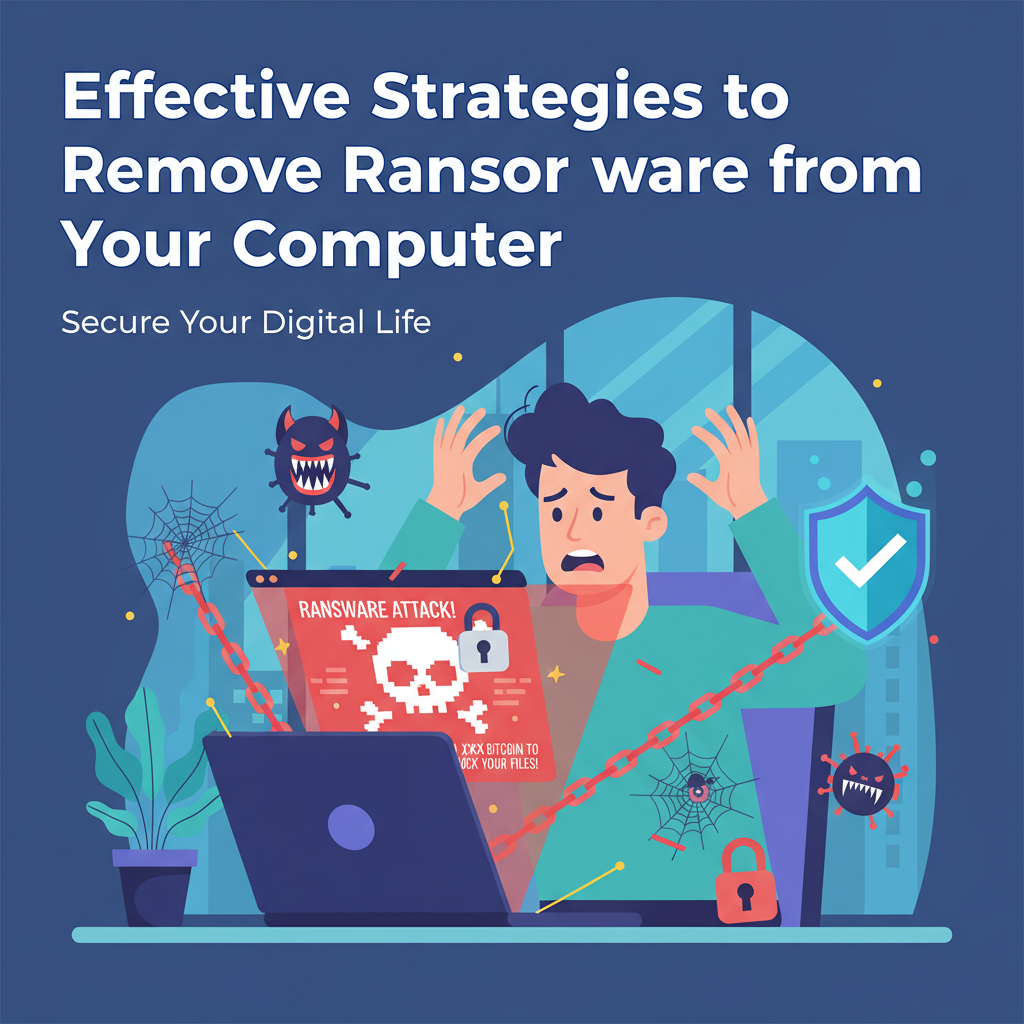
Ransomware is a growing threat, locking users out of their files and demanding payment for access. Removing ransomware can be complex, but with the right steps, you can protect your data and restore your system. This guide explores proven methods to eliminate ransomware, restore your files, and strengthen your defenses against future attacks.
Step-by-Step Guide to Removing Ransomware
Recognizing a ransomware infection early is critical to containing its spread. Among the most definitive signs are sudden changes to your files—particularly when documents, images, and applications display unfamiliar extensions, or their icons appear altered. Frequently, ransomware attackers will leave digital ransom notes either as desktop backgrounds or as files scattered throughout affected folders, often with instructions for payment and threats about data destruction. Other indicators include sluggish system performance, inability to access certain programs, or persistent pop-up messages warning of encryption.
Upon suspecting an infection, it is imperative to immediately disconnect your computer from the internet and any internal network. This action helps thwart the malware’s attempts to spread to nearby devices or cloud storage. Do not pay the ransom; payment rarely guarantees the safe return of your data and only incentivizes further attacks.
To begin removal, reboot the computer in Safe Mode to limit the ransomware’s ability to operate. Once isolated, deploy a reputable antimalware or dedicated ransomware removal tool, ensuring it is updated to the latest virus definitions. Trusted sources such as Malwarebytes, Kaspersky, and Emsisoft provide specialized tools capable of scanning and eradicating numerous ransomware variants. If the infection prevents installation of these tools, attempt to use a portable scanner from a clean USB drive.
If a system restore point exists, utilize the System Restore function to revert your operating system to a time before the attack. Should your files be compromised, restore them from recent secure backups, verifying that backups predate the infection. After successful remediation, update your operating system and all software to eliminate vulnerabilities, activate automated security updates, and enhance future resilience by regularly backing up important data. Reliable cybersecurity advisories, such as those from the National Cyber Security Centre and CISA, strongly endorse these practices.
Conclusions
In summary, removing ransomware involves careful identification, using trusted solutions, and restoring data from secure backups. Never pay the ransom, as there is no guarantee your files will be restored. Prevention, regular updates, and backing up data are key to minimizing risk. Stay proactive to keep your system safe from future attacks.