

 Русский
 Bahasa Indonesia
 فارسی
فارسی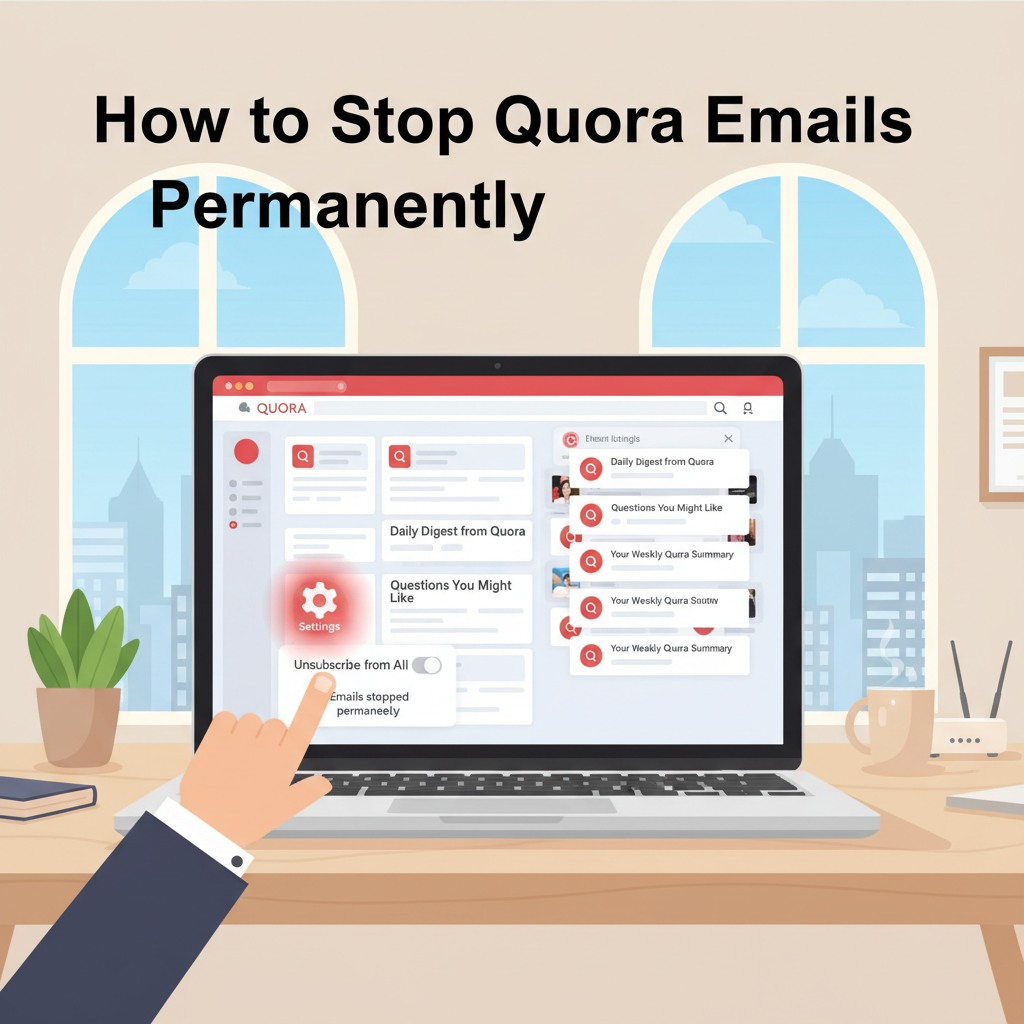
Tired of a cluttered inbox caused by endless Quora notifications? Many users find Quora’s frequent emails overwhelming. In this article, we’ll guide you through effective steps to stop Quora emails, so you can regain control over your email inbox and focus on messages that truly matter.
Disabling and Managing Quora Email Notifications
To put an end to unwanted Quora emails, it is crucial to manage your notification preferences directly through the platform’s settings. Begin by logging into your Quora account using your preferred web browser. After you’ve logged in, locate your profile picture or initials in the top right corner of the screen, click on it, and select “Settings” from the menu that appears. Once inside the Settings dashboard, look for the “Email & Notifications” tab on the left sidebar—this section houses all the controls for email and push notification preferences.
Here you will see a series of options related to different types of Quora communications, such as answer requests, comment notifications, digest emails, and promotional messages. To stop receiving specific types (or all) of these emails, carefully review each toggle and notification category. Deselect or turn off all the options that you do not wish to receive in your inbox. This granular control allows you to silence only certain notifications while keeping others, tailoring your Quora experience to your preference.
Alternatively, you may unsubscribe from Quora emails directly through the messages you receive. At the bottom of every Quora email, you’ll find an “Unsubscribe” link. Clicking this link will either immediately stop that type of communication or redirect you to your Email & Notifications settings for more detailed adjustments.
Making these updates benefits your digital privacy by reducing the amount of personal data processed for marketing communications and helps declutter your inbox, improving your overall online experience. According to Quora’s help documentation, changes to your email preferences typically take effect quickly but may require up to 24 hours.
If, after adjusting your settings, you continue to receive unwanted emails, try clearing your browser’s cache and cookies and double-check all saved settings. If persistent emails continue, reach out to Quora’s support through their Help Center with details about the issue. As also noted in Wikipedia’s email notification articles, email platforms sometimes have delays or technical issues; thus, patience and persistence are key to resolving notification problems permanently.
Conclusions
Managing Quora notifications helps you protect your inbox from overload and ensures you only receive relevant communications. By taking advantage of Quora’s settings and unsubscribing options, you can drastically reduce or completely stop unwanted emails. Take these steps today to enjoy a cleaner, more organized email experience.