

 Русский
 Bahasa Indonesia
 فارسی
فارسی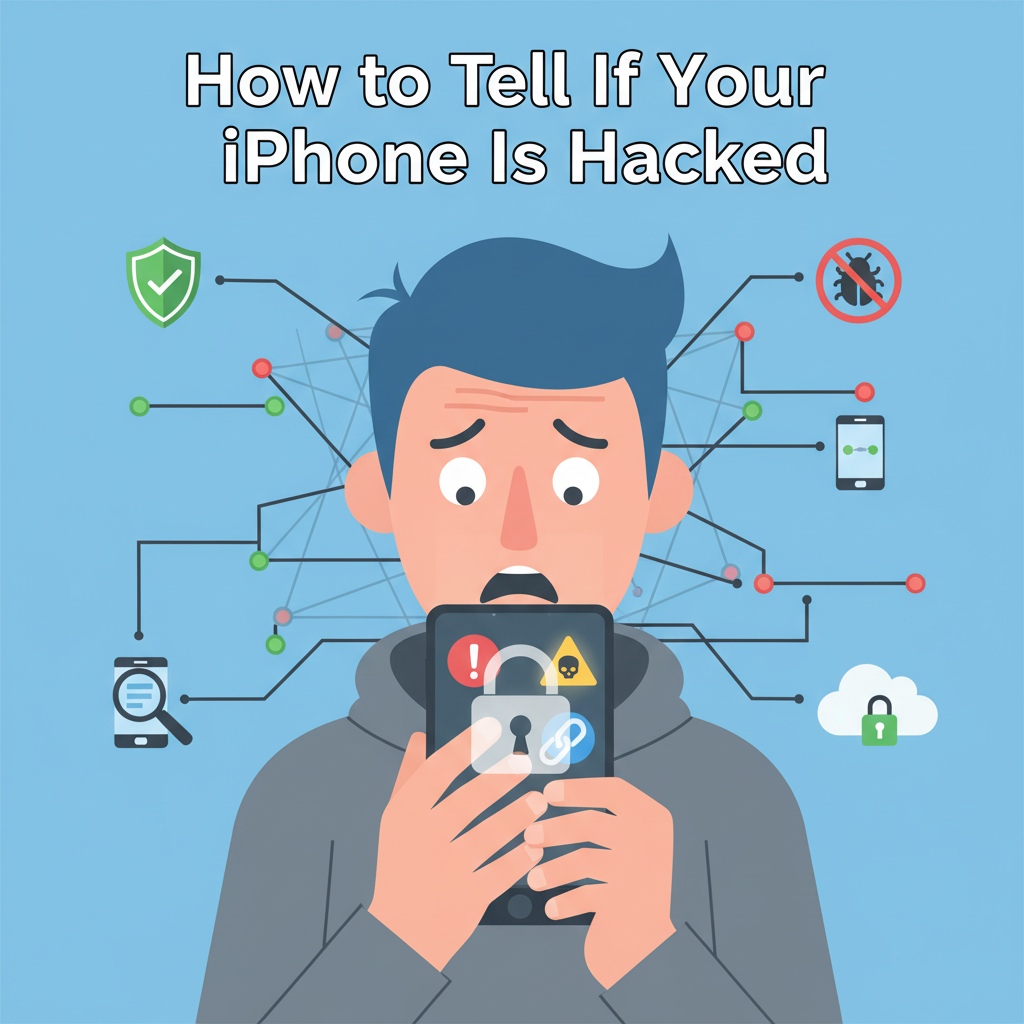
Worried your iPhone might be compromised? With hacking attempts on the rise, it’s important to recognize key warning signs. This article covers the most common indicators that your iPhone has been hacked and provides actionable advice to enhance your device’s security. Learn how to detect suspicious activity and protect your personal information effectively.
Key Signs Your iPhone Might Be Hacked
Unusual battery drain can be one of the clearest indicators your iPhone may be compromised. Sophisticated spyware and malicious apps often run continuously in the background, consuming energy rapidly as they track your location or monitor communications. If your battery starts to deplete much faster than usual, especially when you haven’t installed any new apps or increased your device usage, it’s worth investigating.
Unexpected spikes in data usage are another red flag. Malware designed to steal information or transmit your activity logs will require network access, causing data consumption to increase sharply. Reviewing your cellular data usage in your device settings can reveal if unknown apps are consuming large amounts of data.
Unfamiliar apps installed without your knowledge should be treated with suspicion. Hackers can exploit vulnerabilities or trick users into granting installation permissions — sometimes disguising spyware as innocuous-looking apps. If you find applications you don’t recognize, research them and remove anything suspicious.
Persistent pop-ups or unexpected ads, especially outside of browsers, may indicate malicious software is present. Not only are they disruptive, but such pop-ups can also harbor links to phishing sites or further facilitate malware downloads.
Receiving strange messages from your own device, or if your contacts report odd texts you didn’t send, is a classic sign of compromise. Malware may exploit messaging permissions to propagate itself or phish additional information.
Sudden sluggish performance can arise when malicious processes overwork your phone’s processor and resources. While normal aging can slow devices, a sharp decline in performance, especially after suspicious incidents, may signal hacking activity.
To investigate, check the permissions of your installed apps and see which have unnecessary access to your camera, microphone, or location. Confirm your device is running the latest iOS version, as older versions are more vulnerable to known exploits. Regularly reviewing these indicators and boosting your security settings can substantially reduce your risk of future intrusions.
Conclusions
Recognizing the warning signs of a hacked iPhone is the first step to protecting your data and privacy. By staying vigilant and following recommended security practices, you can minimize risks and keep your device secure. Always update your software, use strong passwords, and know the signs of unauthorized access to maintain peace of mind.