

 Русский
 Bahasa Indonesia
 فارسی
فارسی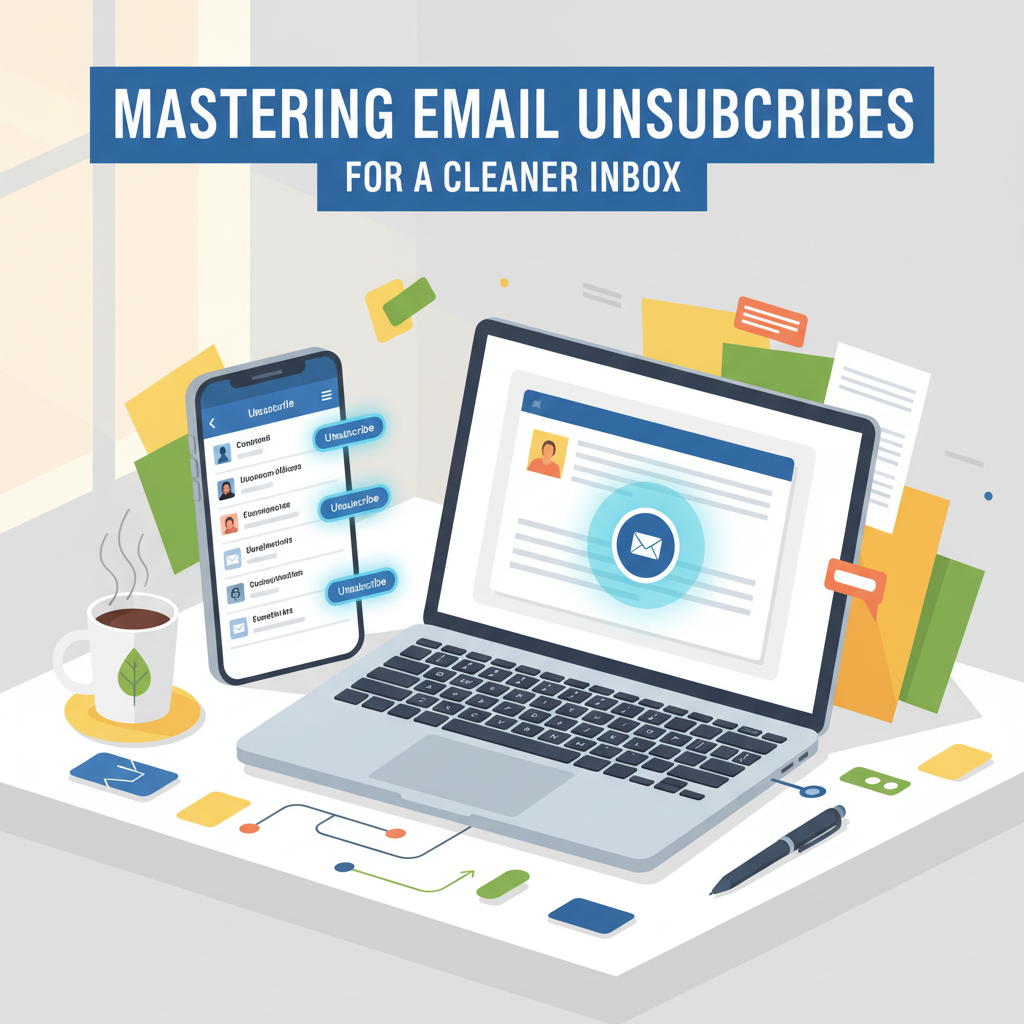
Tired of an overflowing inbox filled with promotional or unwanted emails? Learning how to unsubscribe from emails is an essential digital skill. This guide will show you legitimate and effective methods to stop receiving unwanted messages, reduce spam, and regain control of your email experience without missing important communications.
The Most Effective Ways to Unsubscribe from Emails
One of the most reliable ways to declutter your inbox from promotional or marketing messages is to use the official ‘Unsubscribe’ link, usually found at the bottom of such emails. Major email service providers and anti-spam organizations recommend this approach, as it offers a direct and compliant means to opt out from persistent senders. When you open a marketing email, scroll to the email’s footer and look for an ‘Unsubscribe’, ‘Manage Preferences’, or similar phrase—these are typically required by laws like the CAN-SPAM Act.
Once you click the unsubscribe link, you’ll often be taken to a confirmation page where you may need to verify your choice or select email frequency options. It’s essential to complete the process as instructed to ensure your preference is registered. For greater efficiency, both Gmail and Outlook now feature built-in unsubscribe tools. In Gmail, a convenient unsubscribe prompt appears at the top of many promotional messages, allowing you to opt out with a single click. Similarly, Outlook may surface an unsubscribe button for known bulk senders.
In some cases, you might still receive unwanted emails after unsubscribing, especially from less reputable sources. Mark these messages as spam, which not only helps remove them from your inbox but also trains your email provider’s filters to recognize and block similar content. You can also create email filtering rules for recurring nuisances that bypass traditional methods.
Exercise caution when clicking unsubscribe links—only use links from senders you recognize, as phishing scams often mimic unsubscribe buttons to harvest information or spread malware. Periodically review your privacy and communication settings with online services; limiting data sharing and adjusting communication preferences can further minimize unwanted email and enhance your inbox control.
Conclusions
By following the right steps to unsubscribe, you can enjoy a clutter-free inbox and cut down on distractions. Always use official unsubscribe links or tools within your email service for the best results, and stay vigilant about your privacy and security when managing subscriptions. Taking time to manage your inbox will help you communicate more efficiently every day.