

 Русский
 Bahasa Indonesia
 فارسی
فارسی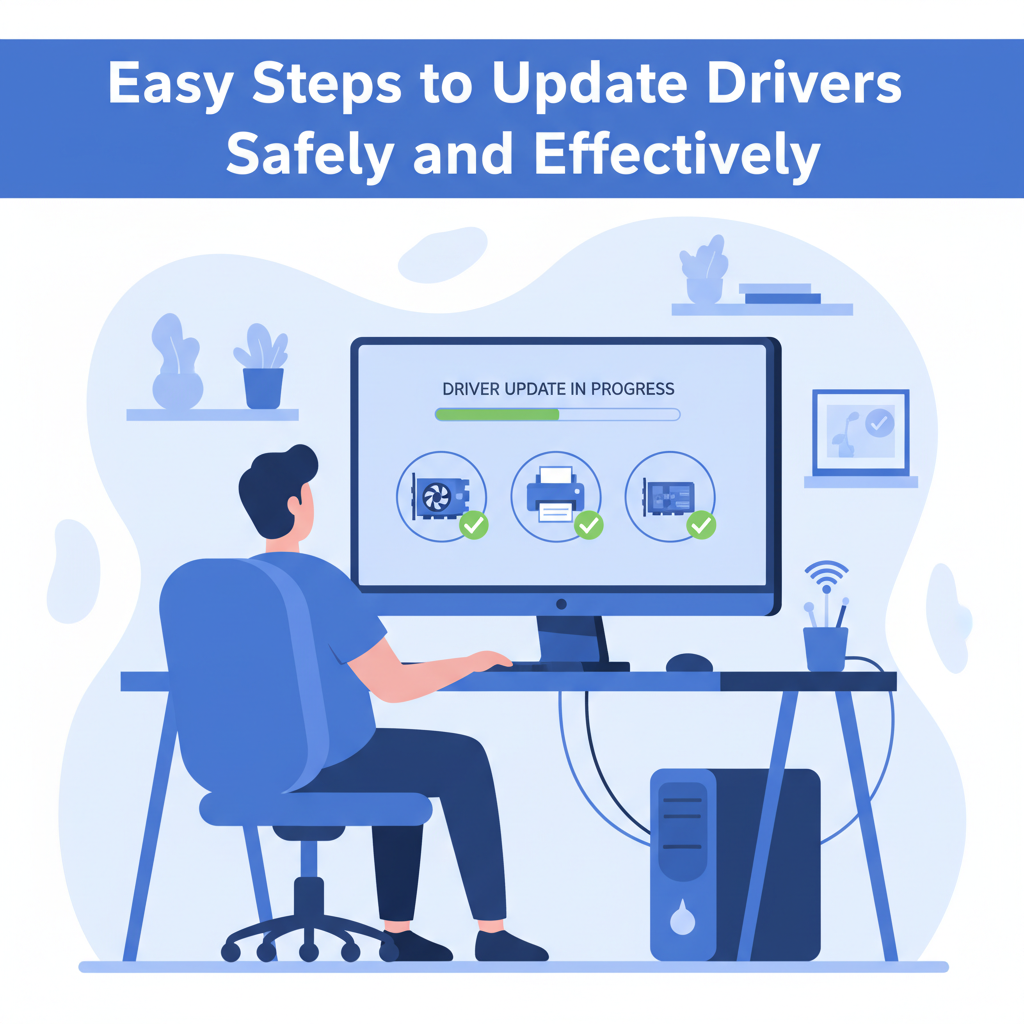
Keeping your device drivers updated is vital for maintaining system stability, compatibility, and security. In this article, we’ll explore the best methods to update your drivers, helping your hardware run smoothly and minimizing potential issues. Read on to ensure your system performs at its best with the latest driver updates.
Best Methods for Updating Drivers
When it comes to updating drivers, both Windows and macOS offer built-in tools to streamline the process, but knowing when and how to use manual methods is equally important for keeping your system stable and secure. On Windows, the Device Manager allows you to view and update drivers with just a few clicks. Right-clicking a device and selecting ‘Update driver’ prompts Windows to search for updates, often from Microsoft’s trusted repository. However, the latest drivers may not always be available here, especially for graphics cards or specialized hardware. For those, it’s best to visit the manufacturer’s official website, download the latest driver package, and follow the installation instructions. On macOS, driver updates are typically bundled with system updates accessed via the System Settings under Software Update. However, for third-party peripherals, the manufacturer’s site may offer newer or compatible drivers you can install manually.
Automatic updates are convenient and reduce the risk of missing critical patches, but they might occasionally install incompatible versions, leading to instability. Manual driver installation gives you control, but increases the risk of downloading incorrect or malicious files. Always verify the authenticity of driver sources—prefer manufacturer’s websites over third-party download platforms, check the site’s URL, and look for digital signatures on downloaded files.
Outdated drivers may reveal themselves through persistent system errors, device malfunctions, or degraded performance—especially after major OS updates. As a best practice, check for driver updates every few months or after notable hardware or software changes. Before updating, always create a restore point in Windows or use Time Machine on Mac to ensure you can revert if problems arise, thus keeping your device safe while staying up to date.
Conclusions
Updating your drivers is a straightforward process that brings major benefits, including improved performance and security. By routinely checking for updates and choosing safe installation methods, you can avoid common issues and get the most out of your hardware. Make driver updates a regular part of your maintenance routine for a seamless computer experience.