

 Русский
 Bahasa Indonesia
 فارسی
فارسی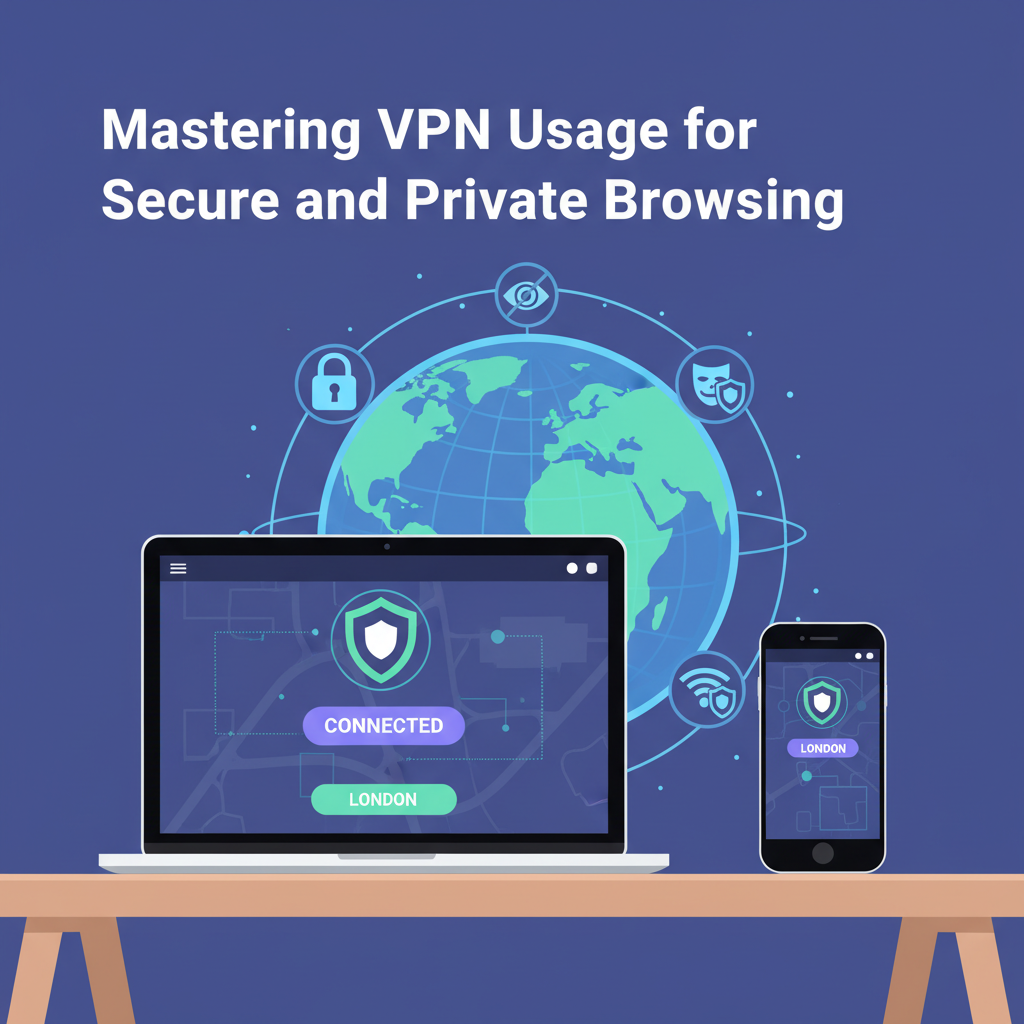
In today’s digital world, protecting your privacy and securing your internet connection are crucial. Using a VPN, or Virtual Private Network, allows you to mask your online activity, access restricted content, and browse the web safely. This article explains clearly how to use a VPN, ensuring your online experience is both safe and easy.
A Practical Guide to Setting Up and Using a VPN
Choosing the right VPN provider is the cornerstone of secure and private browsing. Begin by researching and comparing reputable services, prioritizing those with transparent privacy policies, a strict no-log policy, and robust encryption standards. Avoid free VPNs, as detailed on Wikipedia’s Virtual Private Network article, since many free providers have been found to log user data or inject ads, undermining privacy.
Once you’ve selected your provider, download the official VPN software directly from their website or from a trusted app store. For desktop devices, run the installer and follow on-screen instructions, then allow any necessary permissions. On mobile devices, installation is straightforward via the App Store or Google Play—ensure you grant only permissions essential for the VPN’s operation.
After installation, log in using your credentials. Take time to review the app’s settings: activate the kill switch feature (if available) to automatically block all internet traffic should the VPN disconnect, preventing accidental data leaks. In most applications, you’ll find options to enable leak protection for DNS, IPv6, and WebRTC as well, features that ensure your real IP address stays hidden in all scenarios.
When choosing a server, select one in the country matching your desired content access or privacy goals. For bypassing geo-restrictions, connect to a server located where the service is available, such as the US for accessing US-based streaming sites. For anonymity, pick a server in a privacy-friendly jurisdiction. Once connected, verify your VPN is working by checking your IP address via reputable websites or built-in tools.
Integrate VPN usage into your daily online routine, connecting whenever you browse on public Wi-Fi or access sensitive information. Regularly update your VPN app to receive the latest security improvements, and periodically review your provider’s privacy policy to stay informed of any changes that could affect your privacy.
Conclusions
A VPN is an essential tool for anyone seeking privacy, security, or access to restricted content online. By following the detailed steps outlined above, you can maximize your security and enjoy the full benefits of the internet without compromise. Take control of your online experience with confidence and peace of mind.