

 Русский
 Bahasa Indonesia
 فارسی
فارسی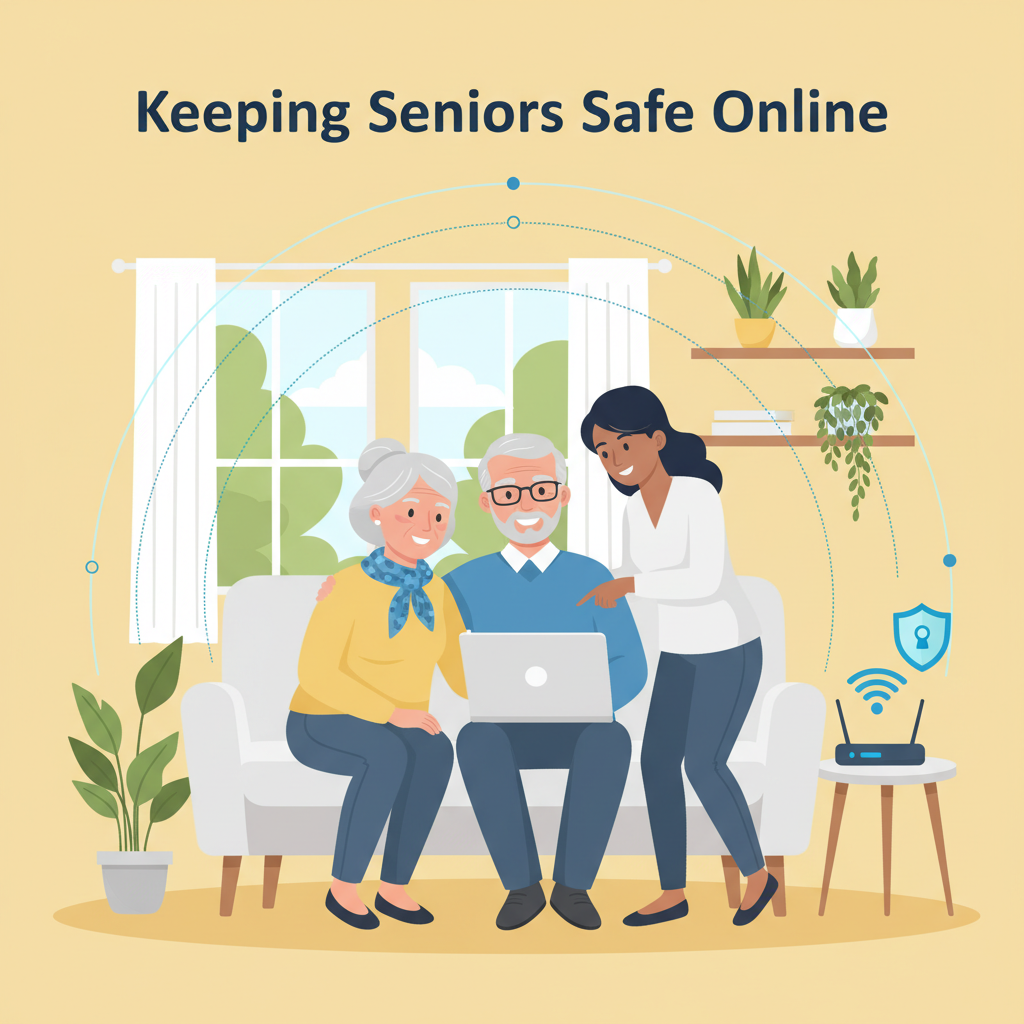
The internet offers seniors incredible opportunities to connect, learn, and manage daily tasks, but it also presents unique risks. Protecting elderly internet users from scams, cyber threats, and online pitfalls is crucial for their safety and confidence. In this article, we explore effective strategies to help seniors navigate the digital world securely and independently.
Key Steps to Online Safety for Seniors
- Strong, Unique Passwords: Seniors should be encouraged to develop strong, unique passwords for every online account. Passwords that are long and combine letters, numbers, and symbols are much harder to crack. Using phrases or a series of unrelated words can also strengthen passwords, and writing them down in a secure, physical notebook (stored safely) is a practical tip to aid memory. Installing a reputable password manager, ideally with the help of a family member, can simplify managing multiple logins.
- Recognizing Phishing Attempts: Scammers often impersonate legitimate organizations via email and phone. Seniors should be shown real examples—such as emails demanding urgent action or offering unexpected rewards. They need to verify links by hovering over them to see the true URL, and never share personal information unless they are certain of the recipient’s identity. Family members can role-play scenarios or set up safe practice exercises together.
- Identifying Online Scams: Seniors are advised to avoid offers that seem “too good to be true” and should be aware of common fraud tactics, like fake tech support pop-ups or requests for wire transfers. Encouraging regular discussion of suspicious encounters creates a safe space for questions and sharing concerns.
- Safe Web Browsing: Opening only trusted websites and refraining from clicking on unsolicited ads or pop-ups minimizes exposure to malicious software. Safe search tools, and browser extensions that flag dangerous sites, offer extra protection.
- Importance of Antivirus Software: Keeping antivirus and anti-malware programs active and updated is essential. Family and caregivers can help select and configure these tools, ensuring updates and scans are running automatically.
- Regular Software Updates: Timely updates for computers, phones, and apps patch vulnerabilities that hackers can exploit. Family involvement here is key—reminders or hands-on help makes the process less intimidating.
With the patient guidance and involvement of loved ones, seniors can create a safe online environment where their independence is preserved, and their confidence steadily grows.
Conclusions
Empowering seniors with knowledge and support is key to their internet safety. By building awareness, adopting strong security habits, and providing ongoing guidance, we can help elderly users avoid scams and cyber risks. Ensuring a safe online environment boosts confidence and helps seniors fully enjoy the benefits of the digital age.