

 Русский
 Bahasa Indonesia
 فارسی
فارسی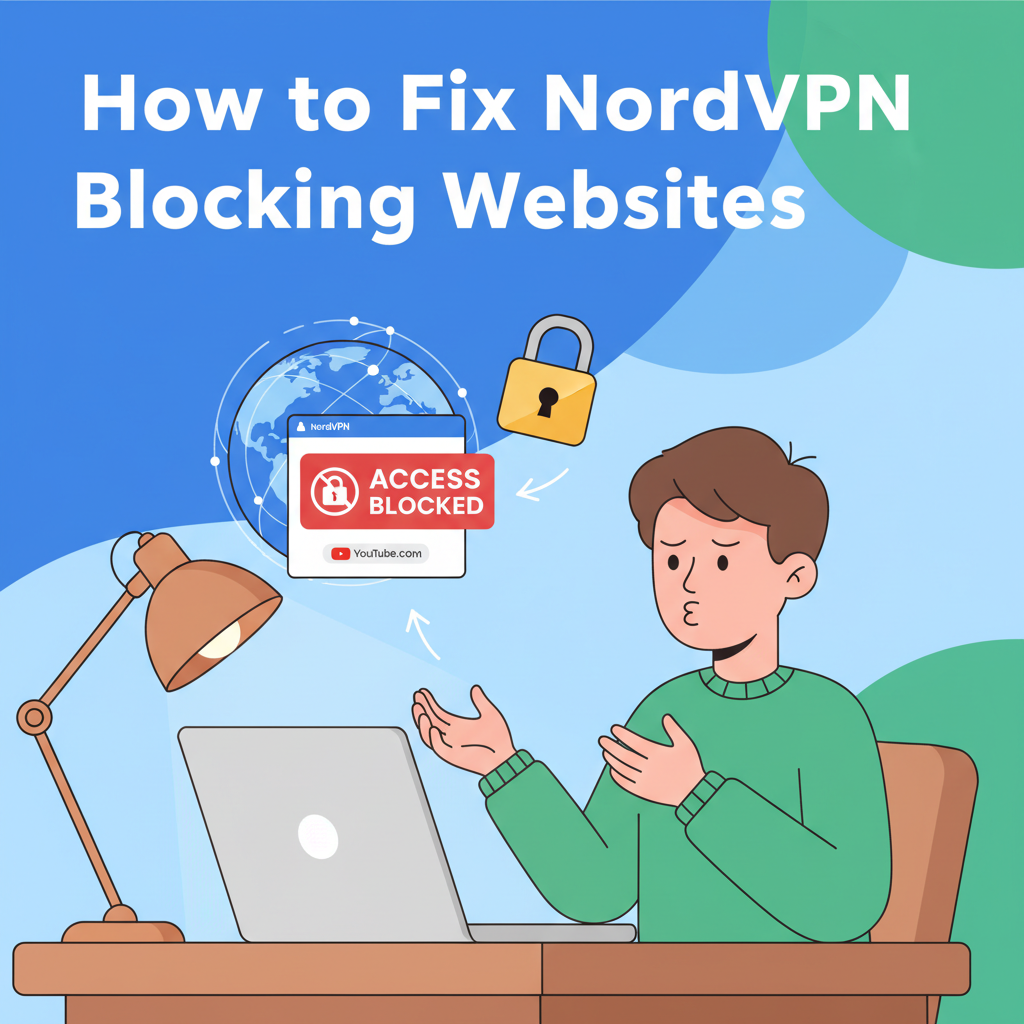
Occasionally, users experience issues accessing certain websites while connected to NordVPN. This can occur for various reasons, such as VPN server configurations, geo-restrictions, or security settings. In this guide, we’ll explore practical steps to troubleshoot and resolve NordVPN website blocking, ensuring your browsing experience remains smooth and unrestricted.
Troubleshooting NordVPN Website Access Issues
When NordVPN appears to block access to certain websites, several factors could be at play. One of the most frequent causes involves the choice of VPN server location. Some websites restrict access based on the geographic area of the connecting IP address, so if you’re connected via a server in a country that’s blacklisted or has imposed restrictions, the site may remain inaccessible. To resolve this, try switching to servers in different countries — particularly those where the site is most popular or officially available. For instance, if you’re experiencing blocks on US streaming services, connect to a server within the US itself.
Another critical aspect is NordVPN’s advanced security features, such as CyberSec or Threat Protection. While these are designed to block malicious content and intrusive ads, they can sometimes be overzealous, blocking legitimate websites. If you suspect this interference, disable these features temporarily in the NordVPN app’s settings and try reloading the page.
DNS settings can also lead to access issues. Clearing your device’s DNS cache and ensuring your system uses NordVPN’s secure DNS servers can resolve persistent problems. Outdated or conflicting cache in your browser may also block website access; clearing your browser’s cookies and cache can often help.
Switching VPN protocols between UDP and TCP may also make a difference, particularly if network blocks or firewalls target one protocol more aggressively. Inside the NordVPN app, change the protocol setting, reconnect, and test site access again.
Before proceeding further, always verify if the website itself is down for everyone by disconnecting from the VPN and trying to load the page, or use online status checkers. Don’t overlook the importance of running the latest NordVPN version, as updates often fix compatibility and blocking issues. If all else fails, reach out to NordVPN’s customer support—they can provide tailored assistance for persistent problems.
Conclusions
Resolving website-blocking issues with NordVPN usually involves changing servers, adjusting settings, or clearing your browser’s cache. By following the strategies provided, you can enjoy secure, private browsing while easily accessing your favorite sites. Remember, being proactive about VPN configurations helps maintain both access and security on the internet.