

 Русский
 Bahasa Indonesia
 فارسی
فارسی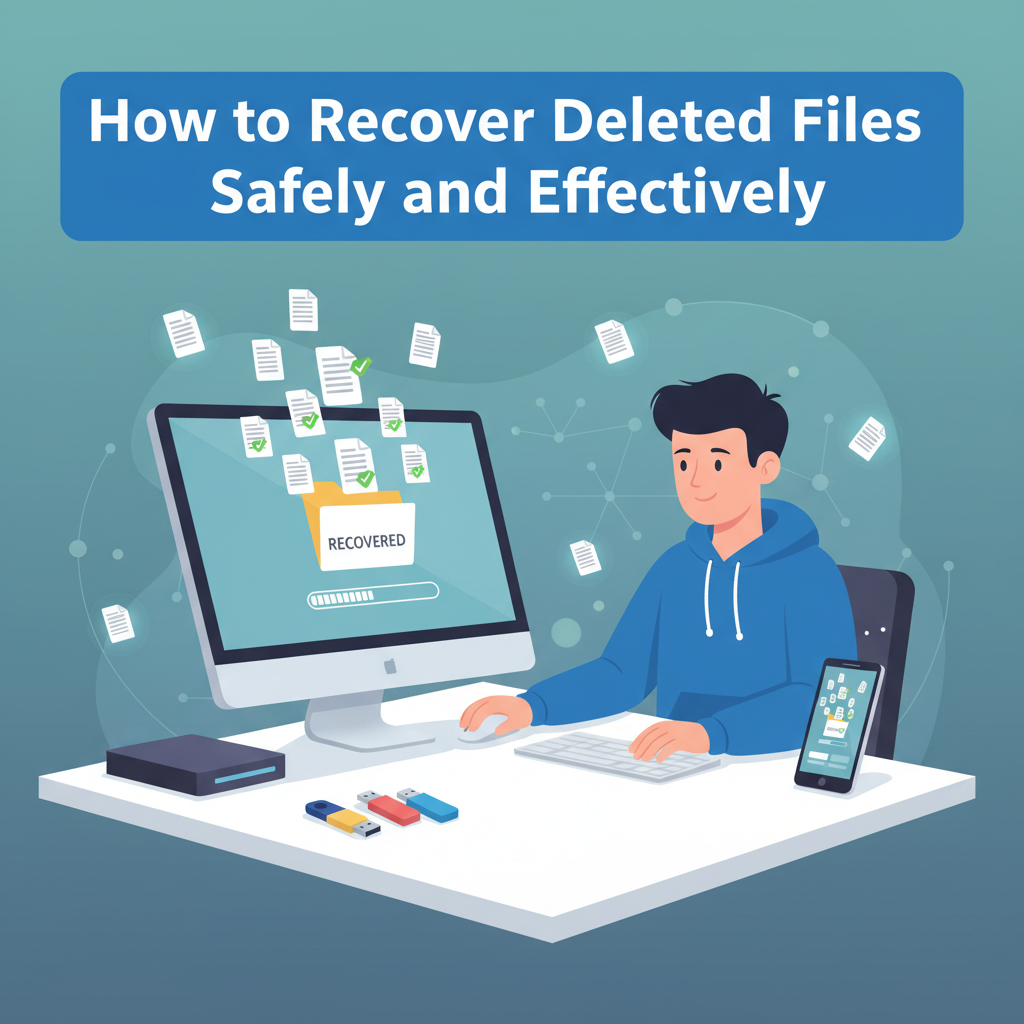
Accidentally deleting important files can feel disastrous, but there are many ways to recover lost data from computers, smartphones, and external drives. In this article, we explain file recovery methods, tools, and best practices for different devices and systems, helping you retrieve deleted files as quickly and safely as possible.
Methods and Tools for File Recovery
When a file is deleted from a device—be it a computer, smartphone, or external drive—the data doesn’t disappear instantly. Instead, the operating system typically marks the space occupied by the file as available for reuse, while the actual data remains intact until it is overwritten. This principle is the basis for file recovery methods.
Built-in system tools offer a first line of recovery. On Windows, the Recycle Bin temporarily stores deleted files. Restoring a file is as simple as opening the Recycle Bin, locating the item, right-clicking, and selecting “Restore.” macOS users have a similar feature: the Trash. Items can be restored by dragging them out or selecting “Put Back.” Mobile devices like iPhones and Android phones feature “Recently Deleted” albums or folders in their photo galleries, allowing users to recover lost media within a limited timeframe.
For files that aren’t visible in these locations, specialized data recovery software may help. Programs such as Recuva, EaseUS Data Recovery, and Disk Drill scan storage devices for recoverable data remnants. The general process involves downloading and running the tool, scanning the drive where the file was lost, previewing recoverable files, and restoring them to a safe location—ideally on a different drive to avoid overwriting data.
In cases where software fails, professional data recovery services can physically repair drives or use advanced technology to extract data, though this is often expensive and best reserved for critical situations.
It is crucial to minimize further use of the affected device after deletion—every new file written decreases the odds of successful recovery. As a best practice, regular backups—using cloud storage or local media—are indispensable, dramatically reducing reliance on recovery after accidental deletion and protecting against permanent loss.
Conclusions
Recovering deleted files is often possible with the right techniques, whether you use native tools, recovery software, or professional services. Acting quickly increases your chances of success, while adopting good backup practices is vital for future protection. By following this guide, you can minimize data loss and recover what matters most to you.