

 Русский
 Bahasa Indonesia
 فارسی
فارسی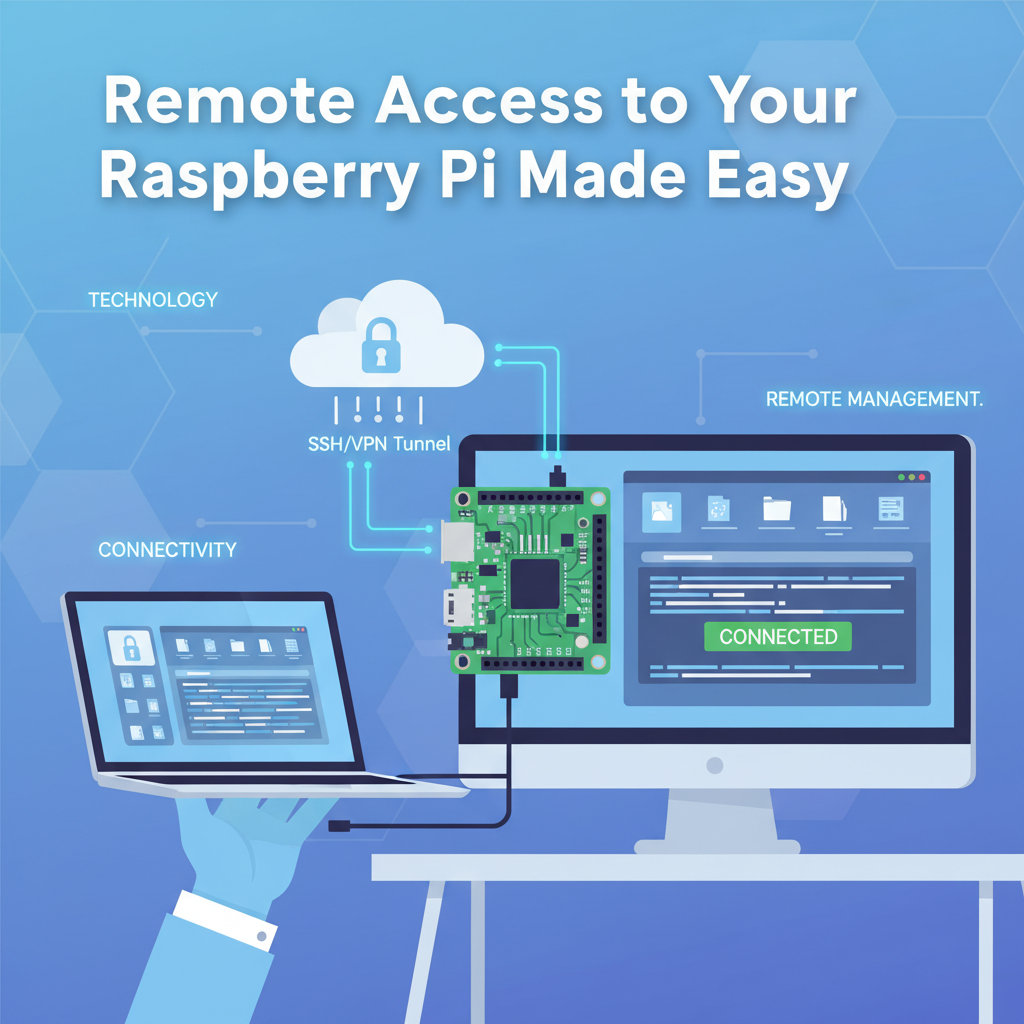
Managing your Raspberry Pi from a distance opens up a new world of possibilities for projects, monitoring, and convenience. This article explores the most efficient and secure ways to access your Raspberry Pi remotely, offering you comprehensive solutions whether you’re a beginner or a seasoned user.
Practical Methods for Remote Raspberry Pi Access
For practical remote access to a Raspberry Pi, the most robust and widely adopted methods are Secure Shell (SSH), Virtual Network Computing (VNC), remote desktop protocols, and web-based control interfaces. Each of these methods is chosen for its balance of convenience, flexibility, and security.
SSH remains the gold standard for lightweight, secure terminal access. To enable SSH, first ensure it is activated on your Raspberry Pi; this can be done using the raspi-config tool or by placing an empty file named “ssh” in the boot directory. Once enabled, connect from another device using a terminal with the command “ssh pi@
VNC allows remote graphical access to the desktop. Raspberry Pi OS comes with RealVNC pre-installed, which you can enable in the configuration menu. After setup, a VNC client on your computer or mobile device connects using the Raspberry Pi’s address. VNC is especially popular for users who need full desktop interaction, running GUI applications remotely. Use strong passwords and, whenever possible, enable encryption within the VNC server.
Remote desktop protocols (like RDP) can also be utilized by installing xrdp. This gives native feel for Windows users connecting from their PC. The setup is straightforward, but always ensure you secure access with firewall restrictions and strong authentication.
Web-based controls include tools like Pi-hole or Home Assistant, accessible via HTTPS web interfaces. These are application-specific and require setting strong, unique credentials. For all methods, always maintain up-to-date system software, enable your firewall (ufw or firewalld), and avoid exposing ports unnecessarily to the public internet. When necessary, use VPNs or SSH tunneling to safeguard connections, ensuring your remote management stays both convenient and secure.
Conclusions
Accessing your Raspberry Pi remotely empowers you to manage, troubleshoot, and extend your project’s capabilities from anywhere. By following secure configurations, using tools like SSH, VNC, or Remote Desktop, and prioritizing safety, you can enjoy flexible access without sacrificing data security. Remote management is a cornerstone of modern Raspberry Pi usage.