

 Русский
 Bahasa Indonesia
 فارسی
فارسی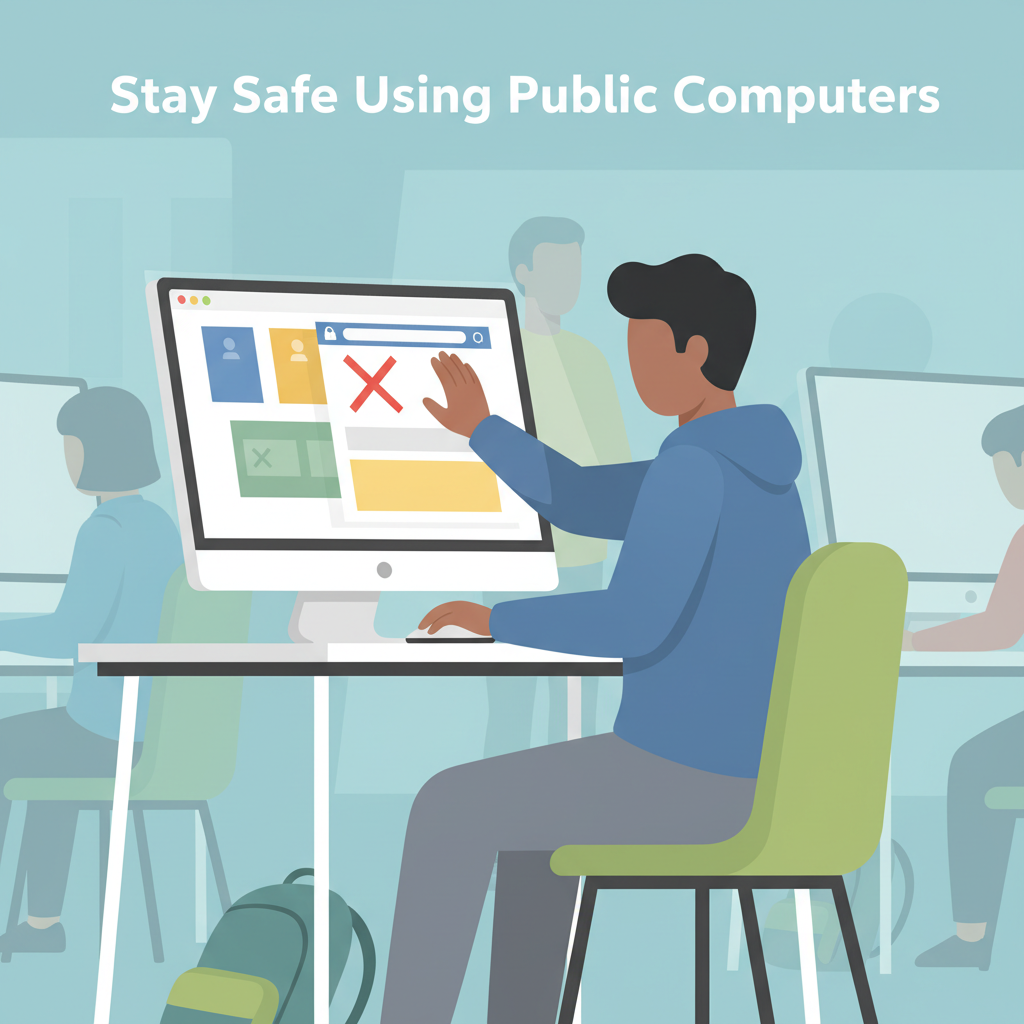
Public computers in libraries, hotels, and internet cafés are convenient, but using them comes with security risks. Understanding how to safeguard your privacy ensures your personal information remains protected. In this article, we discuss practical strategies and precautions to use public computers safely and confidently, covering all you need to know before logging on in a public space.
Best Practices for Secure Public Computer Use
When sitting down at a public computer, begin with a swift but thorough check of the physical setup. Scan for unfamiliar devices plugged between the keyboard and the computer, which could be hardware keyloggers silently capturing everything you type. Also, inspect USB ports and card readers; if you spot odd adapters or cables, choose another workstation or notify staff.
Always initiate your session using a private or incognito browsing window. This mode won’t save your online history or temporary files after you close the window, reducing the risk of inadvertently leaving personal trace data behind. However, remember that private browsing is not foolproof—session data might still be vulnerable if the computer is infected or if other users have administrative access. Avoid entering highly sensitive information, such as bank account details or personal identification numbers, unless absolutely necessary. Even the appearance of antivirus software or security notifications does not guarantee that the system is malware-free.
Be wary of network security. If the public computer is connected to an open or suspicious wireless network, avoid logging in to important accounts. Cybercriminals could potentially intercept data sent over unsecured Wi-Fi. Instead, look for sites using HTTPS and consider utilizing web-based security tools like two-factor authentication to provide an extra protective layer.
After using a public computer, never simply close the browser—always log out completely from any accounts you accessed. Manually clear your cookies, cache, and browsing history before leaving. Delete any downloaded files, then empty the recycle or trash bin. If the browser displays unusual toolbars, pop-ups, or requests to save passwords, treat these signs as red flags for malware or spyware. Stay alert for sluggish responses, which may indicate malicious activity running in the background. Should you notice anything suspicious, end your session at once and alert the facility staff immediately. Being vigilant and methodical in your habits helps safeguard your privacy and reduces your exposure to threats unique to shared technology environments.
Conclusions
Using public computers requires extra vigilance for your personal data and online privacy. By following best practices—such as avoiding sensitive transactions, logging out of accounts, and utilizing private browsing—you significantly reduce risks. Awareness and caution are your best defense when using shared devices. Stay proactive to maintain privacy and enjoy safer public computer use every time.