

 Русский
 Bahasa Indonesia
 فارسی
فارسی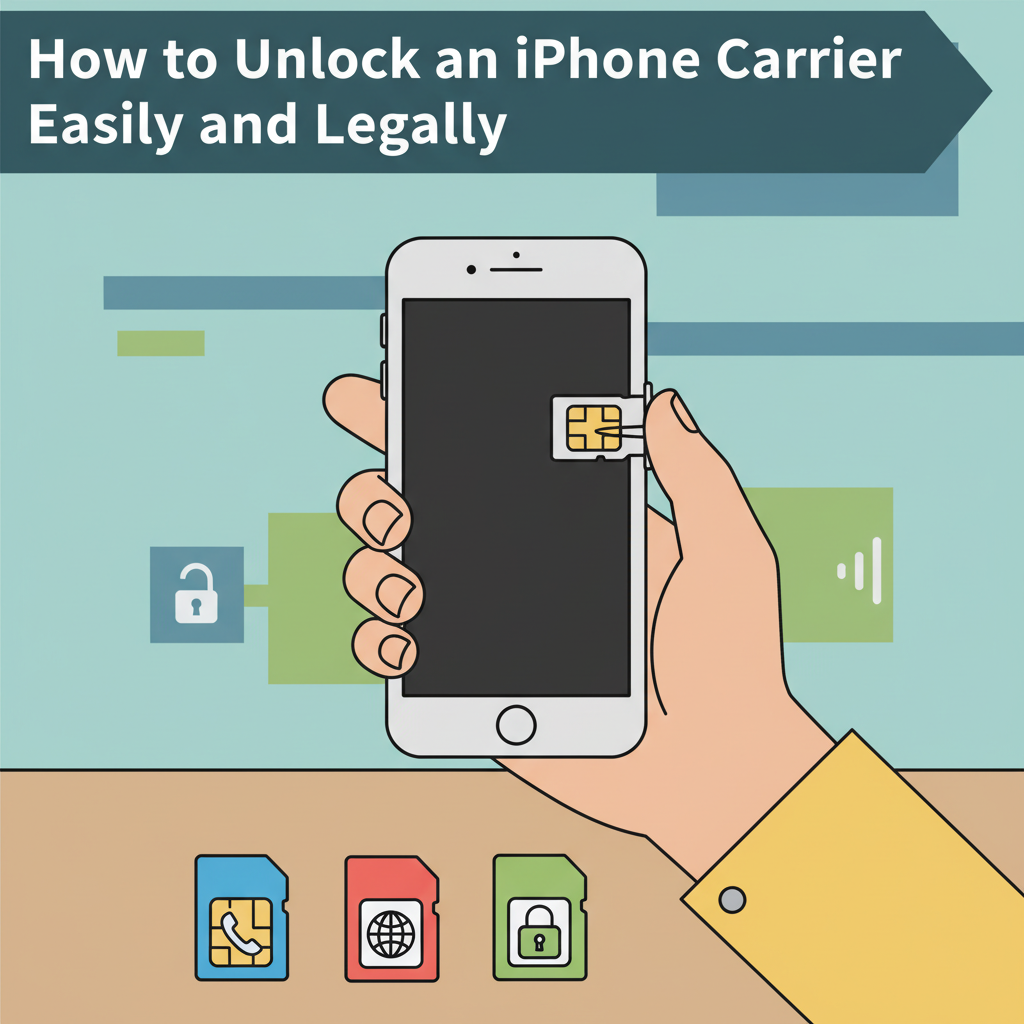
Unlocking your iPhone from its carrier can open up a world of possibilities, such as using international SIM cards or switching networks without hassle. This article explores the step-by-step process for unlocking your iPhone carrier, what to expect, and important considerations to keep in mind.
Unlocking Your iPhone Carrier: Methods and Best Practices
To unlock your iPhone carrier following official, legal methods, begin by verifying whether your iPhone is actually carrier-locked. Insert a SIM card from another carrier; if your device displays a “SIM Not Supported” or “Invalid SIM” message, it is indeed locked. Before pursuing an unlock, ensure that your iPhone meets the basic prerequisites: it should be fully paid off, not reported as lost or stolen, and associated with an account in good standing. Many major carriers like AT&T, T-Mobile, Verizon, and Sprint support unlocking, but their policies and requirements may vary, so always check their current eligibility criteria.
Once ready, gather your iPhone’s IMEI number—this unique identifier is essential for any unlocking process. You can find it by dialing *#06# or by navigating to Settings > General > About. With your IMEI at hand, contact your carrier’s customer service or use their online unlocking portal, providing all requested information. After submitting an unlock request, carriers typically process it within a few days, and you’ll receive confirmation when it’s complete.
When the carrier confirms the unlock, either restore your iPhone using iTunes/Finder or simply insert your new SIM and follow onscreen instructions. Avoid hardware or third-party software unlocks that modify your device, as these methods can void warranties, cause security risks, or even break the law. Official channel unlocks via IMEI are permanent and do not require jailbreaking.
Here’s a quick checklist to streamline your unlocking experience:
- Backup your iPhone data.
- Prepare the alternate carrier’s SIM card.
- Confirm your device is eligible (paid off, good standing, not blacklisted).
- Retrieve and submit your IMEI to your carrier.
- Wait for unlock confirmation, then test with a new SIM.
Common issues include incomplete account settlements or mismatched account details; in these cases, contact your carrier’s support for assistance. Patience is key—following these best practices ensures a smooth, legal unlock without risking your device.
Conclusions
Unlocking your iPhone carrier grants you greater flexibility and control over your device. By understanding the requirements and following the correct steps, you ensure a smooth transition to the carrier of your choice. Always check your current carrier policies and proceed with official methods to avoid potential pitfalls. Your newly unlocked iPhone offers both freedom and convenience.