

 Русский
 Bahasa Indonesia
 فارسی
فارسی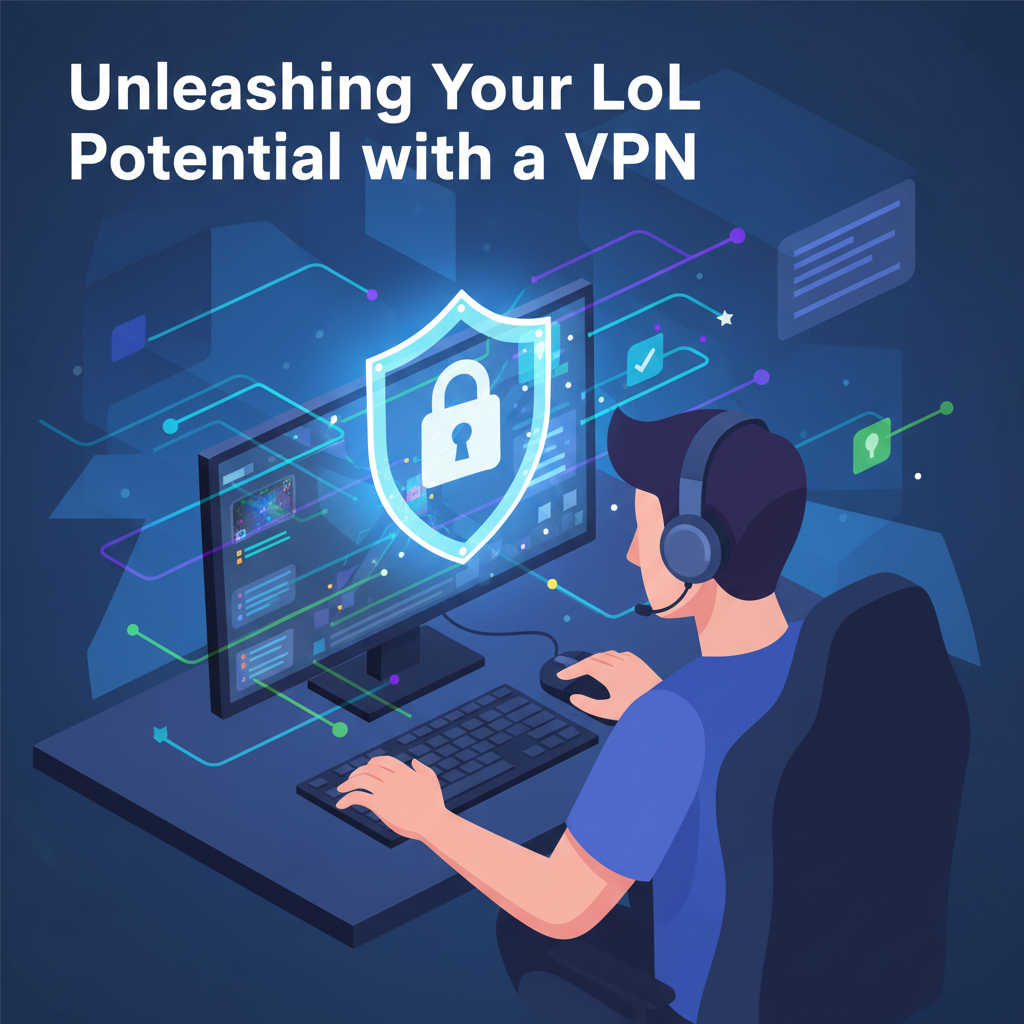
Are you a League of Legends enthusiast constantly battling frustrating lag spikes and restricted access? A Virtual Private Network (VPN) might be the game-changer you need. This article explores how a VPN can optimize your LoL gameplay, offering a smoother, more secure, and ultimately more enjoyable experience.
How a VPN Can Transform Your League of Legends Experience
How a VPN Can Transform Your League of Legends Experience
A Virtual Private Network (VPN) acts as a crucial intermediary, fundamentally altering how your internet traffic flows, thereby offering significant advantages for League of Legends players. The most immediate and noticeable improvement often comes in the form of reduced ping and minimized lag. When you connect to League of Legends without a VPN, your internet service provider (ISP) routes your traffic through a default path, which isn’t always the most efficient. This path can involve numerous hops and congested nodes, leading to increased latency. A VPN, however, establishes a secure tunnel between your device and a server chosen by you. This VPN server is often strategically located closer to the League of Legends game servers, or utilizes optimized routing algorithms that bypass the slower, default paths of your ISP. This “rerouting” means your data travels a shorter or more direct digital distance, dramatically cutting down the time it takes for your commands to reach the game server and for the server’s response to reach you, resulting in lower ping and a more responsive, lag-free gameplay experience.
Beyond optimizing routing for ping reduction, a VPN empowers players to circumvent geo-restrictions. League of Legends has regional servers, and connecting to a server outside your geographical region typically results in prohibitively high ping. By connecting to a VPN server located in a different country, you can effectively “spoof” your location. This allows you to access and play on game servers in regions that would otherwise be inaccessible, opening up possibilities to play with friends in other countries, compete against different player bases, or access region-specific content or events. For example, if you’re in Europe but want to play on the North American servers, connecting to a VPN server in the US makes it appear as though you’re browsing from there, granting you access with potentially playable ping, depending on the distance and VPN server quality.
Furthermore, a VPN significantly enhances your online security, particularly against malicious attacks like Distributed Denial of Service (DDoS). When you play League of Legends, your IP address is sometimes visible to other players, making you a potential target for DDoS attacks, which flood your internet connection with traffic, forcing you offline. A VPN encrypts your internet traffic and masks your true IP address with that of the VPN server. This means that if an attacker attempts a DDoS, they will target the VPN server’s IP address, not yours. Reputable VPN providers have robust infrastructure and DDoS mitigation strategies in place to handle such attacks, effectively shielding your personal connection and keeping you online, in-game, and protected. This layered security, combined with optimized routing, transforms the League of Legends experience from potentially frustrating and insecure to smooth, accessible, and protected.
Conclusions
In conclusion, a VPN can be a powerful tool for League of Legends players looking to reduce lag, bypass geo-restrictions, and enhance their online security. By strategically choosing and utilizing a VPN, you can unlock a more consistent and enjoyable gaming experience, ensuring your focus remains on dominating the rift.