

 Русский
 Bahasa Indonesia
 فارسی
فارسی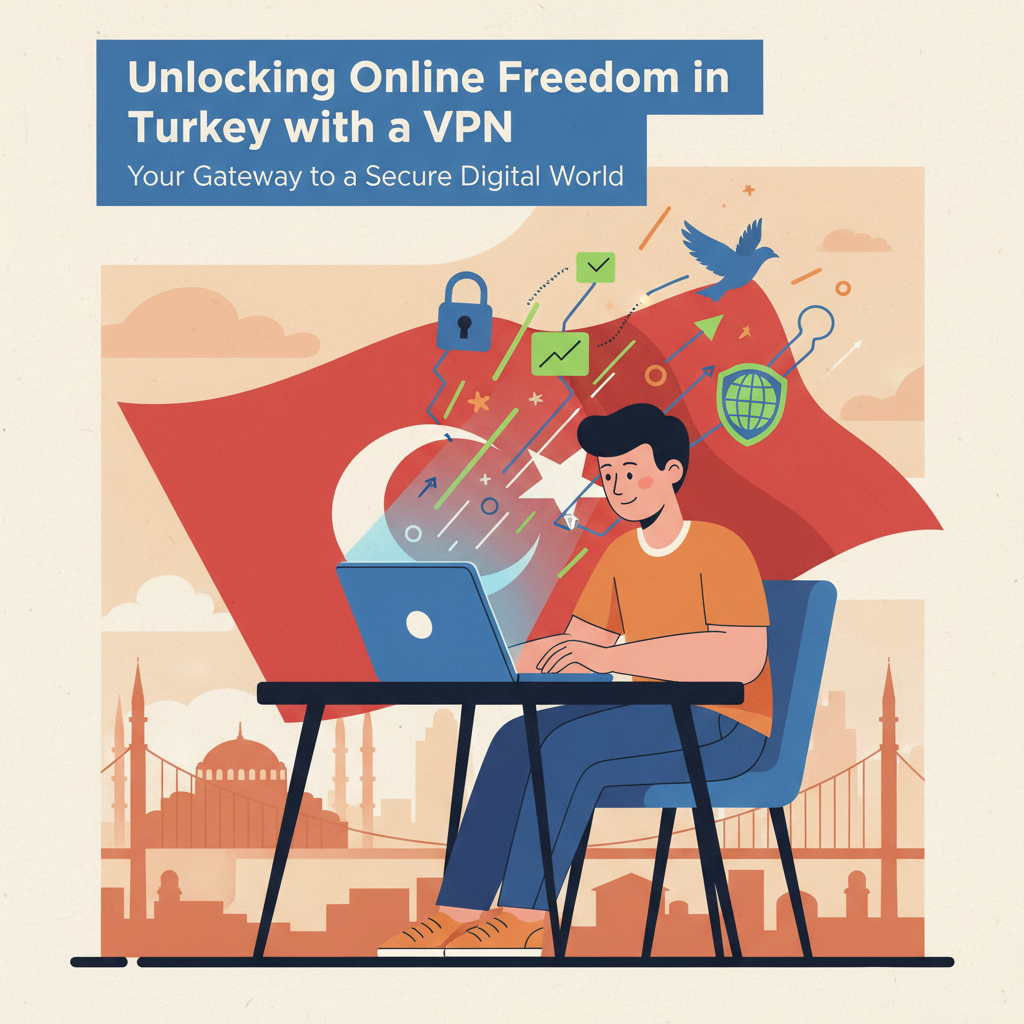
Turkey’s internet landscape presents unique challenges, from geo-restrictions to concerns about online privacy. Many users seek ways to navigate these digital borders and secure their online activities. This article delves into how a Virtual Private Network (VPN) can be an indispensable tool for anyone in Turkey looking to enhance their internet experience, offering solutions for unrestricted access, heightened security, and improved privacy.
Why a VPN is Essential for Internet Users in Turkey
Why a VPN is Essential for Internet Users in Turkey
In Turkey’s evolving digital landscape, a VPN isn’t merely a convenience; it’s a fundamental tool for online freedom. The primary reasons stem from the prevalence of internet censorship, geo-restrictions, and online surveillance. These factors significantly curtail the internet experience for many users.
Turkey has a history of blocking access to various websites and online services, ranging from news outlets to social media platforms. Such restrictions can hinder access to information, limit free expression, and isolate users from global conversations. Furthermore, content providers often implement geo-blocking, preventing Turkish users from accessing international streaming services, online games, or region-specific applications. Without a VPN, Turkish users might find themselves unable to watch their favorite international series on platforms like Netflix (due to differing content libraries), play region-locked games, or even access certain research papers available only in other countries.
Online surveillance is another pressing concern. In a digital environment where data privacy is increasingly under scrutiny, the potential for monitoring internet activity can stifle free speech and lead to self-censorship. Users naturally become hesitant to express opinions or access certain information if they fear their activities are being tracked.
A VPN directly addresses these challenges by performing two crucial functions:
- Data Encryption: When you connect to a VPN, all your internet traffic is encrypted. This creates a secure tunnel between your device and the VPN server, making your online activities incomprehensible to any third parties attempting to intercept your data, whether it be your ISP, government agencies, or malicious actors. This ensures that your browsing history, communications, and accessed content remain private.
- IP Address Masking: A VPN masks your real IP address, assigning you a temporary IP address from the server’s location. This makes it appear as though you are browsing from a different country. For example, by connecting to a VPN server in the United States, you can bypass geo-restrictions and access US-only streaming content or websites as if you were physically located there. This capability effectively opens up a world of unrestricted content.
The importance of online privacy and security in Turkey’s digital environment cannot be overstated. A VPN empowers users to reclaim control over their internet experience, ensuring that their online interactions are private, their data is secure, and their access to global information is unhindered. This foundational layer of protection is increasingly vital for anyone seeking a truly open and unfettered internet experience in Turkey.
Conclusions
In conclusion, a VPN is more than just a tool for bypassing geo-blocks in Turkey; it’s a comprehensive solution for digital freedom and security. By encrypting your connection and masking your IP address, a VPN empowers you to browse, stream, and communicate with confidence, regardless of your location. Embrace the full potential of the internet with the peace of mind that comes from a secure and private online presence.